Finance and reports6 min read
Running the night audit
Close the business day, post the night's charges, handle no-shows and keep the daily figures your reports rely on.
Written for managerWhat the night audit does
The night audit closes the business day. It:
- checks bookings that did not arrive and, if you choose, marks them as no-shows
- refuses to run while guests due out are still in house, unless you confirm
- posts the night's room charges
- locks the day, so items closed by the audit can only be corrected with adjustments
- stores the day's figures: occupancy, room and other revenue, tax, ADR, RevPAR, payments by method, arrivals, departures, no-shows, cancellations and new bookings
The business date is the day after the last audit. It is what receipts and payments are dated with.
Run it by hand
- Open Finance > Night audit.
- Read the checks before closing the day: arrivals not checked in, departures still in house and unsettled folios.
- Clear what you can. Check out guests who have left, cancel bookings that will not arrive, take outstanding payments.
- Run the audit and confirm.
- Review the day's figures on the summary.
Run it automatically
- Open Setup > Settings > Front office and set the night audit time (02:00 by default).
- Open Setup > Settings > Billing & night audit and turn on "Run the night audit automatically".
- Decide whether "Mark unarrived bookings as no-shows during the audit" should be on.
When room charges are posted
Under Billing & night audit, "Post room charges" chooses between posting the whole stay at check-in, or each night during the night audit. Early departures and date changes are handled either way.
A short checklist for the night auditor
- All departures checked out, or confirmed as late check-outs
- Arrivals checked in, or cancelled, or left for the audit to mark as no-show
- Cash in the drawer matches cash payments for the shift
- No folio with a balance that should have been settled
Tips
- Run it at the same time every night. Daily figures only compare well when days are closed the same way.
- If you use cashier shifts, close the evening shift before the audit.
Common mistakes
- Running the audit early in the evening. Late arrivals will be marked as no-shows. Wait until after midnight.
- Skipping days. Reports rely on stored daily figures. Close every day.
- Trying to edit a locked charge. Post an adjustment with a reason instead.
Still stuck?
Tell us which step you are on and what you see on screen. We will walk you through it.
Contact supportRelated guides
All guides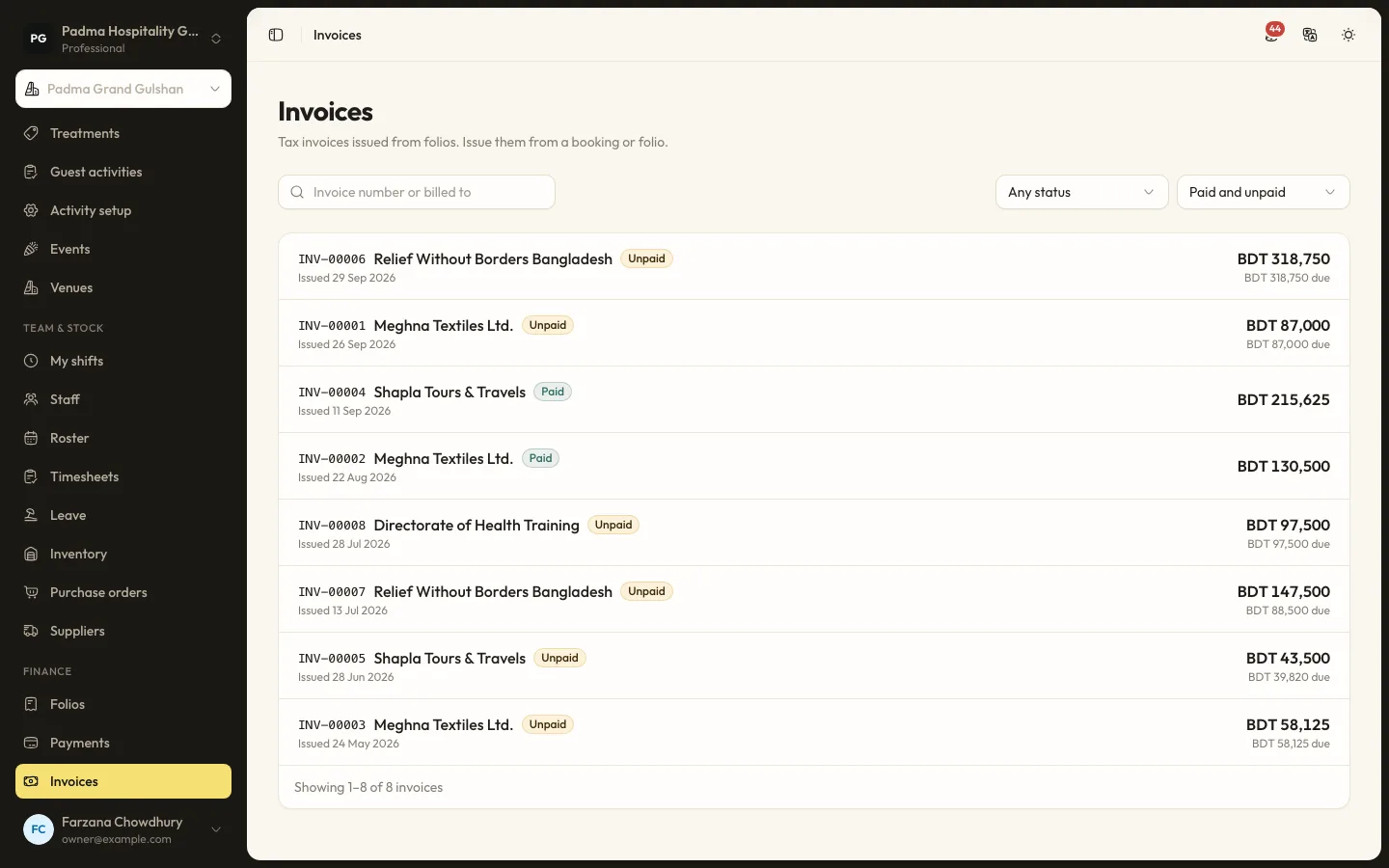
Finance and reports8 min read
Folios, payments and split billing
Take payments by cash, card, bank transfer or bKash, send payment links, split a bill between company and guest, and issue invoices.
Finance and reports6 min read
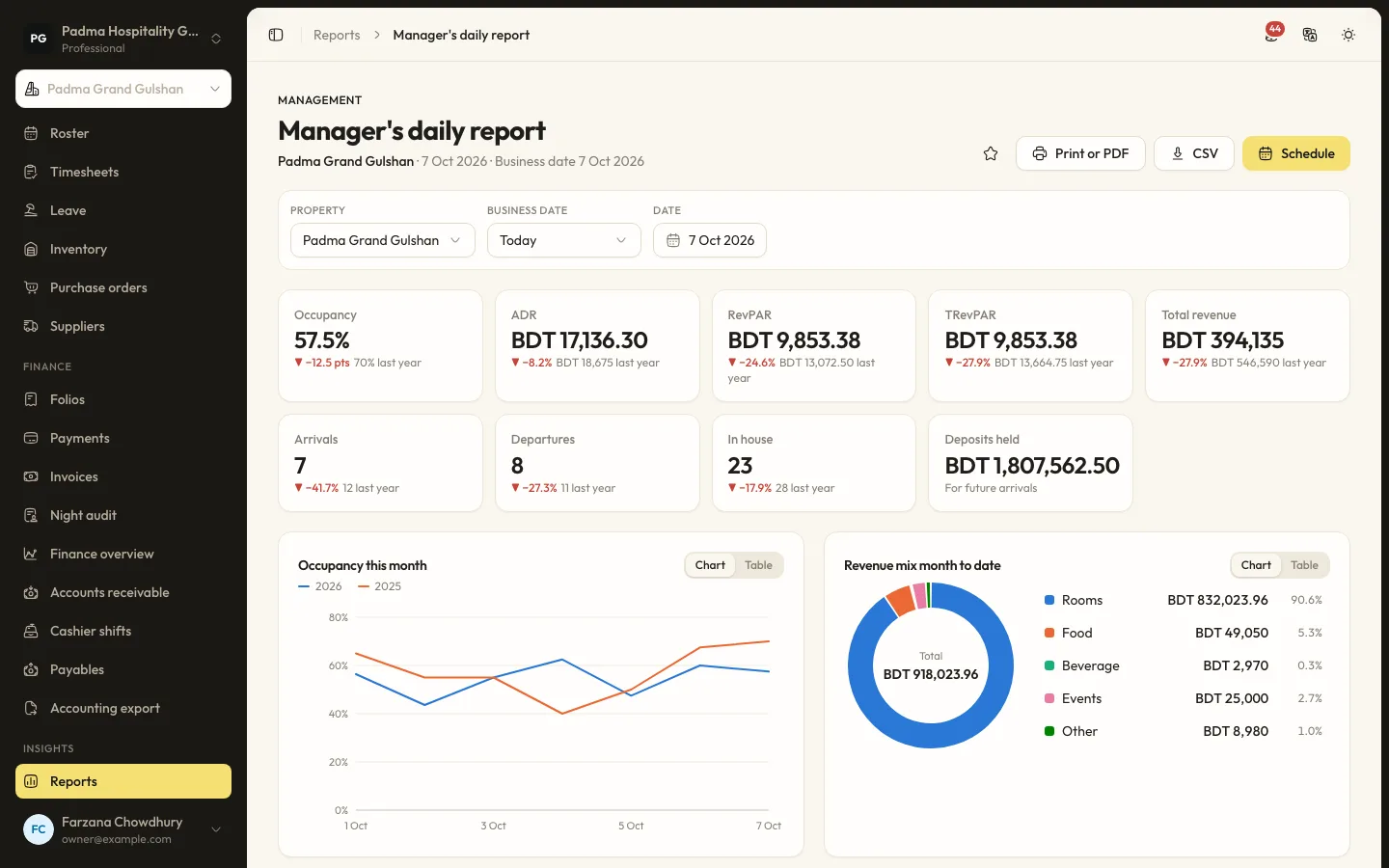
Reports and scheduled emails
Find the right report, filter and export it, and have it emailed to you every morning.
Finance and reports8 min read
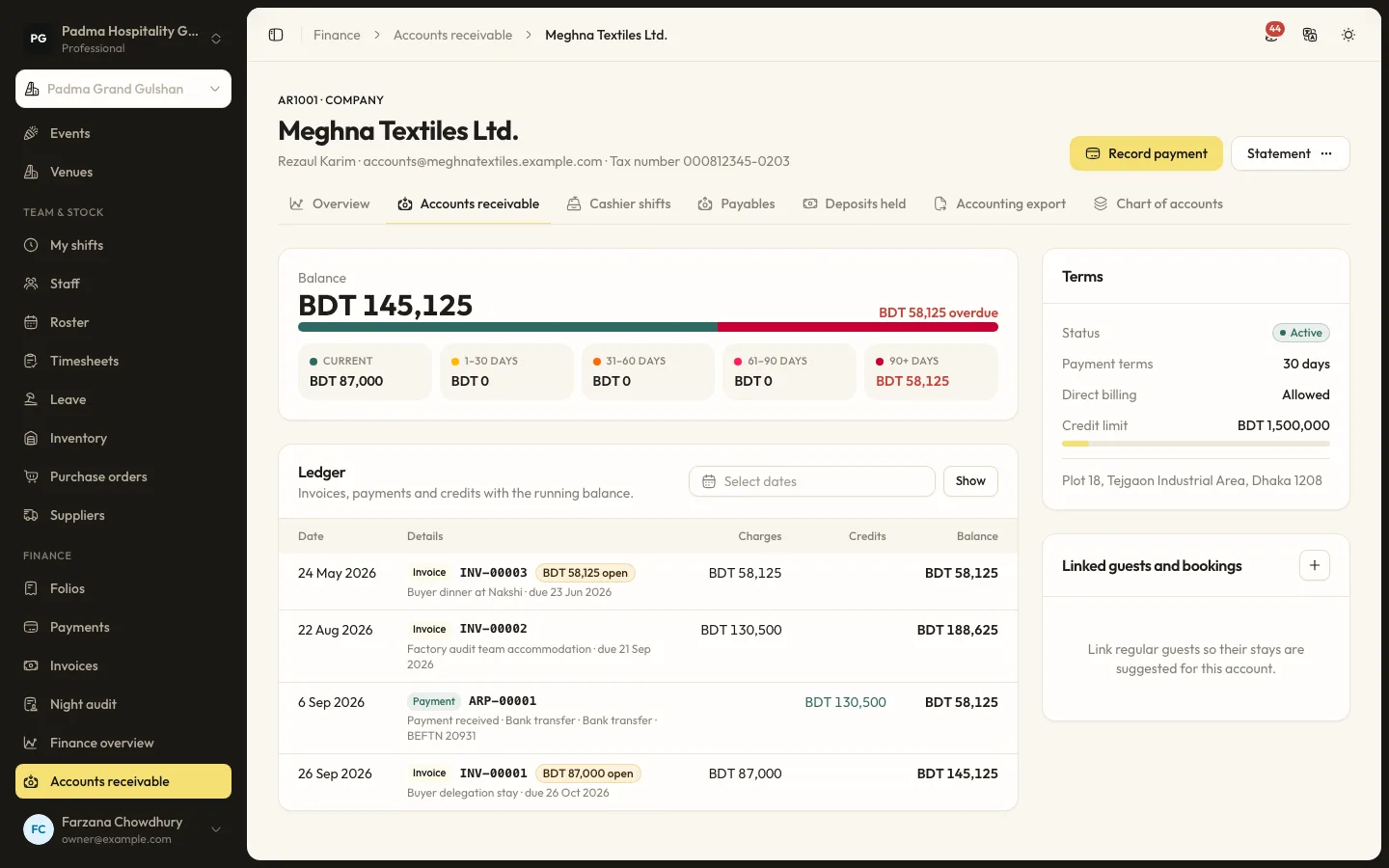
Company accounts and cashier shifts
Bill companies and travel agents on account with ageing, and balance each cashier's drawer at the end of a shift.
See it working with your own rooms.
A 30 minute call with someone who has run a front desk. Bring your questions and your room list.