Reports
Eighteen reports, from the daily manager's report to tax.
Reports cover management, revenue and occupancy, bookings, guests, operations, outlets, distribution and finance. Each has filters, charts with a table view, PDF and CSV export, favourites and scheduled emails.
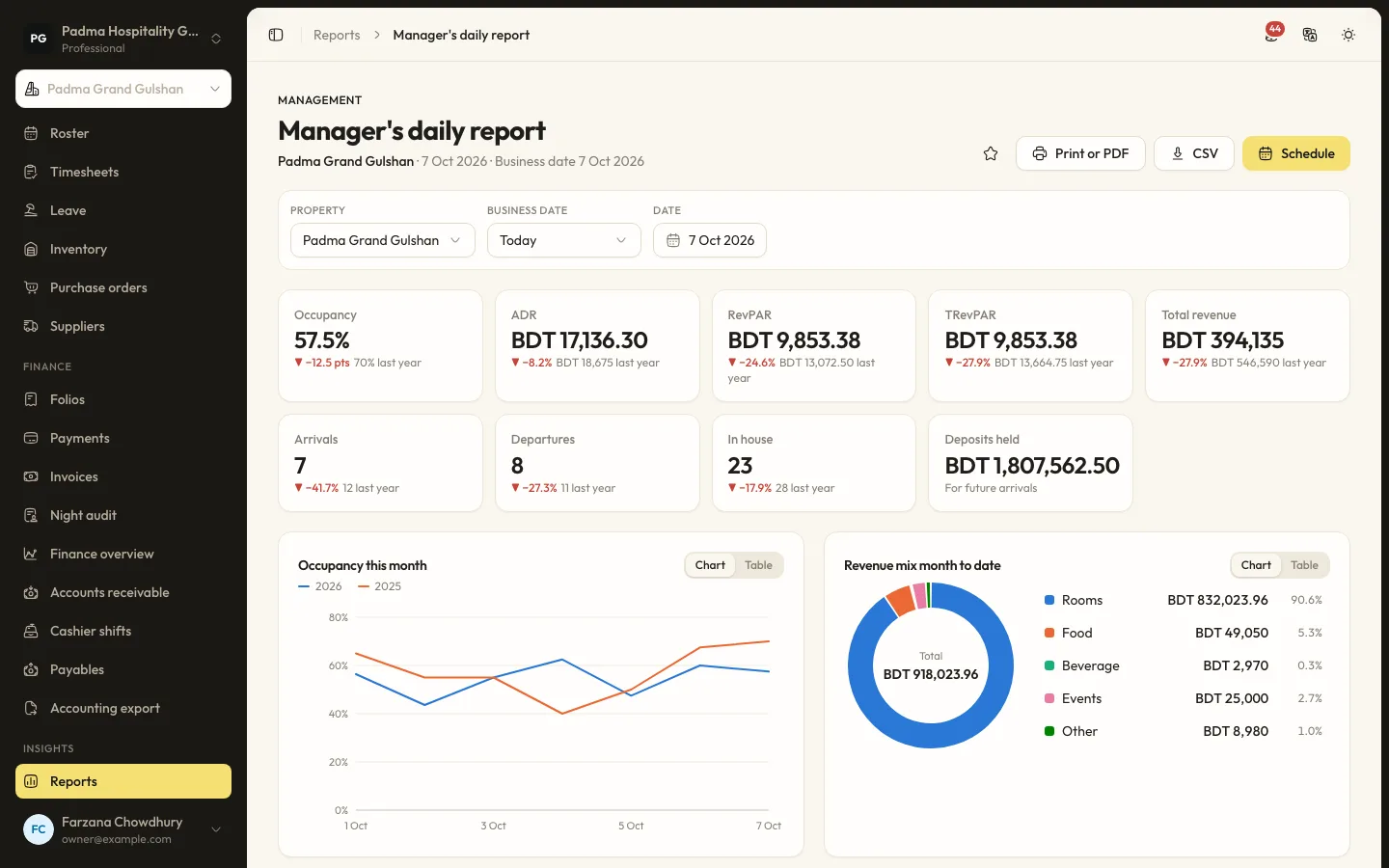
The details that matter at the desk.
- 01
Manager's daily report
Occupancy, ADR, RevPAR, TRevPAR and total revenue against last year, with arrivals, departures, in house and deposits held.
- 02
Revenue and pickup
Occupancy and revenue for any period, on the books and pickup, revenue by segment and room type performance.
- 03
Scheduled by email
Send any report on a schedule to the people who need it.
Capabilities
- Occupancy and revenue
- On the books and pickup
- Revenue by segment
- Lead time and length of stay
- Cancellations and no-shows
- Outlet, spa, activities and events reports
- Channel production
- Tax collected
- Print, PDF and CSV export
Reports, answered.
Can I see all properties together?
Reports run per property. Switch property from the sidebar to compare each one.
Why is a report missing?
Reports for a module disappear when that module is switched off, so the list only shows what you use.
See it working with your own rooms.
A 30 minute call with someone who has run a front desk. Bring your questions and your room list.