Finance and reports8 min read
Company accounts and cashier shifts
Bill companies and travel agents on account with ageing, and balance each cashier's drawer at the end of a shift.
Written for accountsAccounts receivable
Company and travel agent accounts have terms, credit limits and linked guests. Folios moved to an account become entries on it; statements and payments are allocated against them, with ageing.
Open an account
- Open Finance > Accounts receivable and add an account.
- Enter the company details, payment terms and credit limit.
- Link the guests who travel for the company.
Bill a stay to the account
- On the booking, split the room charges to a second folio (see the folios guide).
- At check-out, move that folio to the company account.
- Send a statement from the account page.
- Record the payment when it arrives and allocate it against the entries it pays.
The accounts list shows each balance in ageing buckets so you can chase the oldest first.
Cashier shifts
- Open Finance > Cashier shifts and open your shift with a float before taking payments.
- Record cash drops during the shift.
- At the end, count the drawer and close. The count is compared with takings.
Payments taken outside a shift are flagged.
Payables and exports
- Finance > Payables keeps supplier bills, including those from received purchase orders, and OTA commission statements, with due dates and payments.
- Finance > Accounting export maps your chart of accounts and exports a journal for your accounting system. Exported days can be locked.
Tips
- Set credit limits low to start and raise them for companies that pay on time.
- Ask every cashier to open their own shift. Shared drawers cannot be balanced.
Common mistakes
- Leaving company charges on the guest folio. The guest is asked to pay at check-out.
- Recording payments without allocating them. The ageing stays wrong until you do.
Still stuck?
Tell us which step you are on and what you see on screen. We will walk you through it.
Contact supportRelated guides
All guides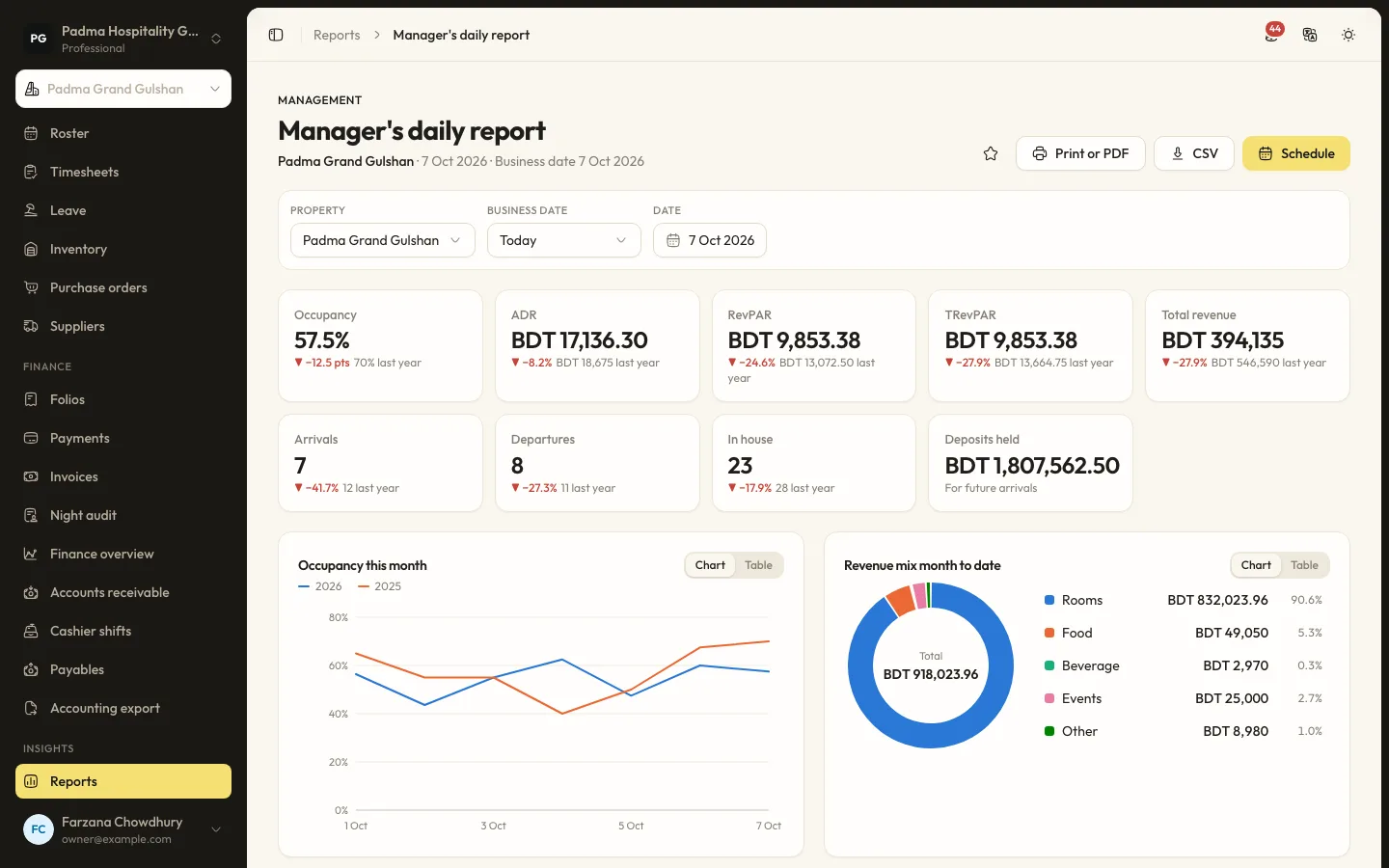
Finance and reports6 min read
Reports and scheduled emails
Find the right report, filter and export it, and have it emailed to you every morning.
Finance and reports6 min read
Running the night audit
Close the business day, post the night's charges, handle no-shows and keep the daily figures your reports rely on.
Finance and reports8 min read
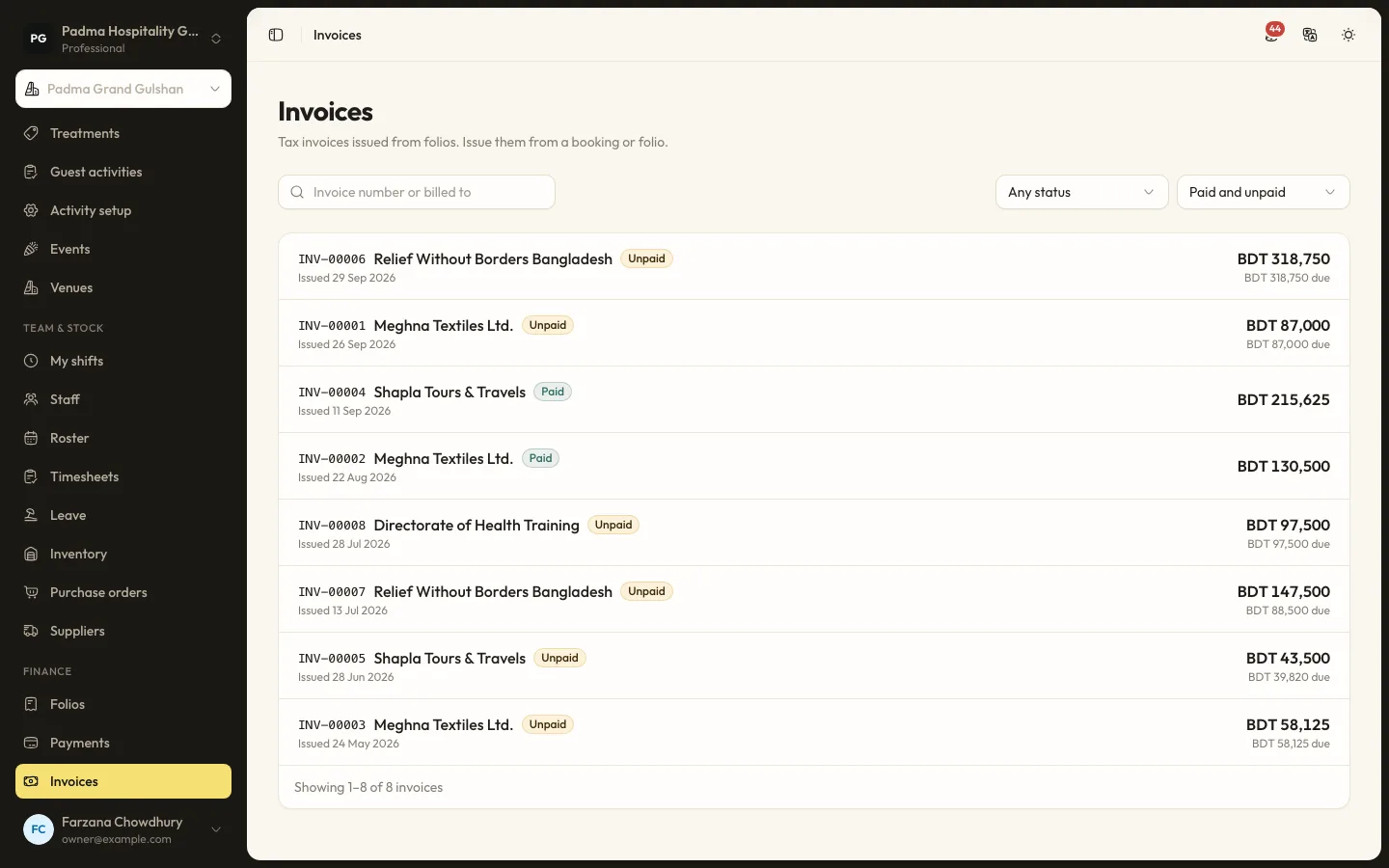
Folios, payments and split billing
Take payments by cash, card, bank transfer or bKash, send payment links, split a bill between company and guest, and issue invoices.
See it working with your own rooms.
A 30 minute call with someone who has run a front desk. Bring your questions and your room list.