Folios and invoices
Every charge in the right place, automatically.
Every booking gets a guest folio that keeps itself in step with the stay, and restaurant, spa and activity charges arrive on it by themselves. Split the bill, run house accounts and issue numbered tax invoices as PDF or email.
The details that matter at the desk.
- 01
Room charges that follow the booking
Nightly room charges, fees and taxes come from the booked prices. Change the dates and the folio follows.
- 02
Split billing
Open a second folio for the company paying the room while the guest pays the extras. House accounts are folios without a booking.
- 03
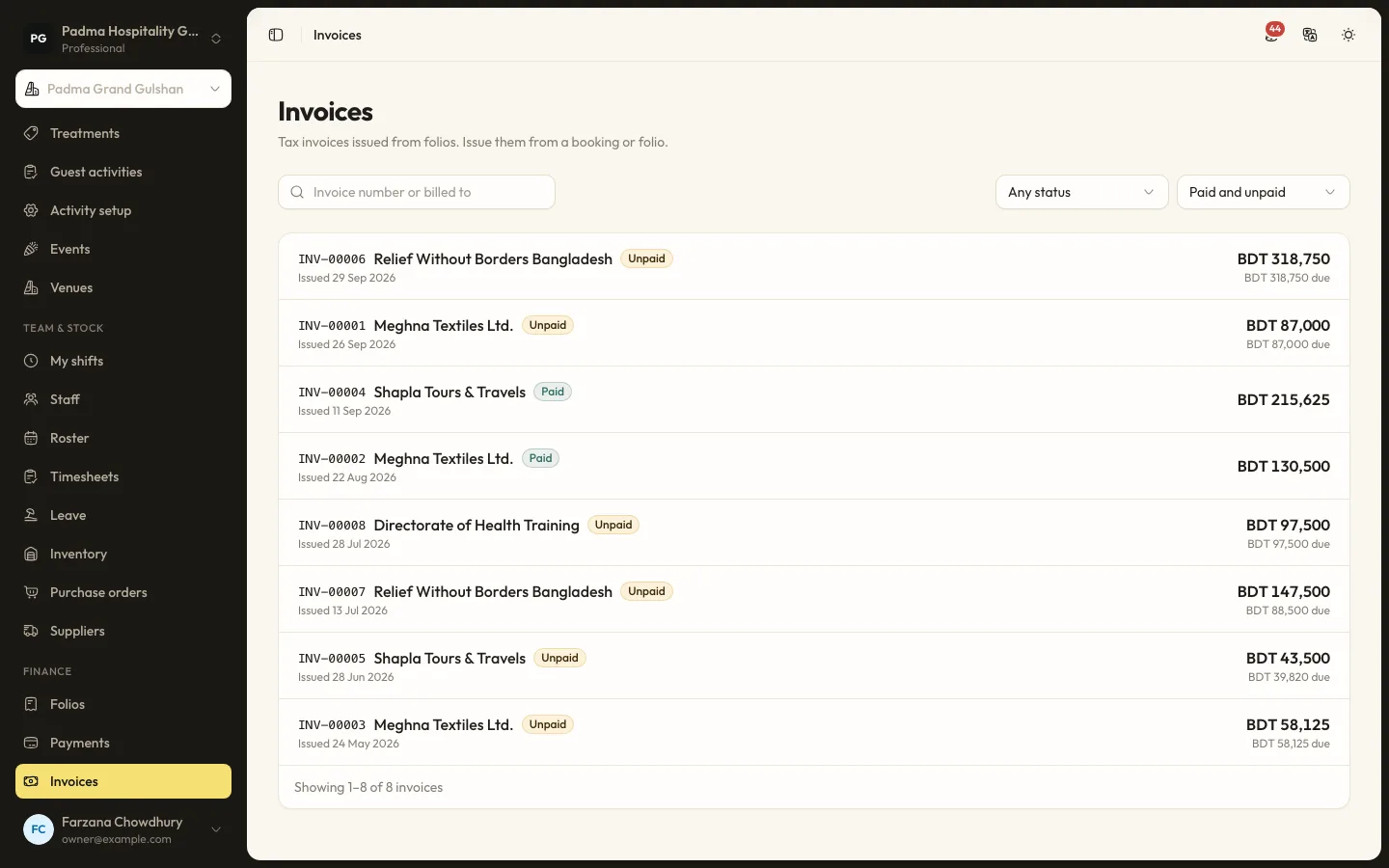
Tax invoices
Invoices are numbered snapshots with seller and bill-to details, lines, tax breakdown and payments. They print, download as PDF or go by email.
Capabilities
- Guest folios per booking
- Split folios and house accounts
- Inclusive and added taxes and fees
- Extras with the property's tax rules
- Room charges from POS, spa and activities
- Numbered invoices with PDF and email
- Adjustments for locked items
- Check-out guard while money is owed
Learn it step by step.
Finance and reports8 min read
Folios, payments and split billing
Take payments by cash, card, bank transfer or bKash, send payment links, split a bill between company and guest, and issue invoices.
Finance and reports6 min read
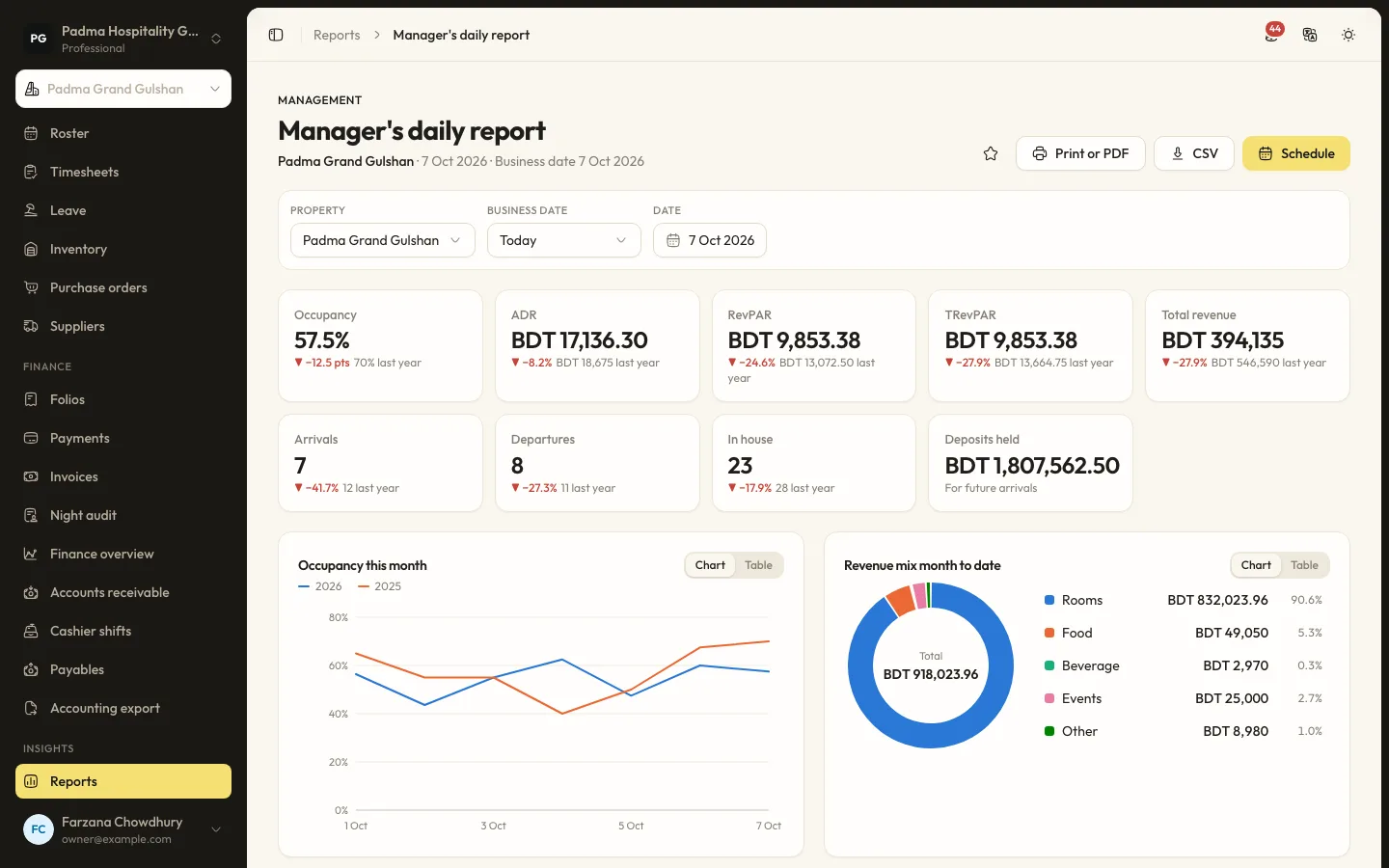
Running the night audit
Close the business day, post the night's charges, handle no-shows and keep the daily figures your reports rely on.
Administration9 min read
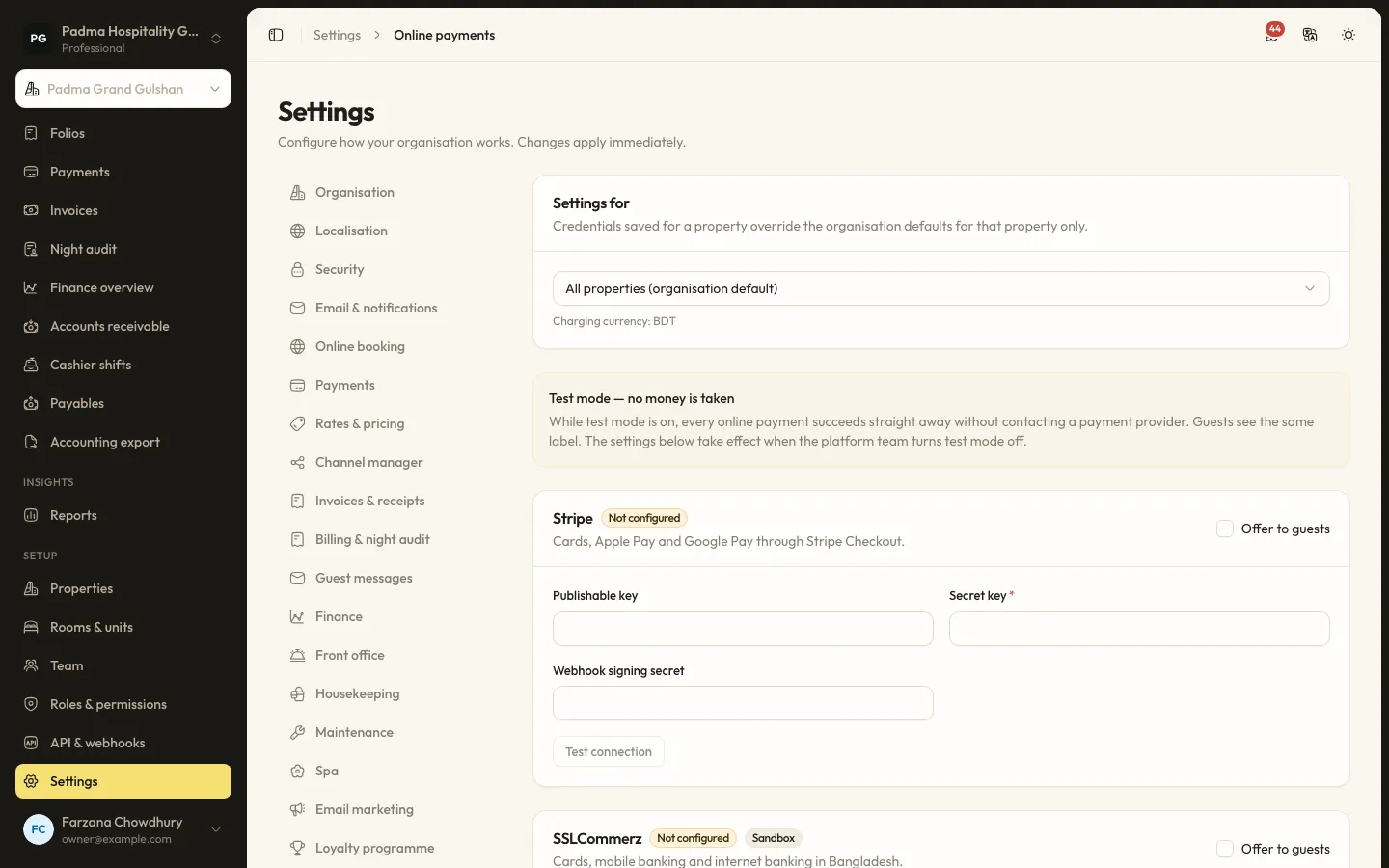
Setting up online payments
Take deposits and payment links through Stripe, SSLCommerz or bKash: what the platform must allow, where credentials go and how test mode works.
Folios and invoices, answered.
When are room charges posted?
Your choice: the whole stay at check-in, or night by night at the night audit.
Does the invoice show our VAT or BIN number?
Yes. When the organisation has a tax number and tax applies, the invoice is shown as a tax invoice with the number and a label that follows the country.
See it working with your own rooms.
A 30 minute call with someone who has run a front desk. Bring your questions and your room list.