Faster check-ins, fewer surprises.
Arrivals, departures, the room chart and payments on one screen, on a desktop or a phone. Take bKash, card or cash, or send a payment link.
- online gateways: bKash, SSLCommerz and Stripe
- 3
- languages, English and Bangla
- 2
The problems we hear most, and how they go away.
- 01
Guests waiting for rooms
See which rooms are clean and inspected before the guest arrives, and let check-in assign a ready room automatically.
- 02
Selling the same room twice
Rooms are locked while a booking is saved, so two agents never sell the last room.
- 03
Collecting balances
Record cash, card, bank transfer or bKash, or send a payment link the guest pays online. Check-out is blocked while money is owed.
What you will use most.
- Learn more
Front desk
Arrivals, departures and walk-ins on one screen.
- Learn more
Reservations and room chart
Every booking, every room, on one chart.
- Learn more
Payments
bKash, SSLCommerz, Stripe, cash and bank transfer.
- Learn more
Folios and invoices
Every charge in the right place, automatically.
- Learn more
Guest messages and notifications
The right message before, during and after the stay.
Up and running in a few steps.
- 1
Step 1
Sign in with the front desk agent role.
- 2
Step 2
Open the front desk for today's arrivals.
- 3
Step 3
Open a cashier shift with your float before taking cash.
Properties already running on it.
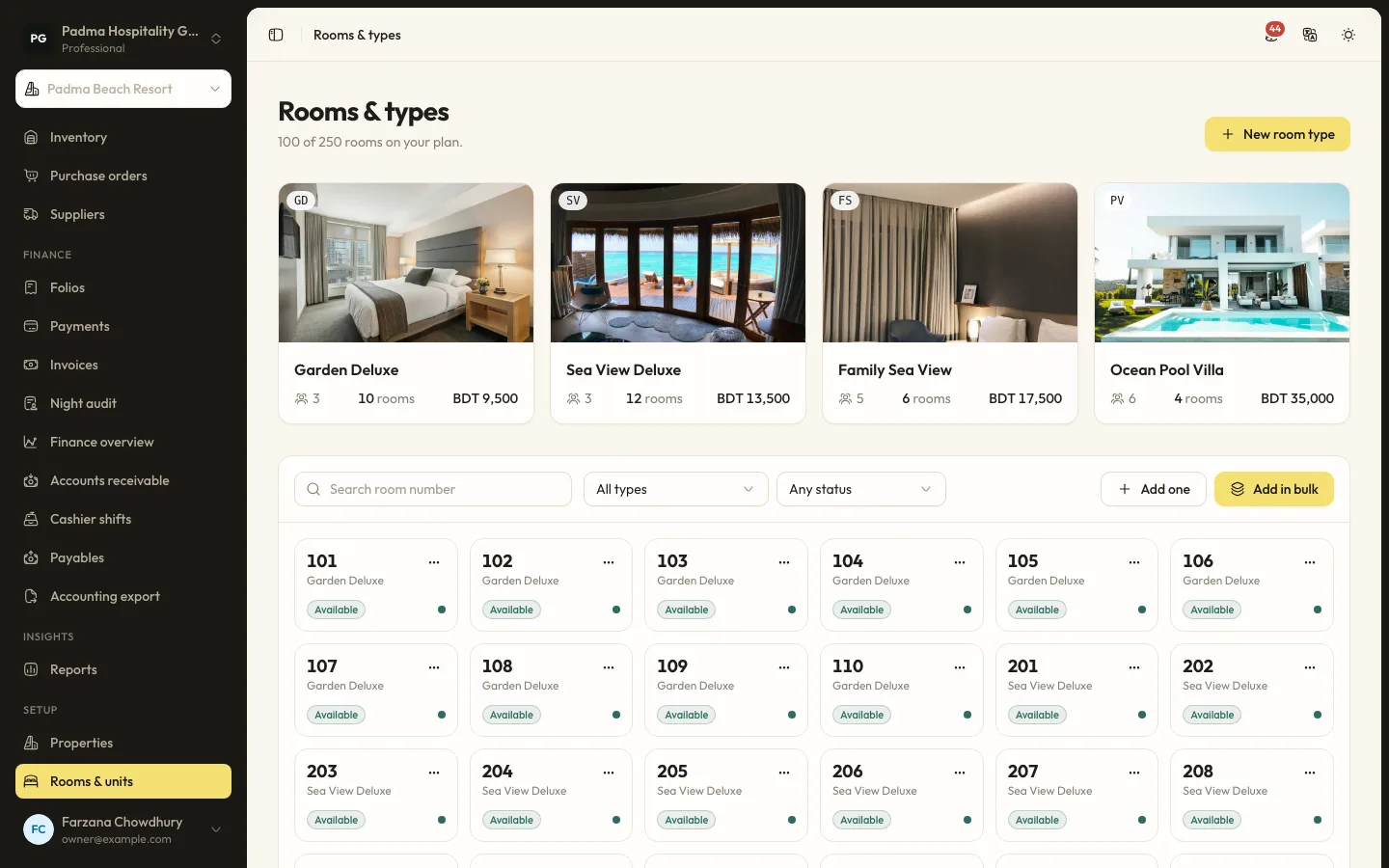
2 min read
How a beach resort keeps peak weekends under control (demo)
A walkthrough of a fictional 42-room resort in Cox's Bazar using seasons, restrictions, bKash deposits and the housekeeping board.
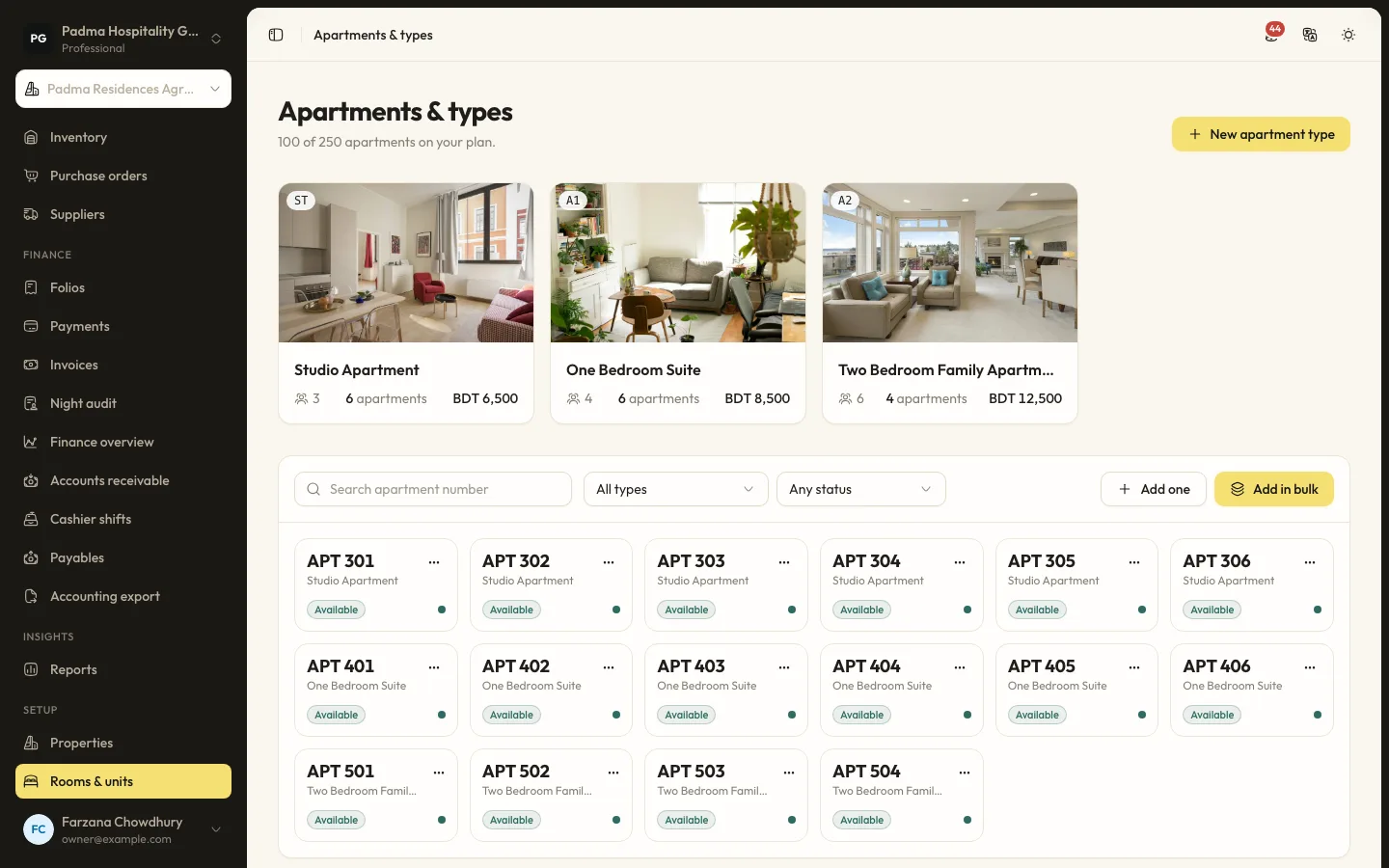
2 min read
Serviced apartments with corporate guests and monthly billing (demo)
A fictional Dhaka serviced apartment block using company accounts, split folios and invoices for long stays.
See it working with your own rooms.
A 30 minute call with someone who has run a front desk. Bring your questions and your room list.