Guest messages and notifications
The right message before, during and after the stay.
Automated emails and texts for confirmations, pre-arrival, welcome, pre-departure, post-stay and birthdays, with a full message log. Staff get in-app and email alerts for what matters to their job.
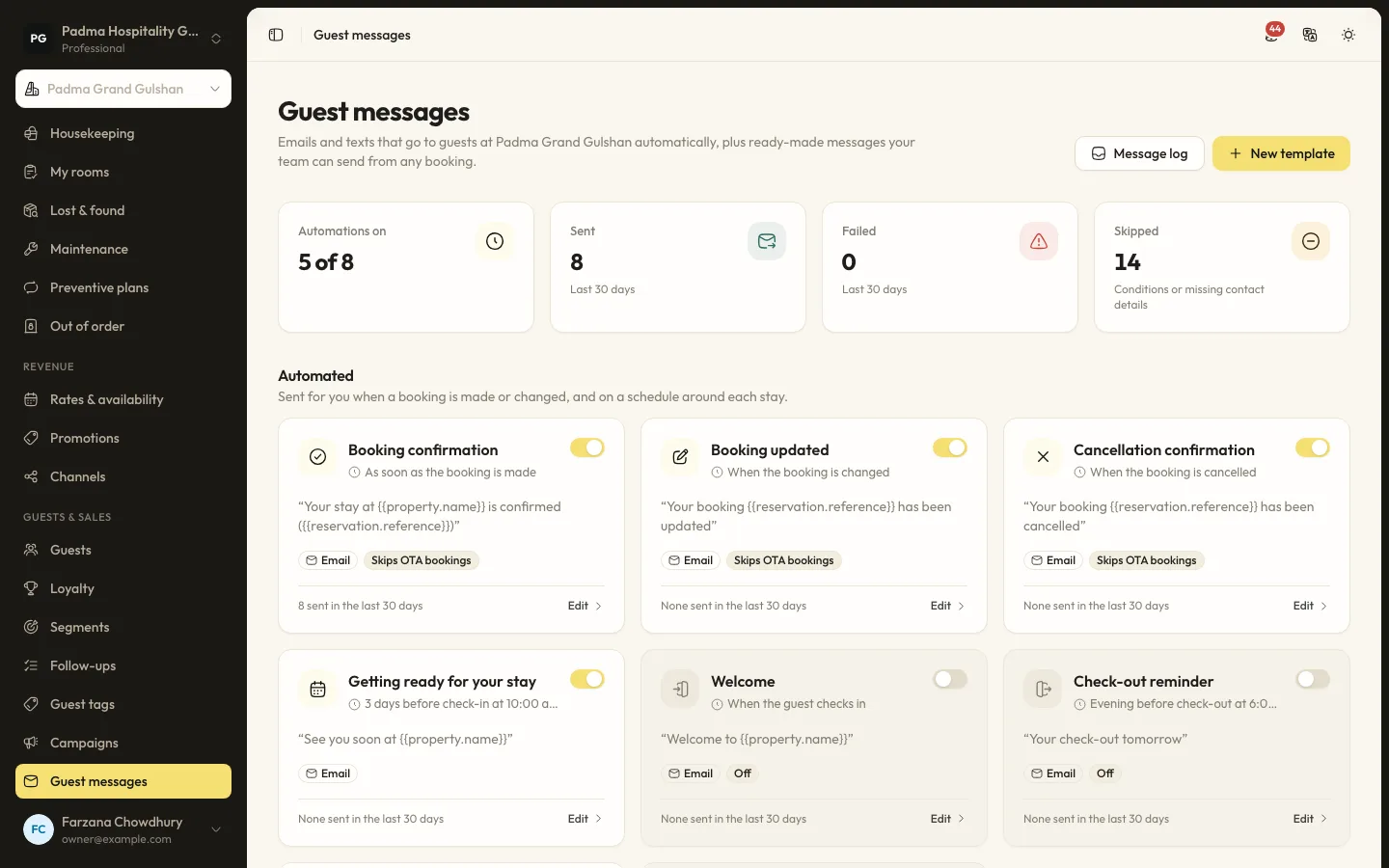
The details that matter at the desk.
- 01
Templates with conditions
Templates per organisation, customised per property if needed, with merge tags and conditions such as direct bookings only or marketing consent.
- 02
Email or SMS
Messages go by email or by SMS through SSL Wireless or BulkSMS BD. Without an SMS provider, texts are logged as skipped, never as sent.
- 03
Message log
Every email and text is logged, including skipped and failed ones with the reason, and failed ones can be resent.
- 04
Staff alerts
New direct bookings, cancellations, VIP arrivals, work orders, leave requests, event enquiries and low stock, in-app and by email per person.
Capabilities
- Booking confirmed, changed and cancelled
- Pre-arrival, welcome and pre-departure
- Post-stay and birthday messages
- Manual sends
- Merge tags
- SMS to Bangladeshi mobile numbers
- Resend failed messages
- Per-person notification preferences
Guest messages and notifications, answered.
Can SMS go to international numbers?
Not at the moment. Both SMS providers are Bangladeshi and only Bangladeshi mobile numbers are accepted.
Will a guest get the same message twice?
No. Each message is sent once per booking and template.
See it working with your own rooms.
A 30 minute call with someone who has run a front desk. Bring your questions and your room list.