Finance and reports6 min read
Reports and scheduled emails
Find the right report, filter and export it, and have it emailed to you every morning.
Written for managerWhat is there
Insights > Reports has eighteen reports grouped by category:
| Category | Reports |
|---|---|
| Management | Manager's daily report |
| Revenue | Occupancy & revenue, On the books & pickup, Revenue by segment, Room type performance |
| Bookings | Lead time & length of stay, Cancellations & no-shows |
| Guests | Guest mix, Loyalty points & liability |
| Operations | Housekeeping productivity, Maintenance, Out-of-order rooms |
| Outlets | Outlet sales, Spa utilisation & revenue, Activities usage, Events pipeline & revenue |
| Distribution | Channel production |
| Finance | Tax collected |
A report disappears when its module is not on your plan.
Use a report
- Open the report.
- Set the filters: dates, property, grouping (daily, weekly or monthly where offered).
- Read the chart, or switch to the table view.
- Print, save as PDF or export to CSV.
- Star it as a favourite to keep it at the top.
Schedule it
- From the report, add a scheduled email.
- Choose who receives it and how often.
- Save. It arrives with the latest figures each time.
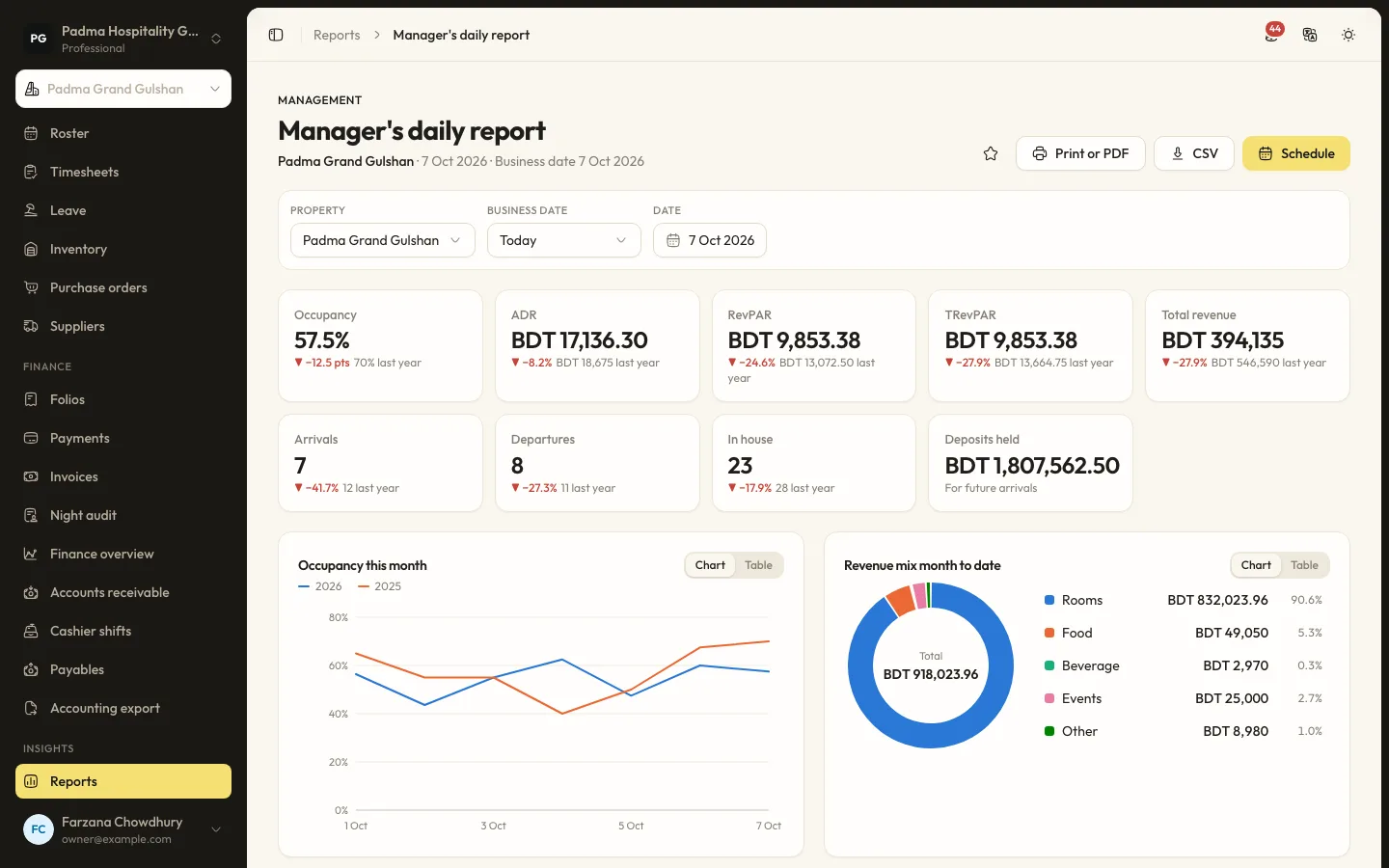
Start with the manager's daily report
It shows occupancy, ADR, RevPAR, TRevPAR and total revenue against last year, arrivals, departures, in house and deposits held, then occupancy this month and the revenue mix. Schedule it for every morning.
Tips
- Daily figures come from the night audit. Close every day for reports you can trust.
- Use Tax collected when preparing your VAT return.
Common mistakes
- Comparing periods with open days. Run the night audit first.
Still stuck?
Tell us which step you are on and what you see on screen. We will walk you through it.
Contact supportRelated guides
All guides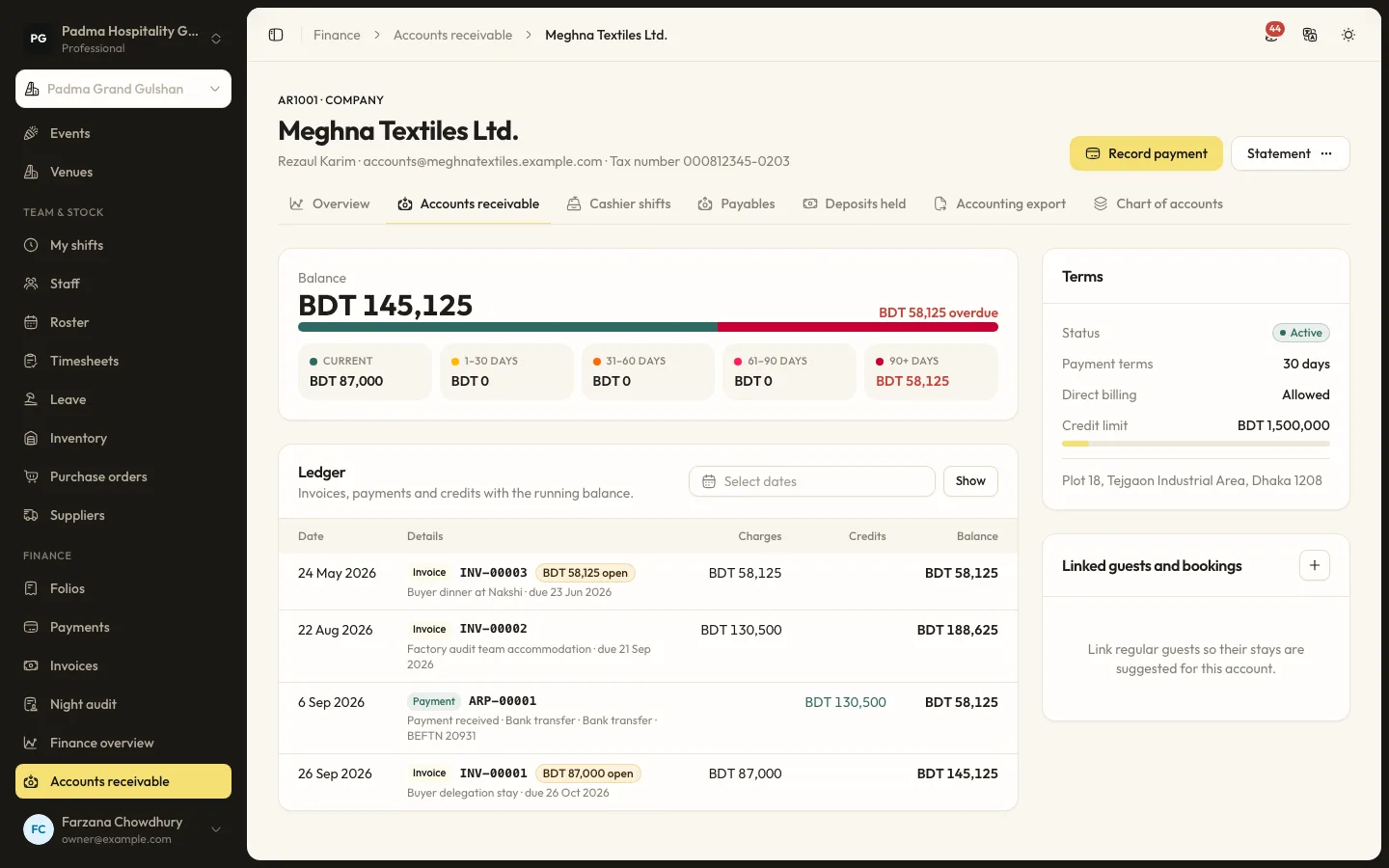
Finance and reports8 min read
Company accounts and cashier shifts
Bill companies and travel agents on account with ageing, and balance each cashier's drawer at the end of a shift.
Finance and reports6 min read
Running the night audit
Close the business day, post the night's charges, handle no-shows and keep the daily figures your reports rely on.
Finance and reports8 min read
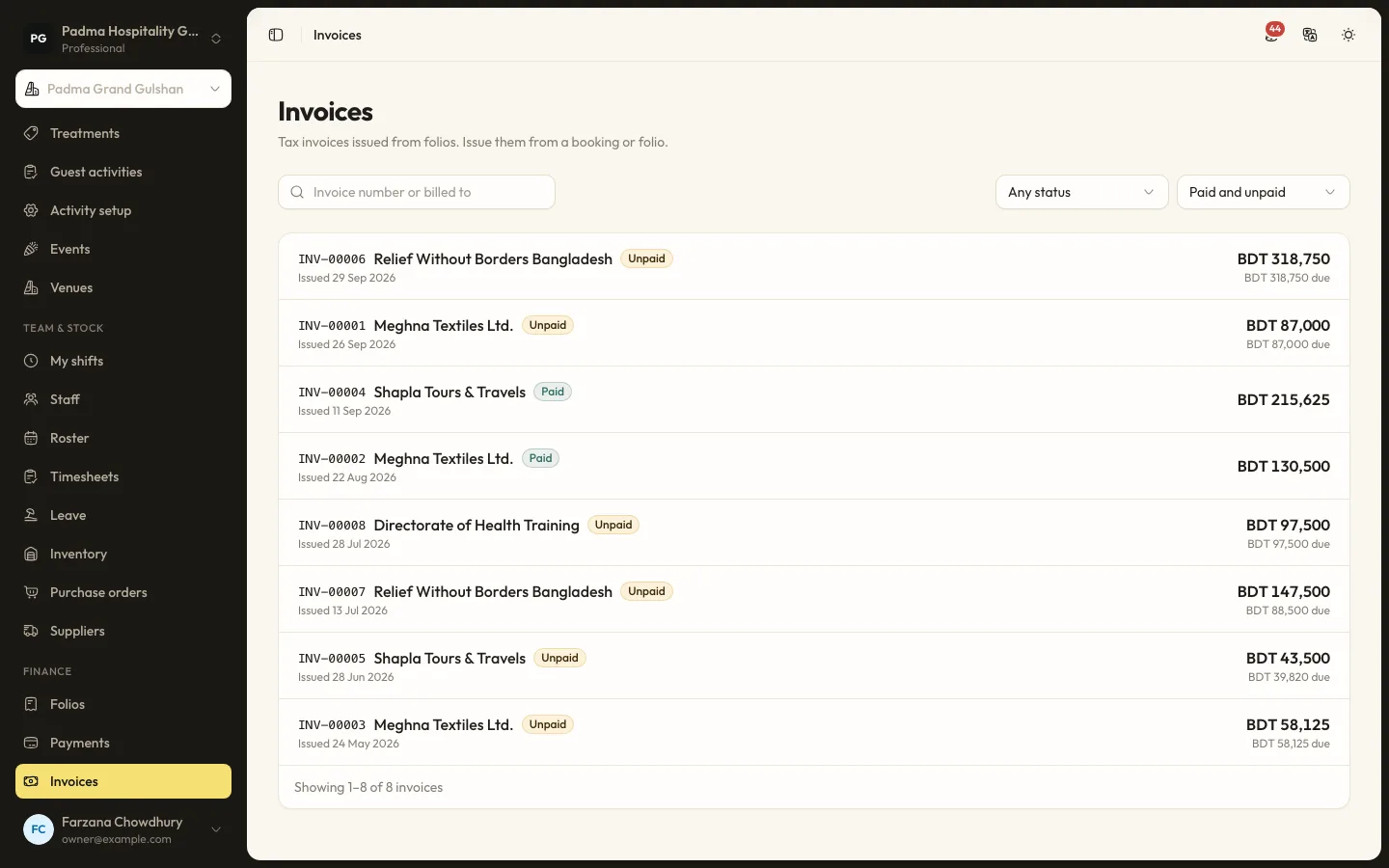
Folios, payments and split billing
Take payments by cash, card, bank transfer or bKash, send payment links, split a bill between company and guest, and issue invoices.
See it working with your own rooms.
A 30 minute call with someone who has run a front desk. Bring your questions and your room list.