The day's plan on every attendant's phone.
The planner builds the day, the supervisor shares rooms fairly by credits, and attendants work from their phones. Inspections, faults and lost property are recorded as they happen.
- default lost property retention
- 90 days
- languages, English and Bangla
- 2
The problems we hear most, and how they go away.
- 01
Paper room lists
Attendants start and finish each room on their phone, and the front desk sees the status change at once.
- 02
Uneven workloads
Share rooms divides tasks by credits for departures, stayovers and vacant rooms, keeping neighbouring rooms together.
- 03
Faults that go unreported
Report an issue from the room list and it becomes a maintenance work order with the room attached.
What you will use most.
- Learn more
Housekeeping
Clean rooms faster, with the plan already made.
- Learn more
Maintenance
From fault report to fixed, with nothing lost.
- Learn more
Staff and rosters
Weekly rosters, clock in and out, and leave.
- Learn more
Inventory and purchasing
Know what is in the store and reorder in one click.
- Learn more
Front desk
Arrivals, departures and walk-ins on one screen.
Up and running in a few steps.
- 1
Step 1
Set the stayover frequency, turndown and inspection rules.
- 2
Step 2
Turn on automatic planning at your planning time.
- 3
Step 3
Give attendants the room attendant role and link their staff profiles.
Properties already running on it.
2 min read
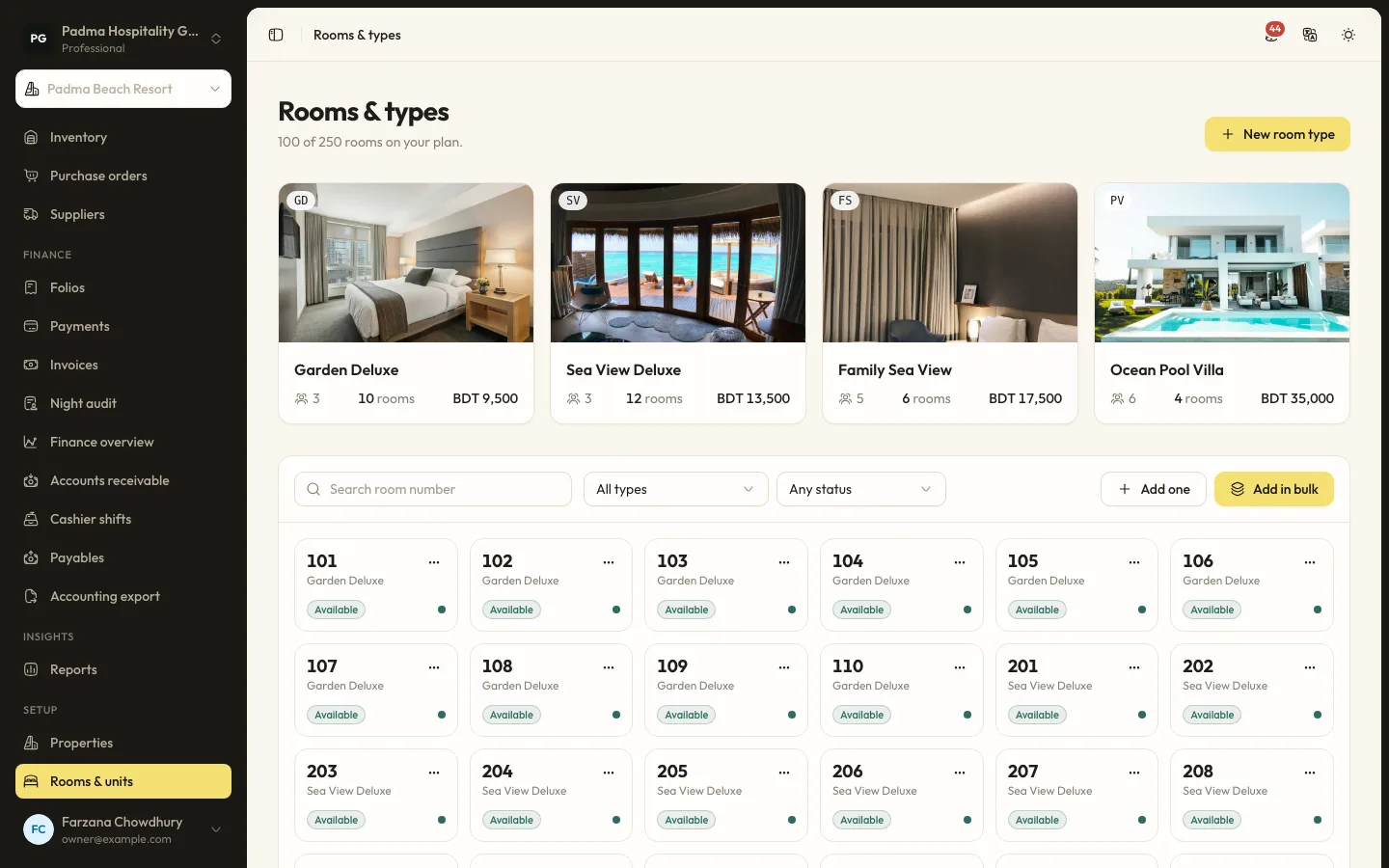
How a beach resort keeps peak weekends under control (demo)
A walkthrough of a fictional 42-room resort in Cox's Bazar using seasons, restrictions, bKash deposits and the housekeeping board.
2 min read
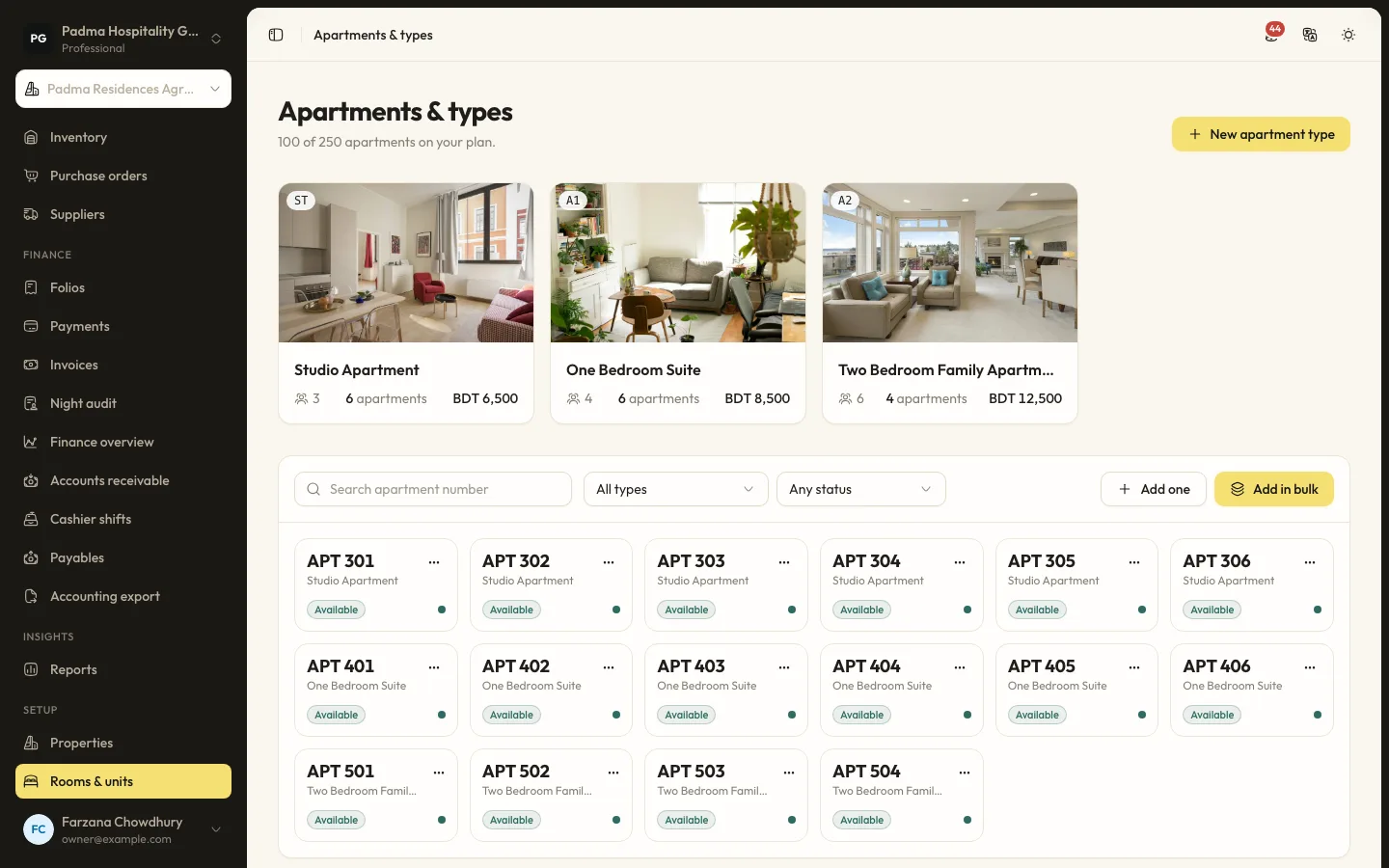
Serviced apartments with corporate guests and monthly billing (demo)
A fictional Dhaka serviced apartment block using company accounts, split folios and invoices for long stays.
See it working with your own rooms.
A 30 minute call with someone who has run a front desk. Bring your questions and your room list.