Housekeeping
Clean rooms faster, with the plan already made.
Each morning the planner builds the day: departure cleans, stayovers at your chosen frequency, vacant refreshes and optional turndown. Supervisors share rooms out and attendants work from their phones.
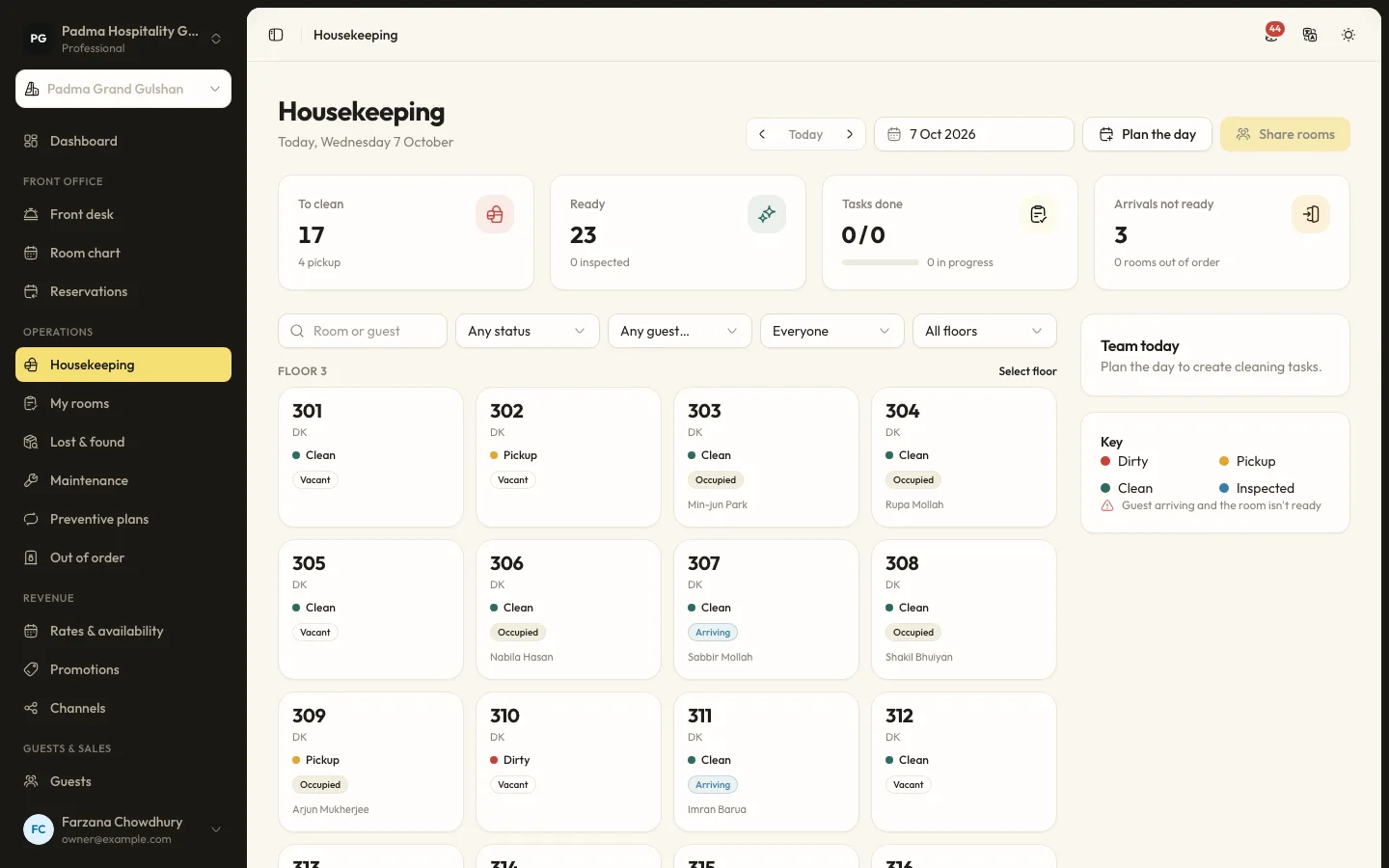
The details that matter at the desk.
- 01
Daily plan
Planning runs automatically at your planning time or on demand, never duplicates tasks, and checking a guest out adds a departure clean straight away.
- 02
Fair room sharing
Share rooms divides tasks by credits for departures, stayovers and vacant rooms, keeping neighbouring rooms together.
- 03
Attendants on their phones
My rooms lets each attendant start and finish rooms, skip a stayover with a reason, report a fault to maintenance and log a found item.
- 04
Inspections and lost property
Finished rooms can wait for a supervisor to pass them. Found items get a reference and are linked to the last guest in the room.
Capabilities
- Housekeeping board with live room status
- Departure, stayover, vacant and turndown tasks
- Stayover frequency or on request
- Credits per task
- Supervisor inspections
- Lost and found with retention
- Out of order and out of service blocks
- Housekeeping productivity report
Housekeeping, answered.
Can serviced apartments be cleaned weekly?
Yes. Set the stayover frequency to 7 days, or 0 for on request only, per property.
Does the front desk see when a room is ready?
Yes. Room status is shared, so the front desk sees clean, dirty, pickup and inspected states as attendants work.
See it working with your own rooms.
A 30 minute call with someone who has run a front desk. Bring your questions and your room list.