Payments
bKash, SSLCommerz, Stripe, cash and bank transfer.
Record cash, card, bank transfer and bKash payments on the folio, or send the guest a payment link through your online gateway. Online payments are only marked paid once the gateway confirms them.
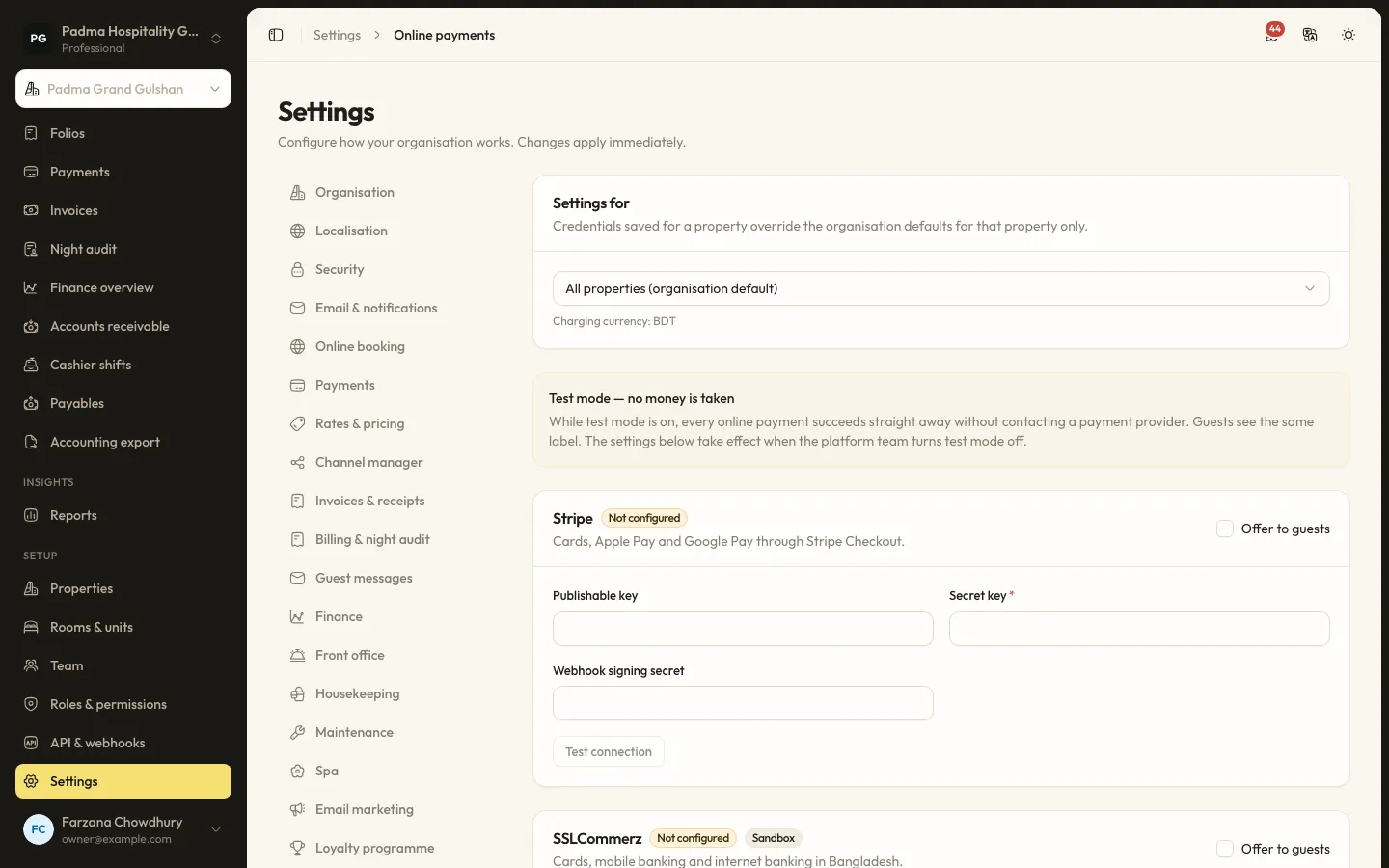
The details that matter at the desk.
- 01
Local and global gateways
SSLCommerz and bKash tokenised checkout for BDT, and Stripe Checkout for cards in other currencies. A property can offer more than one and let the guest choose.
- 02
Payment links
Send a link for any amount owed. The guest pays online and the payment lands on the right folio with a receipt number.
- 03
Card surcharges
Card payments can add the surcharge set in the payment settings, posted as its own line.
- 04
Test mode
Try the whole flow with a test gateway that takes no money. Staff and guests see a clear notice while it is on.
Capabilities
- Cash, card, bank transfer and bKash recorded by hand
- Online payments through Stripe, SSLCommerz and bKash
- Payment links with gateway choice
- Refunds linked to the original payment
- Receipt numbers and business dates
- Card surcharges
- Deposits taken at online booking
- Own gateway account or the platform account
Learn it step by step.
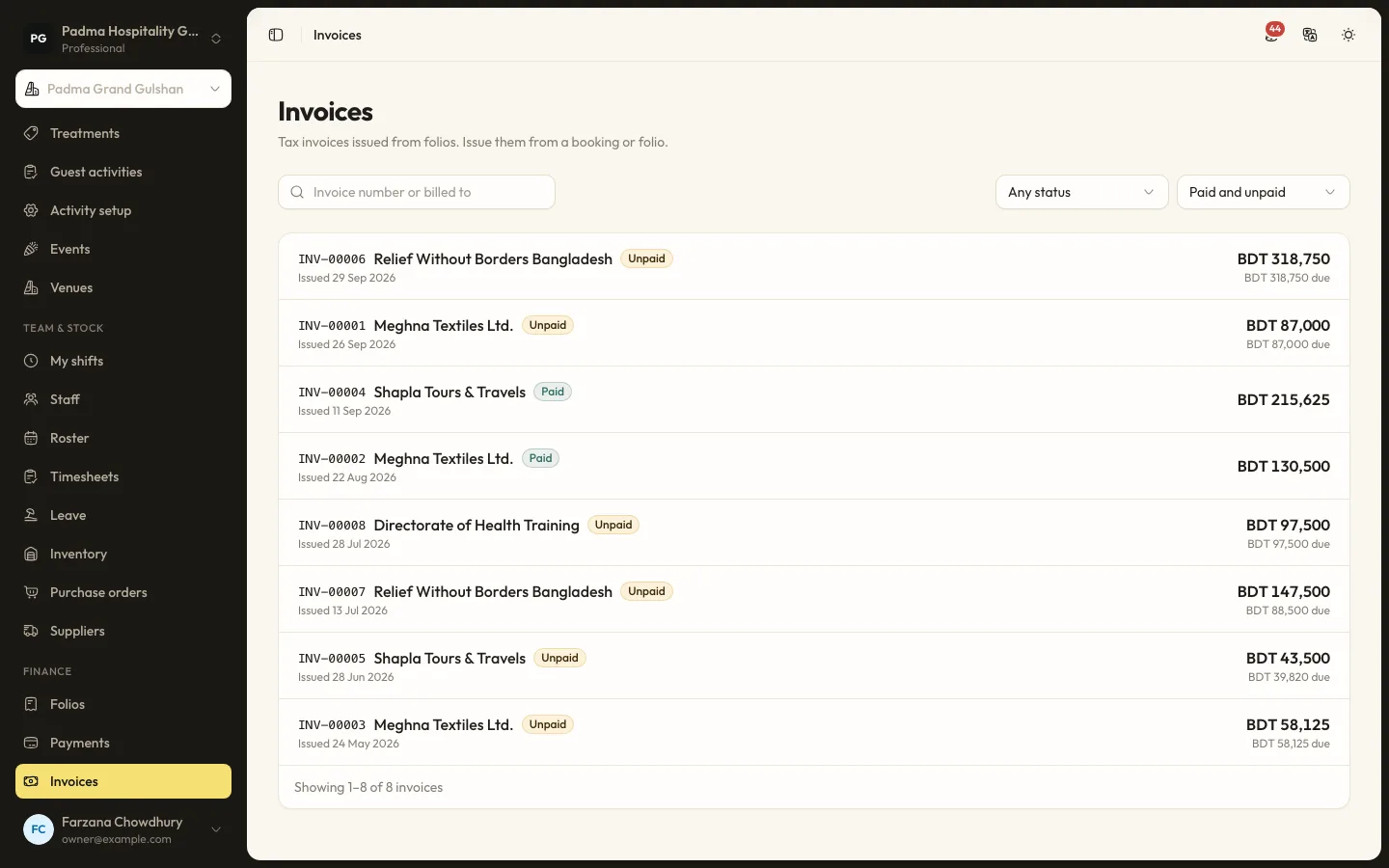
Finance and reports8 min read
Folios, payments and split billing
Take payments by cash, card, bank transfer or bKash, send payment links, split a bill between company and guest, and issue invoices.
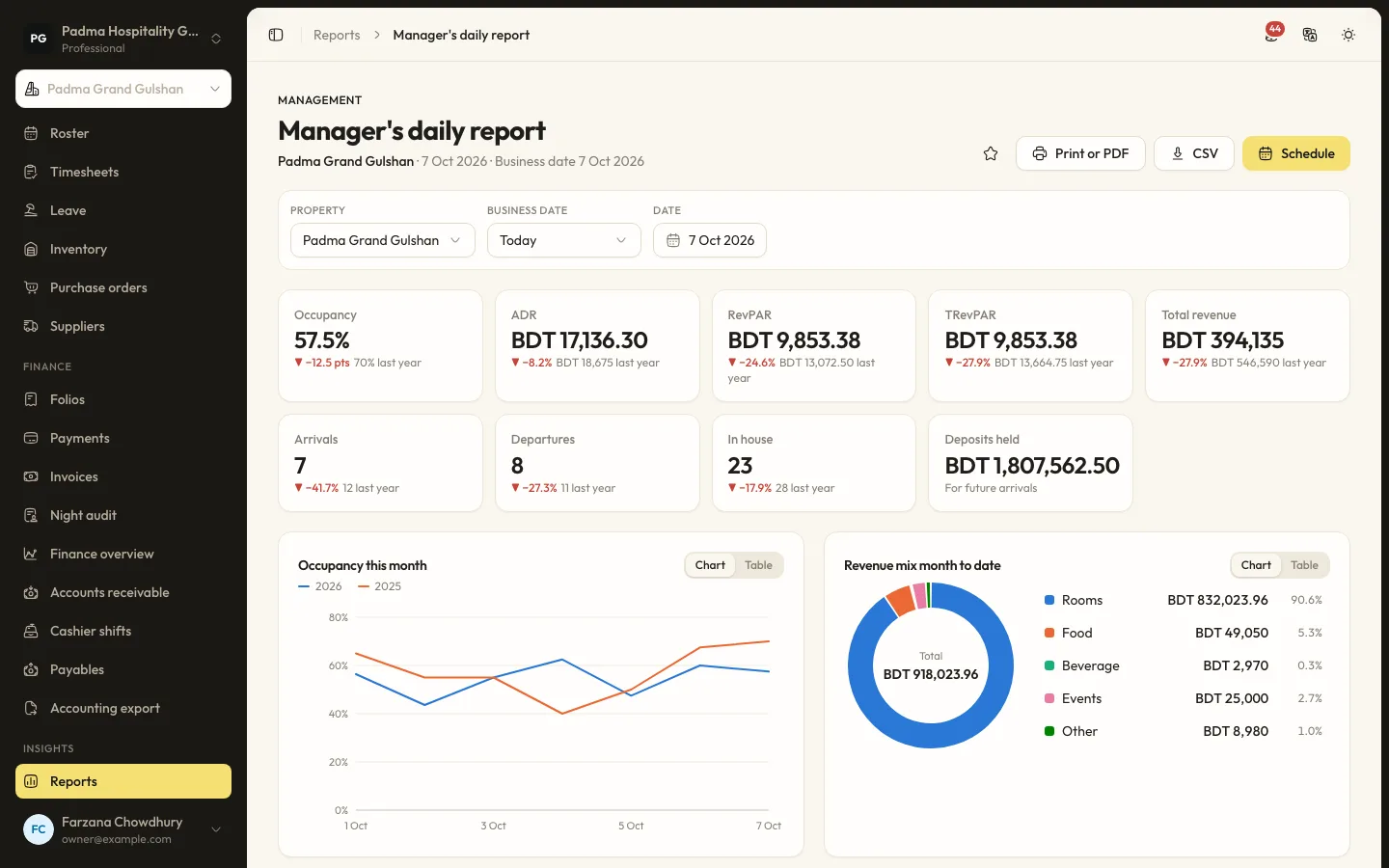
Finance and reports6 min read
Running the night audit
Close the business day, post the night's charges, handle no-shows and keep the daily figures your reports rely on.
Administration9 min read
Setting up online payments
Take deposits and payment links through Stripe, SSLCommerz or bKash: what the platform must allow, where credentials go and how test mode works.
Payments, answered.
Do SSLCommerz and bKash work with any currency?
No. Both take BDT only. A property in another currency can use Stripe.
Can a guest fake a successful payment by returning to the page?
No. Payments are confirmed with the gateway, by Stripe webhooks, SSLCommerz validation or bKash execute and status calls, never by the browser redirect alone.
See it working with your own rooms.
A 30 minute call with someone who has run a front desk. Bring your questions and your room list.