Hotel operations18 Aug 20265 min read
A night audit checklist your team can follow at 2am
The night audit closes the business day. Done well, it gives you clean figures every morning. Here is a simple checklist for night staff, and the settings that make it easier.
RoomAnchor team
The night audit is the moment a hotel draws a line under the day. Charges for the night are posted, no-shows are dealt with, cash is counted and the figures for the day are locked so tomorrow starts clean.
In many smaller properties in Bangladesh the night audit is done by whoever is on the desk overnight, often after a long shift. That is exactly why it needs to be a short, repeatable checklist rather than something that lives in one person's head.
What the night audit does in RoomAnchor
Every property has a business date. It is the trading day the property is working in, and it moves on when the audit runs. When you open Finance → Night audit, RoomAnchor shows the day being closed, the main figures so far and the checks that need attention before you close.
When the audit runs it:
- Checks bookings due to arrive that have not checked in, and can mark them as no-shows.
- Refuses to run while guests due to leave are still in house, unless you confirm.
- Posts the night's room charges to each folio.
- Locks the day, so items closed by the audit cannot be edited. Corrections after that become adjustments.
- Stores a summary of the day: occupancy, room and other revenue, tax, ADR, RevPAR, payments by method, arrivals, departures, no-shows, cancellations and new bookings.
Before you start
Pick a fixed time and stick to it. The night audit time lives under Settings → Front office and defaults to 2am. Running at the same time every night makes your daily figures comparable.
Make sure the person running it has the right role. The Night auditor template includes the night audit, folios, payments and reports view. Owners and general managers can run it too.
The checklist
1. Arrivals not checked in
Look at the arrivals still showing as expected. For each one:
- Did the guest arrive and the desk forget to check them in? Check them in now.
- Did the guest call to say they are arriving late? Leave the booking, and add a note.
- Did they simply not arrive? Let the audit mark them as a no-show.
The setting Mark unarrived bookings as no-shows during the audit under Settings → Billing & night audit decides whether this happens automatically. A cancelled or no-show booking can be reinstated later if the rooms are still free, so a mistake here is recoverable.
2. Departures still in house
Any guest who was due out today but is still checked in will stop the audit. Usually it is one of three things:
- The guest left and nobody checked them out. Check them out, which marks the room dirty and adds a departure clean for the morning.
- The guest is staying on. Change the booking dates so the folio and availability follow.
- The guest has a late check-out arranged. Confirm and continue.
3. Folios with a balance
The audit screen lists unsettled folios. You do not have to clear every balance at night, since many guests settle at check-out, but look for anything unusual:
- A checked-out guest with money owed.
- A payment recorded against the wrong folio.
- An extra charge that looks too large, such as a minibar or restaurant charge with an extra zero.
Fix what you can. Anything that needs a manager can go into the handover note.
4. Outlet and spa charges
Restaurant, bar, spa and activity charges posted to a room arrive on the guest's folio by themselves. Before closing, check that outlets have settled their open orders, so the day's food and beverage revenue lands on the right date.
5. Cash and cashier shifts
If your property uses Finance → Cashier shifts, every cashier opens a shift with a float, records cash drops and closes with a counted amount. The close compares the count with the takings. Payments taken outside a shift are flagged, so you can see who took what.
At night:
- Make sure the evening cashier has closed their shift.
- Open your own shift if you will take payments overnight.
- Note any difference between counted and expected cash with a reason.
6. Run the audit
Press run, read the confirmation and let it finish. The day's figures are stored and the business date moves on.
7. Leave a handover
Write down anything the morning team needs to know: guests arriving late, balances to chase, rooms with problems, and any difference in the cash.
Reading the figures in the morning
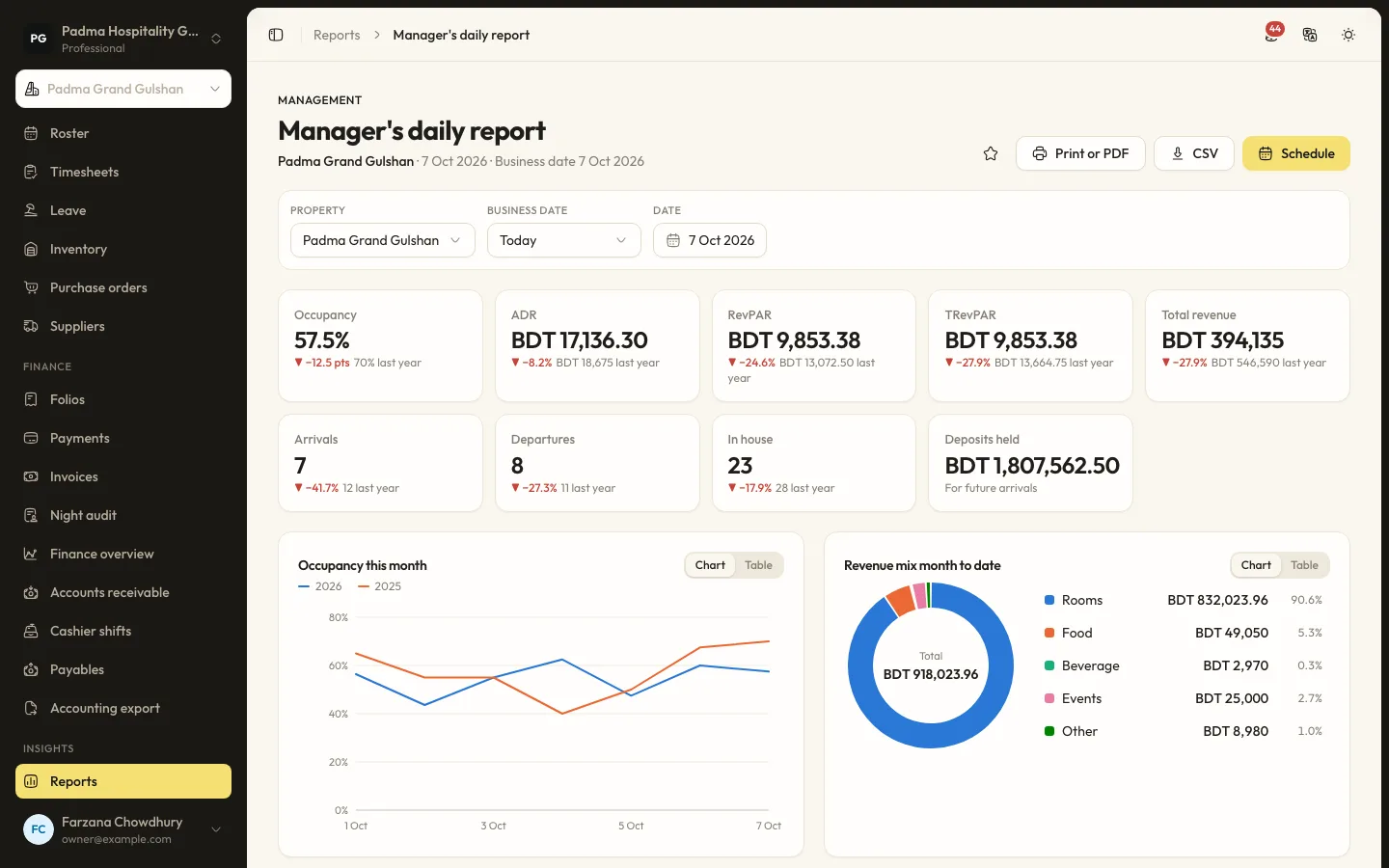
The stored summary feeds the Manager's daily report under Insights → Reports. It shows occupancy, ADR, RevPAR, TRevPAR and total revenue against last year, with arrivals, departures, guests in house and deposits held. A manager who reads that report every morning will spot problems from the night before quickly.
A few patterns worth watching:
- No-shows creeping up on a particular source may mean a booking site or agent is not confirming guests properly.
- Room revenue that does not match occupancy usually means a rate was overridden or a stay was posted at the wrong price.
- Payments by method that look odd, such as a sudden rise in cash, deserve a quick look.
Posting mode and automatic audits
Two settings under Settings → Billing & night audit change how much work the audit does.
- Post room charges decides whether the whole stay is posted at check-in or each night is posted during the audit. Nightly posting keeps folios closer to what has actually been consumed. Posting at check-in shows the guest the full stay from the start.
- Run the night audit automatically lets the scheduler close the day at the night audit time without anyone pressing the button.
Automatic audits suit properties with no overnight desk, such as small guest houses and serviced apartments. If you turn it on, someone still needs to review the checks the next morning, because the audit will not wait for a late arrival to be sorted out.
Keep it boring
A good night audit is boring. The same steps, at the same time, every night, with a short note at the end. Print this checklist, stick it by the desk computer, and your morning figures will be something you can trust.
Keep reading
All articles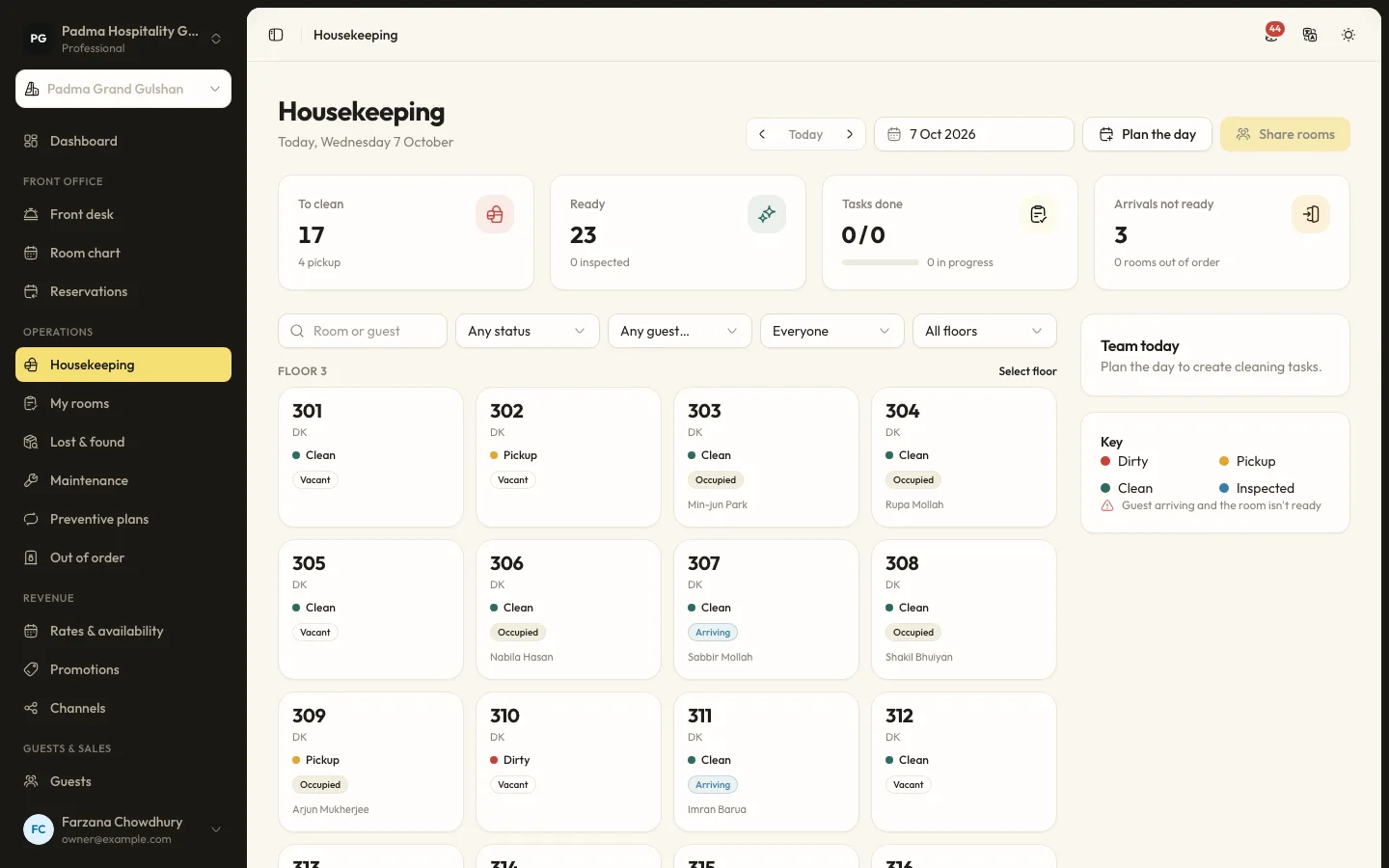
Hotel operations15 Sep 20265 min read
A housekeeping room status flow the front desk can trust
Most front desk delays come from not knowing which rooms are really ready. A clear room status flow, kept up to date from the housekeeper's phone, fixes that.
Guest experience2 Oct 20265 min read
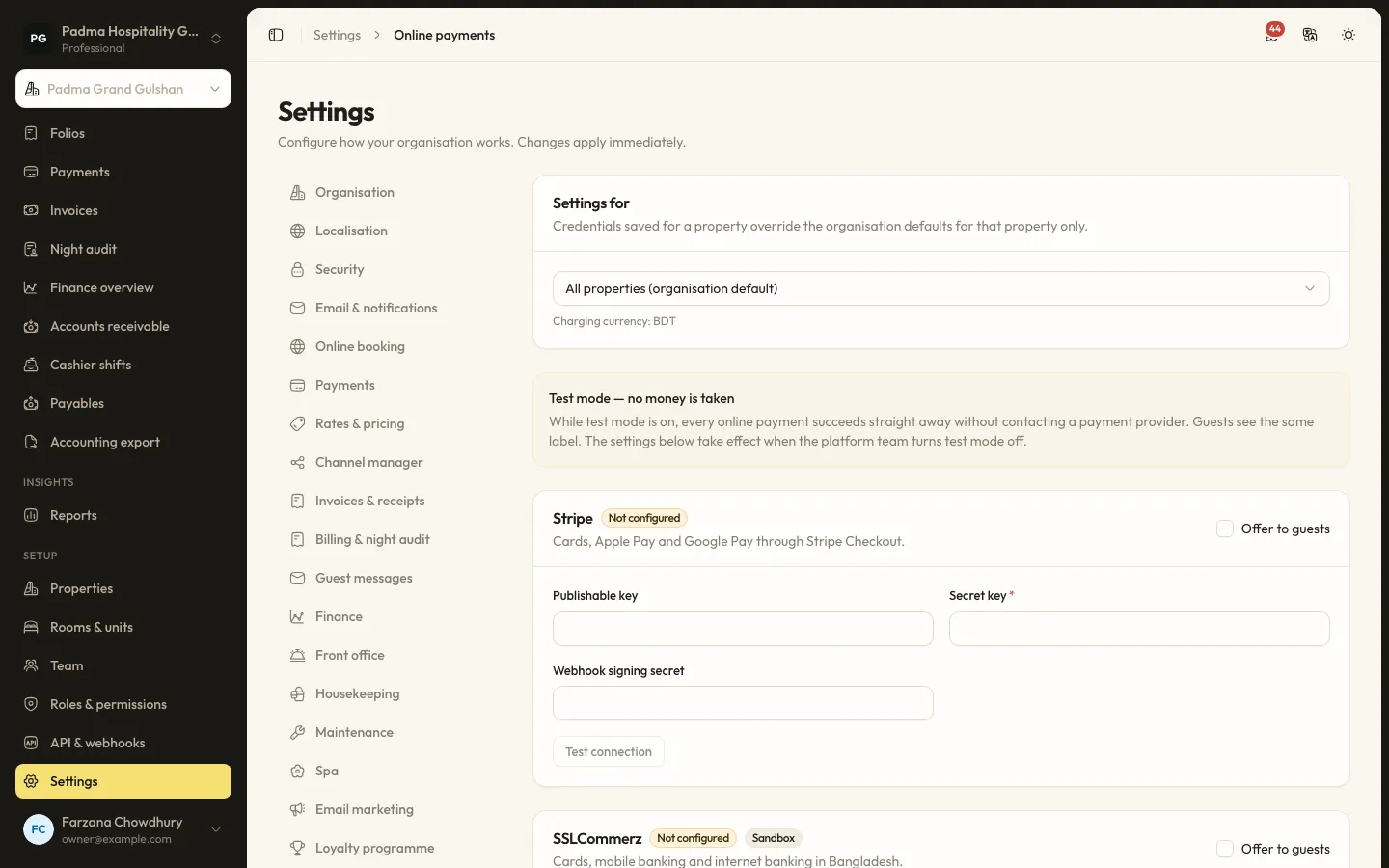
Taking payments locally with bKash, SSLCommerz and card, without extra terminals
Guests in Bangladesh pay with bKash, cards, bank transfers and cash. Here is how to accept all of them in one place, send payment links instead of buying more devices, and keep every taka accounted for.
Product updates22 Sep 20265 min read
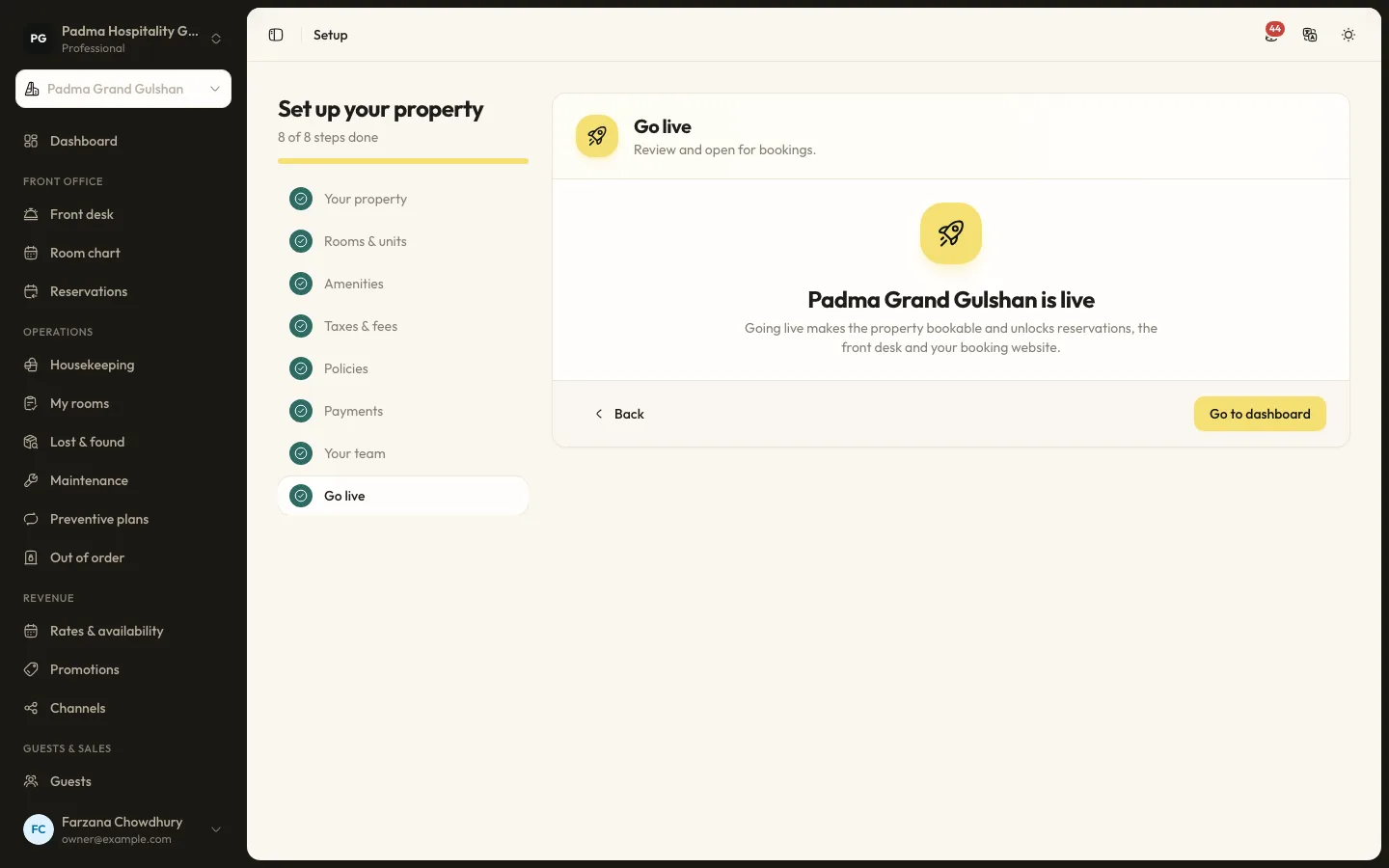
Moving from spreadsheets to a PMS in a week
Many properties still run on an Excel sheet, a booking register and a WhatsApp group. Moving to a PMS does not have to take months. Here is a realistic one-week plan.
See it working with your own rooms.
A 30 minute call with someone who has run a front desk. Bring your questions and your room list.