Product updates22 Sep 20265 min read
Moving from spreadsheets to a PMS in a week
Many properties still run on an Excel sheet, a booking register and a WhatsApp group. Moving to a PMS does not have to take months. Here is a realistic one-week plan.
RoomAnchor team
A lot of good properties in Bangladesh run on a spreadsheet for bookings, a paper register at reception, a calculator for bills and a WhatsApp group for housekeeping. It works until it does not: a double booking on a holiday weekend, a bill that does not add up, or a manager who cannot see what happened last night without phoning three people.
Moving to a property management system sounds like a big project. For most single properties it can be done in a week, if you keep the scope sensible and go live on a quiet day.
Before you start
Gather what you already have:
- A list of rooms with their numbers, types and beds.
- Your current prices, including weekend and seasonal prices.
- Taxes and charges you add, such as VAT and service charge.
- Your cancellation and deposit rules, even if they are only verbal.
- Every future booking from your spreadsheet, OTA extranets and register.
- The names and roles of the people who will use the system.
Then pick a go-live day. A weekday outside your busy season is ideal.
Day 1: set up the property
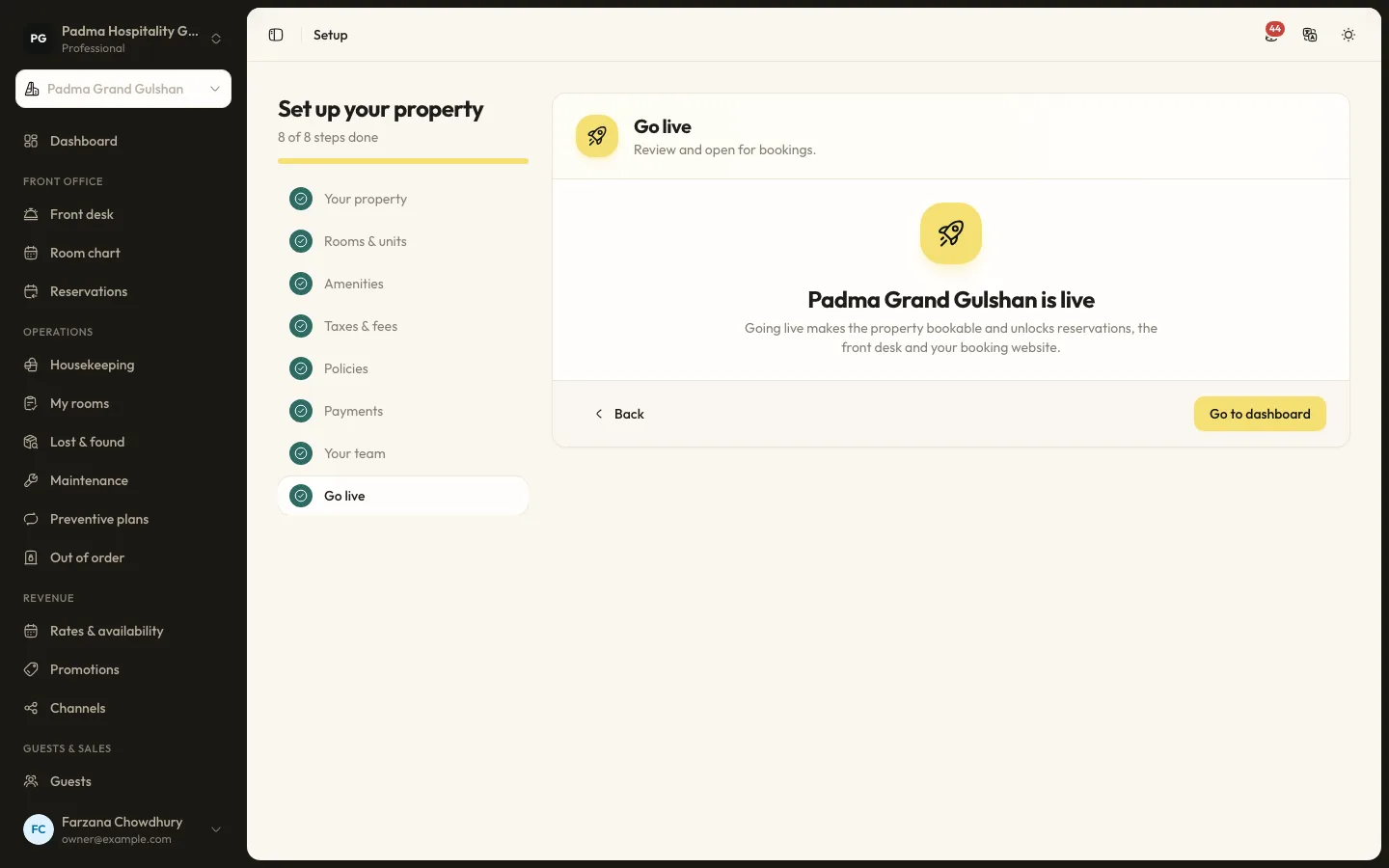
Sign in to your new organisation. The onboarding wizard walks you through eight steps: property, rooms and units, amenities, taxes and fees, policies, payments, team and go live. You can leave a step and come back, and everything can be changed later.
On the first day, do the property details: name, type, address, contact details, check-in and check-out times, currency and time zone. Most details follow your organisation settings, so if you run more than one property you only enter them once.
Day 2: rooms and room types
Room types describe what you sell: occupancy, beds, size, view, amenities, photos and a default rate. Rooms are the physical units.
You can add rooms one by one or in bulk from a range, and give them names if you use them, which is common in resorts and lodges. If you run serviced apartments, the screens talk about apartments; hostels can sell beds.
Take good photos now. The same room type photos appear on your booking website.
Day 3: taxes, policies and prices
Taxes and fees can be a percentage or a fixed amount, included in the price or added on top, charged per stay, per night or per person. Set up VAT and service charge the way you charge them today.
Policies cover cancellation, deposit, check-in, children, pets, smoking and house rules. Each has the rule the system applies and the wording guests read. Write them plainly. This is a good moment to agree on rules you have been handling case by case.
Prices. When the property goes live, a standard rate plan is created for you. Add a breakfast plan linked to it, and any seasons you already use. Do not try to build a perfect revenue strategy this week. Copy what you charge today, and improve it once you can see the data.
Day 4: team and roles
Invite your team from Setup → Team. Each person gets one or more roles and access to all properties or only the ones you choose. Templates exist for front desk agent, reservations agent, night auditor, accountant, housekeeping supervisor, room attendant and many more. You can clone and edit them under Roles & permissions if your team works differently.
Two-factor authentication can be required for the organisation. Turn it on for owners and managers at least.
Day 5: enter future bookings and practise
This is the most important day. Enter every future booking from your spreadsheet, register and extranets through Front office → Reservations → New booking. Use the price the guest agreed. Staff whose role allows it can set a manual nightly price.
As you go, the room chart fills up. Compare it with your spreadsheet for the next few weeks. Any difference is a booking you missed or entered twice.
Then practise. While the organisation is in test mode, no real money is taken, so the team can:
- Take a booking by phone.
- Check a guest in and out.
- Add an extra charge and take a payment.
- Print an invoice.
- Run a practice night audit.
Room attendants should try My rooms on their own phones.
Day 6: payments and the booking website
Decide how you will take money. Under Settings → Payments choose whether you accept card, cash and bank transfer, add bank details for invoices and set any card surcharge. If you want online deposits through bKash or SSLCommerz, ask us to allow them for your organisation, then enter your merchant credentials under Settings → Online payments.
If you want guests to book on your own site, switch on Take bookings online under Settings → Online booking and make a test booking yourself.
Day 7: go live
Pick a time, usually the morning after a quiet night. From that moment:
- New bookings go into RoomAnchor only.
- Check-ins and check-outs happen in RoomAnchor only.
- The spreadsheet becomes read-only. Keep it for reference, but stop editing it.
The first night audit after go-live is a good check. If the arrivals, departures and folios on screen match what happened at the desk, you are done.
What to leave for later
A week is enough for the core: rooms, rates, bookings, front desk, billing and housekeeping. Leave these until the team is comfortable:
- Channel connections to booking sites, once the channel manager launches.
- Restaurant, spa and event modules.
- Loyalty and email campaigns.
- Detailed seasons and promotions.
Adding them a few weeks later, one at a time, is far easier than launching everything on day one.
Common mistakes
- Going live in peak season. Choose a quiet week.
- Running both systems for too long. Two sources of truth means neither is right.
- Skipping practice. One afternoon of practice saves many awkward moments at the desk.
- Giving everyone the owner login. Give each person their own account and role, so the audit log shows who did what.
A week of focused work replaces years of patched spreadsheets. After that, the system starts paying you back every morning with figures you did not have before.
Keep reading
All articles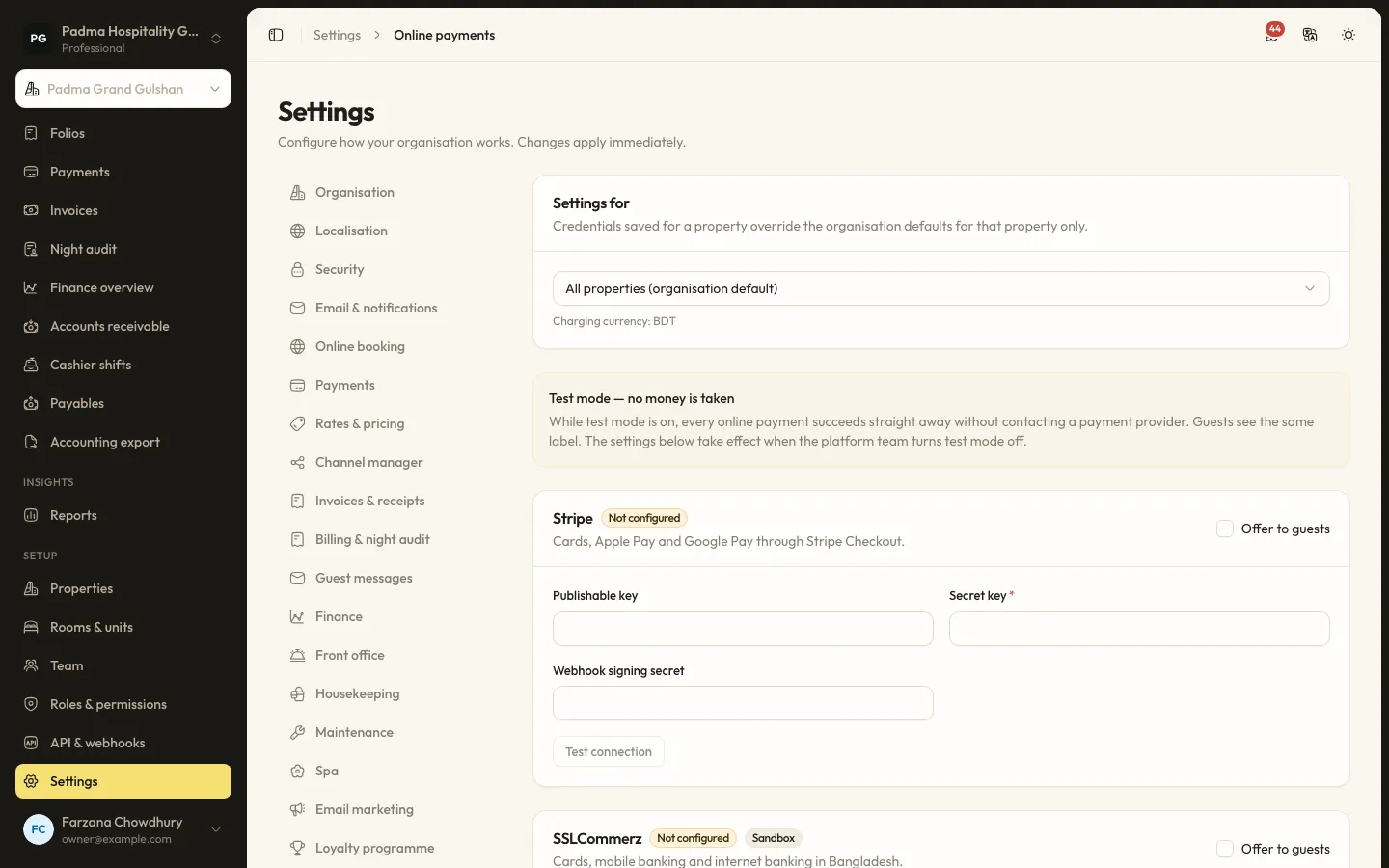
Guest experience2 Oct 20265 min read
Taking payments locally with bKash, SSLCommerz and card, without extra terminals
Guests in Bangladesh pay with bKash, cards, bank transfers and cash. Here is how to accept all of them in one place, send payment links instead of buying more devices, and keep every taka accounted for.
Hotel operations15 Sep 20265 min read
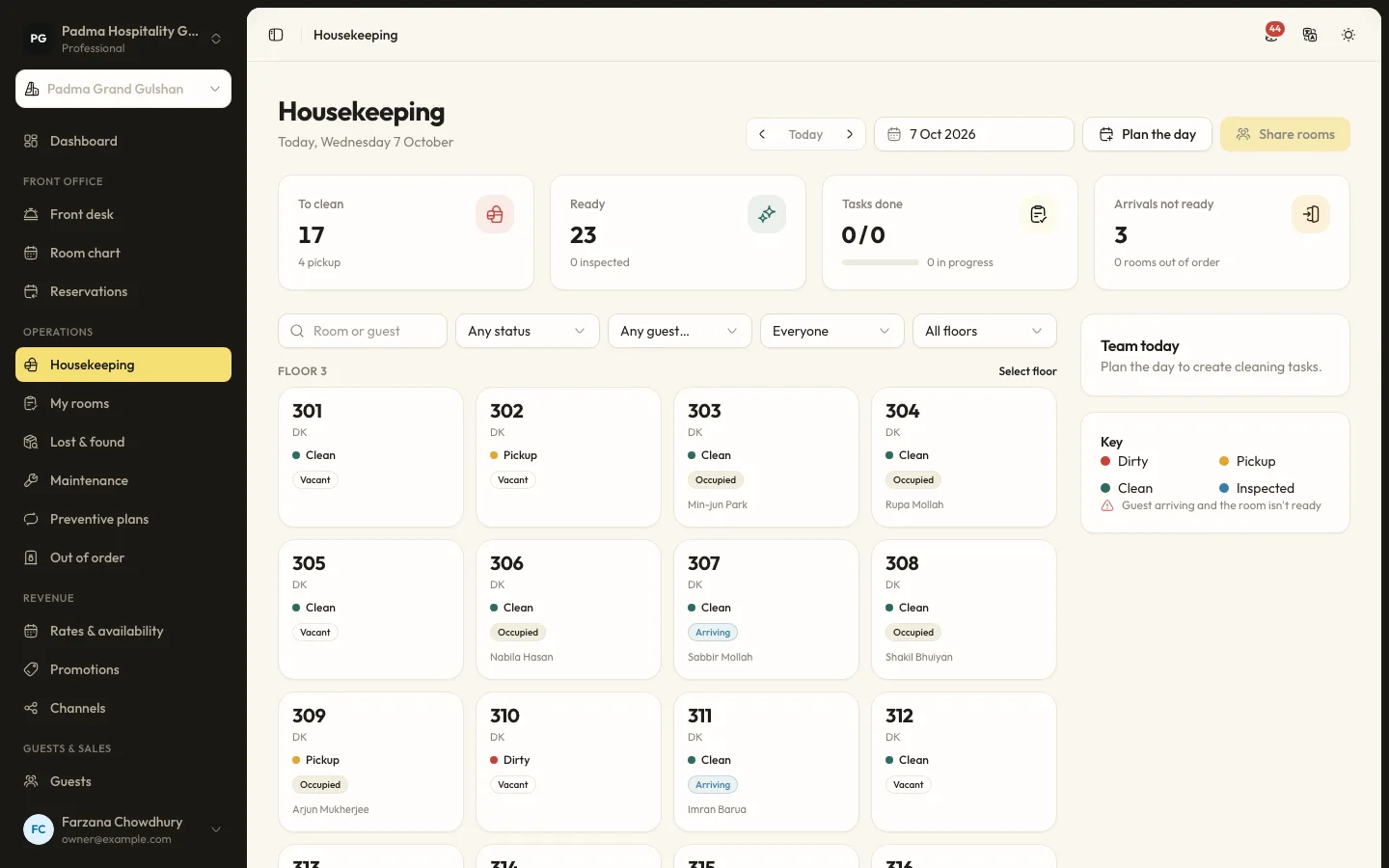
A housekeeping room status flow the front desk can trust
Most front desk delays come from not knowing which rooms are really ready. A clear room status flow, kept up to date from the housekeeper's phone, fixes that.
Revenue and distribution1 Sep 20265 min read
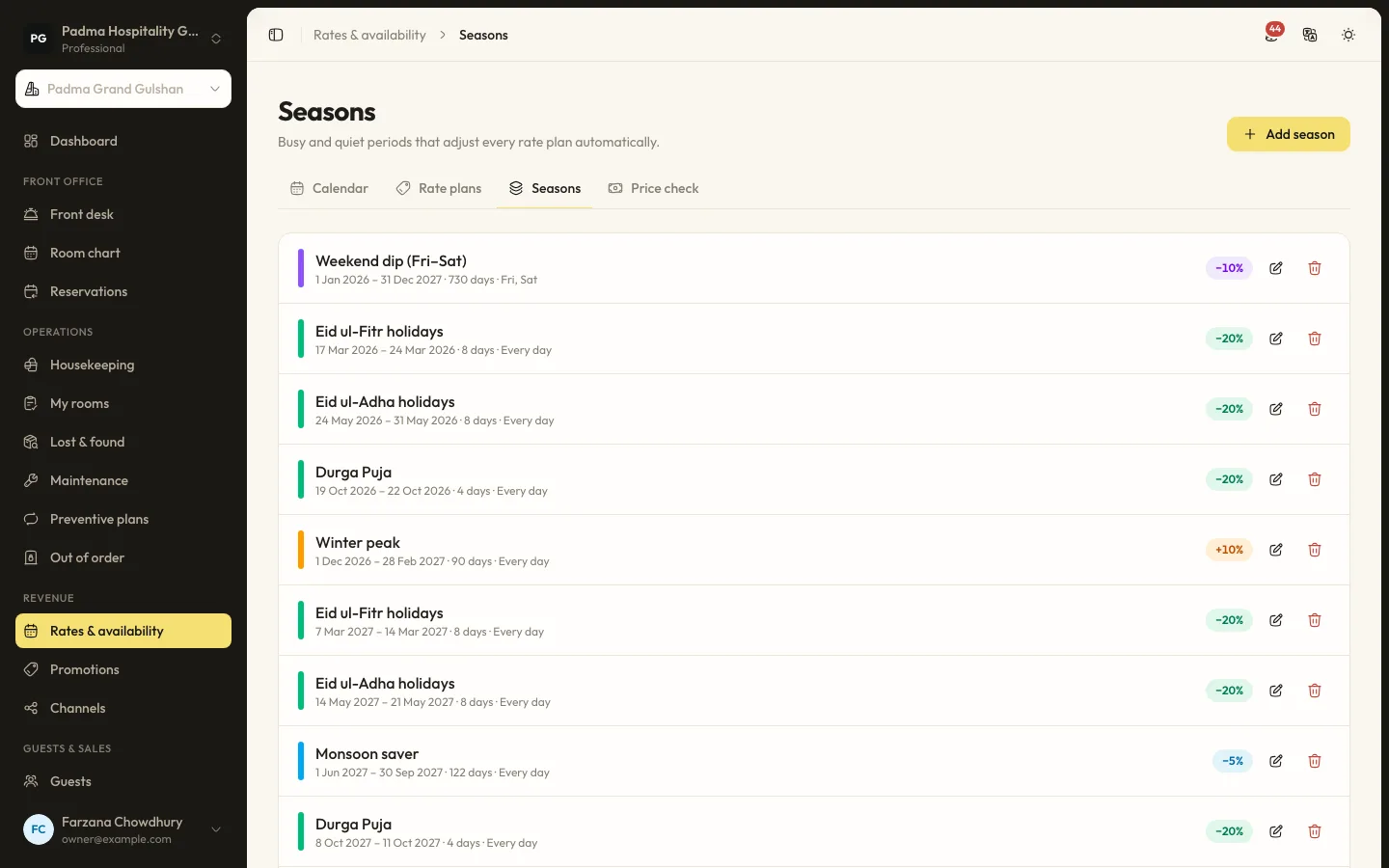
Rate seasons and restrictions for Cox's Bazar peak weekends
Peak weekends in Cox's Bazar sell out whatever you do. The question is whether they sell out at the right price and with the right length of stay. Here is how to set it up.
See it working with your own rooms.
A 30 minute call with someone who has run a front desk. Bring your questions and your room list.