Hotel operations15 Sep 20265 min read
A housekeeping room status flow the front desk can trust
Most front desk delays come from not knowing which rooms are really ready. A clear room status flow, kept up to date from the housekeeper's phone, fixes that.
RoomAnchor team
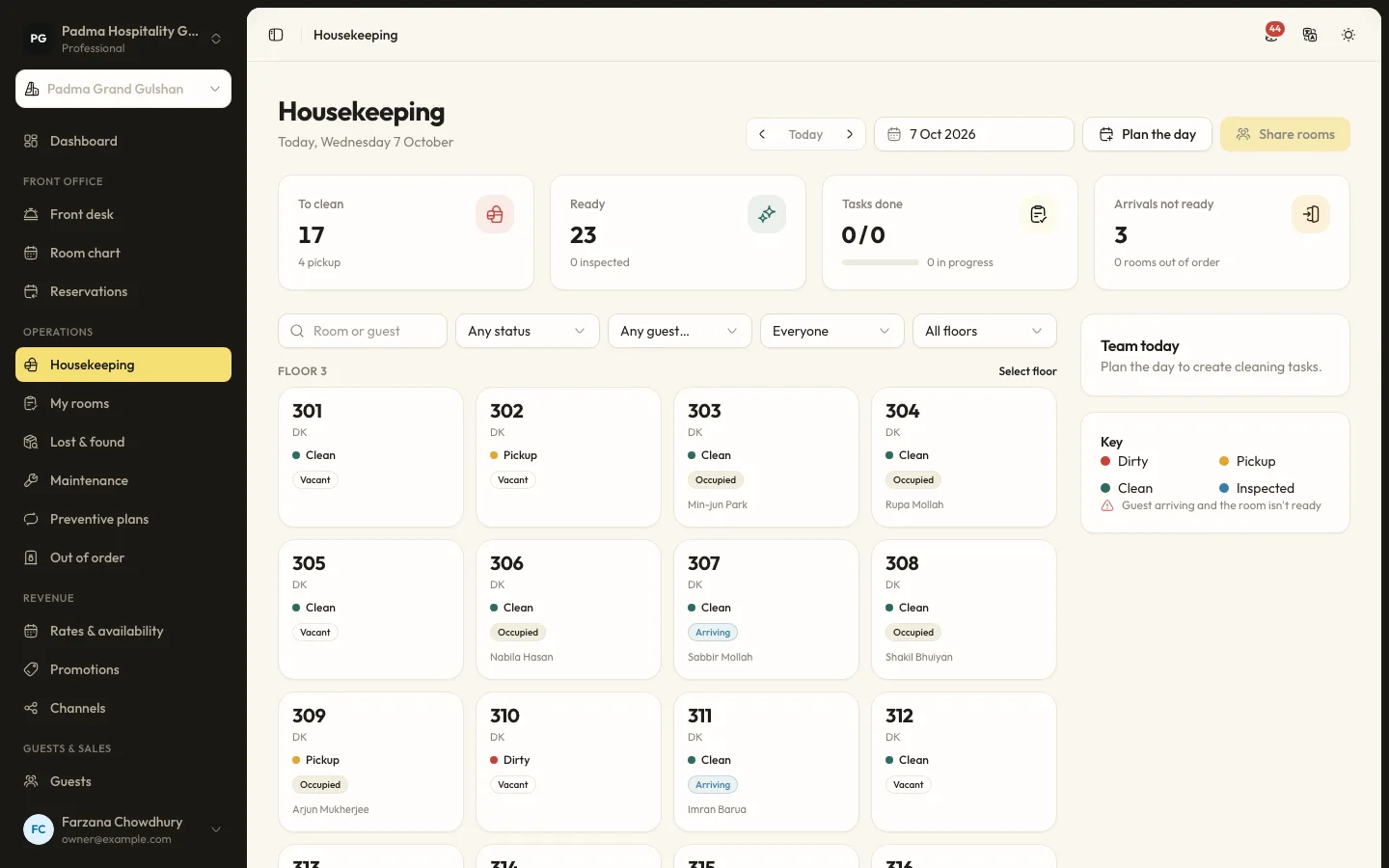
Every hotel has had this moment. A family arrives at noon after a long drive from Dhaka. The front desk sees a clean room on the screen, sends them up, and the room has not been touched. Or the reverse: rooms have been ready for an hour, but nobody told the desk, so guests wait in the lobby.
The fix is not more phone calls between floors. It is a room status that changes at the moment the work is done, by the person doing it, and a front desk that can rely on it.
The statuses that matter
Keep the list short. In RoomAnchor each room's cleaning state is one of:
- Dirty: needs cleaning, usually after a guest has left.
- Pickup: needs a lighter tidy, such as an occupied room due a service.
- Clean: cleaned by the attendant.
- Inspected: checked by a supervisor and ready to sell.
On top of that, a room can be taken out of use for a date range:
- Out of order removes the room from inventory, so one less room is sold on those nights.
- Out of service keeps the room sellable but it cannot be assigned to a guest.
Check-in needs an assigned room that is ready. That single rule is what makes the whole flow work: the front desk cannot hand out a key for a room housekeeping has not finished.
Plan the day before anyone picks up a trolley
Each morning, the housekeeping planner builds the day's work:
- A departure clean for every room due to check out.
- Stayover service for occupied rooms at the frequency you choose.
- A refresh for vacant rooms that are dirty.
- Optional evening turndown for occupied rooms.
Planning runs automatically at the planning time set under Settings → Housekeeping, or on demand with Plan the day on the housekeeping board. It never duplicates tasks, so pressing it twice is harmless. When a guest checks out during the day, a departure clean is added straight away.
The stayover frequency is worth thinking about. Setting it to 1 services every occupied room every day. Setting it to 0 means stayovers are only serviced on request, which suits some serviced apartments and longer stays.
Share the rooms fairly
On Operations → Housekeeping the supervisor presses Share rooms. Tasks are divided between attendants by credits, keeping neighbouring rooms together so nobody walks between floors all morning.
Credits are set per task type in the housekeeping settings. By default a departure clean counts more than a stayover or a vacant clean, and a deep clean counts more again. If your departure cleans take much longer than stayovers, adjust the credits so the workload comes out even.
Let the attendant update from their phone
Room attendants open My rooms on their phone. For each room they can:
- Start the room when they walk in.
- Finish it when it is done.
- Skip a stayover with a reason, such as do not disturb or the guest declined service.
- Report an issue, which goes to maintenance as a work order.
- Log a found item for lost and found.
This is the part that makes status trustworthy. The room changes when the attendant taps finish, not when someone remembers to ring the desk.
Inspection, if you want it
Some properties want a supervisor to check every room before it is sold. Turn on Rooms need a supervisor inspection after cleaning in the housekeeping settings. Finished rooms then wait for the supervisor, who either passes them or sends them back with a note.
Inspection adds a step, so use it where it earns its place. A resort with high-value villas may inspect everything. A busy city hotel might inspect only departures, or rely on spot checks.
What the front desk sees
The housekeeping board shows rooms to clean, rooms ready, tasks done and arrivals whose rooms are not ready yet. That last number is the one the front desk cares about most. It tells them which guests may have to wait and which rooms to chase first.
Front desk staff do not need to call upstairs to ask. They can see each room card with its cleaning state, whether it is occupied and which attendant has it.
Connect maintenance and housekeeping
A blocked drain or a broken air conditioner should not leave a room in limbo. When an attendant reports an issue, a work order is created. A work order can take its room out of use. When the job is completed or cancelled, the room is put back and marked for cleaning, so it enters the housekeeping flow again instead of being forgotten.
Lost property without the guesswork
Found items get a reference, are linked to the last guest in the room and are kept for 90 days by default. After that they can be marked as returned, donated or disposed of. When a guest calls a week later about a charger left in room 204, the desk can find it in seconds.
Habits that keep status honest
Software only helps if people use it the same way every day. A few habits make the difference:
- Never change a status from the desk to save time. If a room is not inspected, it is not ready.
- Ask attendants to tap start and finish in the room, not in a batch at the end of the shift.
- Use skip with a reason rather than leaving stayovers unfinished.
- Report issues from the room, so they become work orders with a time and a photo.
- Review the board at mid-morning, before the first early check-ins arrive.
Measuring progress
The Housekeeping productivity report shows tasks done by attendant and type over a period. Use it to balance credits, plan rosters for busy days and spot where training would help, not to rank people.
When room status is reliable, check-ins get faster, guests stop waiting in the lobby, and the front desk and housekeeping stop arguing over the phone. That is worth more than any single feature.
Keep reading
All articles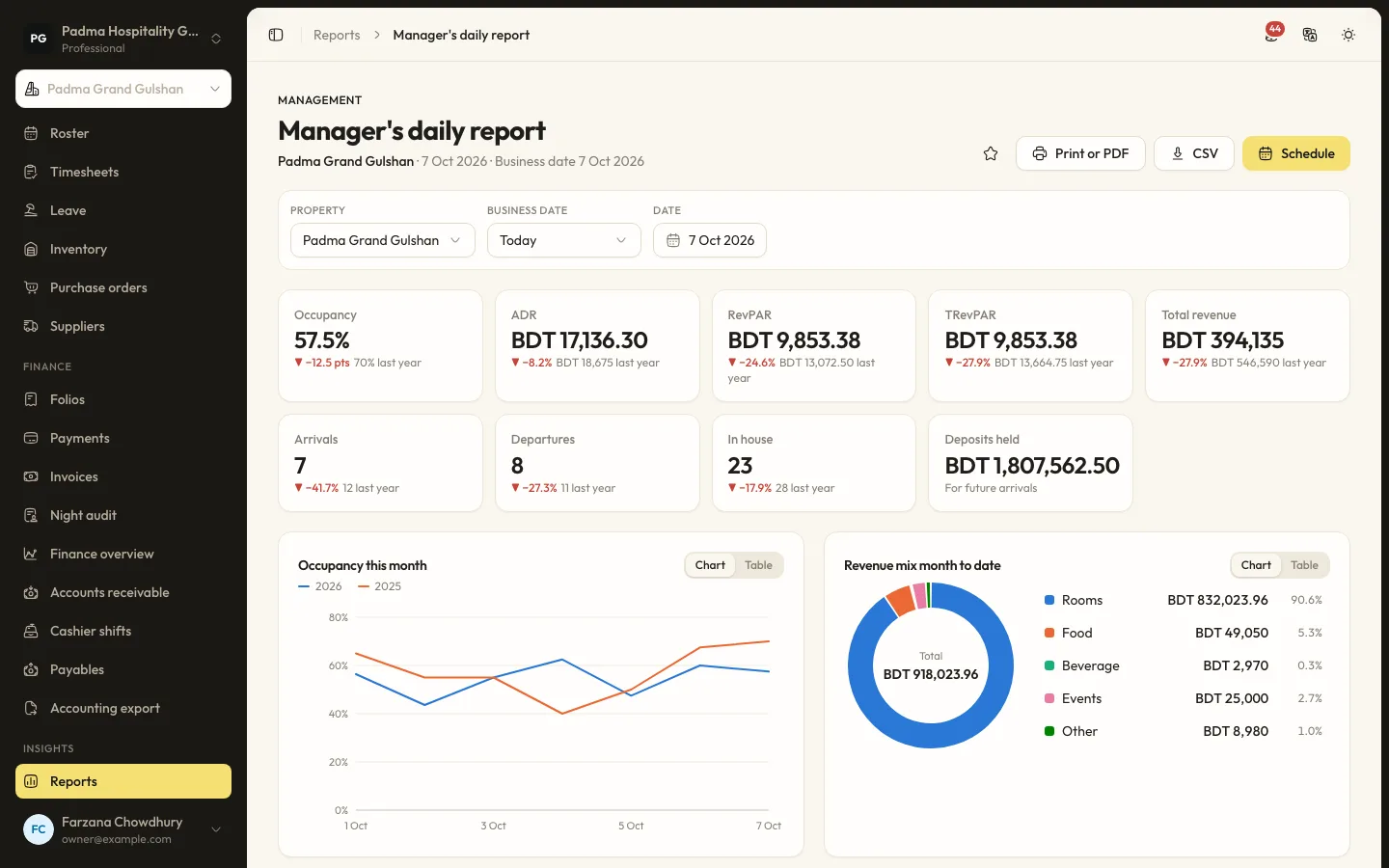
Hotel operations18 Aug 20265 min read
A night audit checklist your team can follow at 2am
The night audit closes the business day. Done well, it gives you clean figures every morning. Here is a simple checklist for night staff, and the settings that make it easier.
Guest experience2 Oct 20265 min read
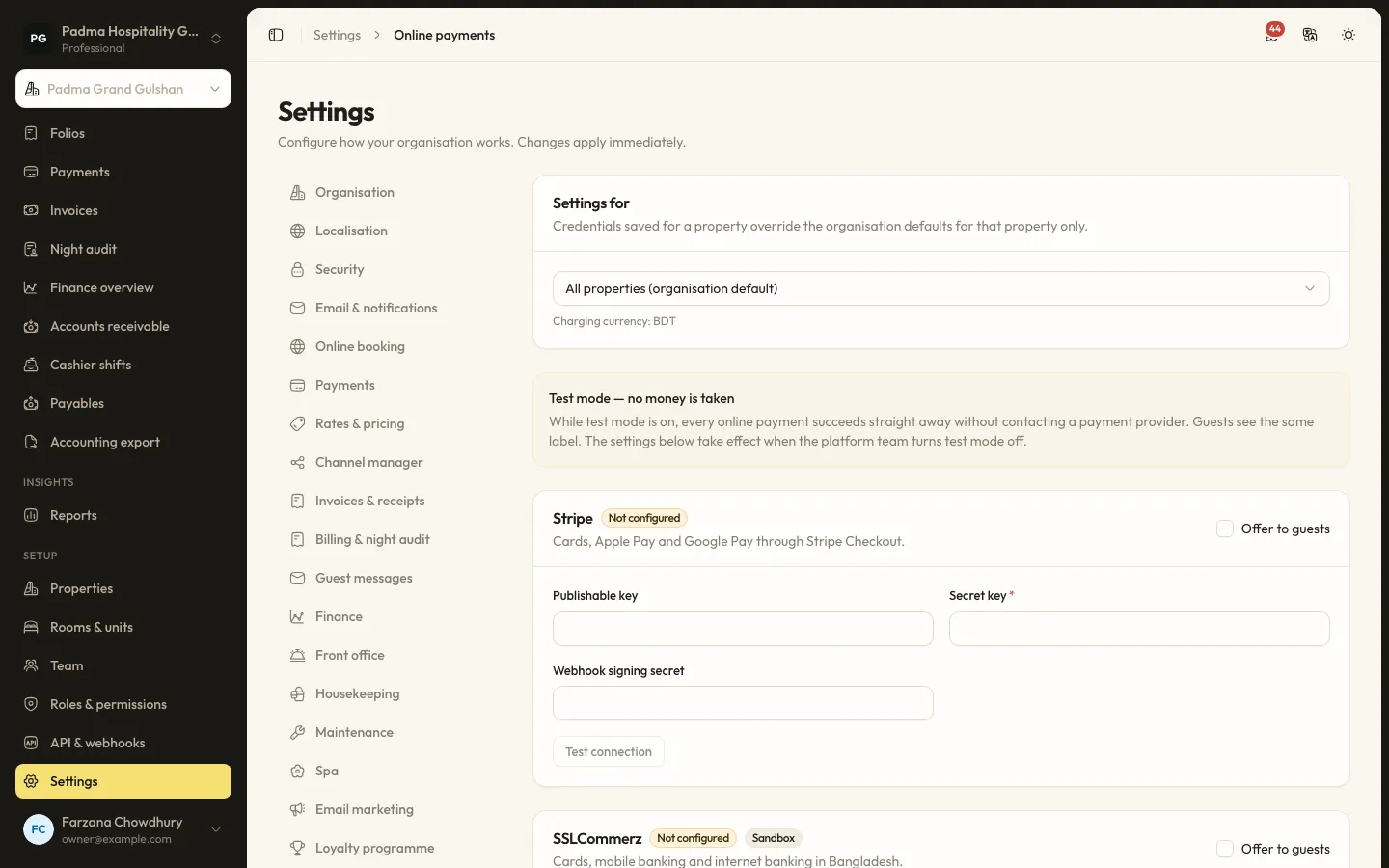
Taking payments locally with bKash, SSLCommerz and card, without extra terminals
Guests in Bangladesh pay with bKash, cards, bank transfers and cash. Here is how to accept all of them in one place, send payment links instead of buying more devices, and keep every taka accounted for.
Product updates22 Sep 20265 min read
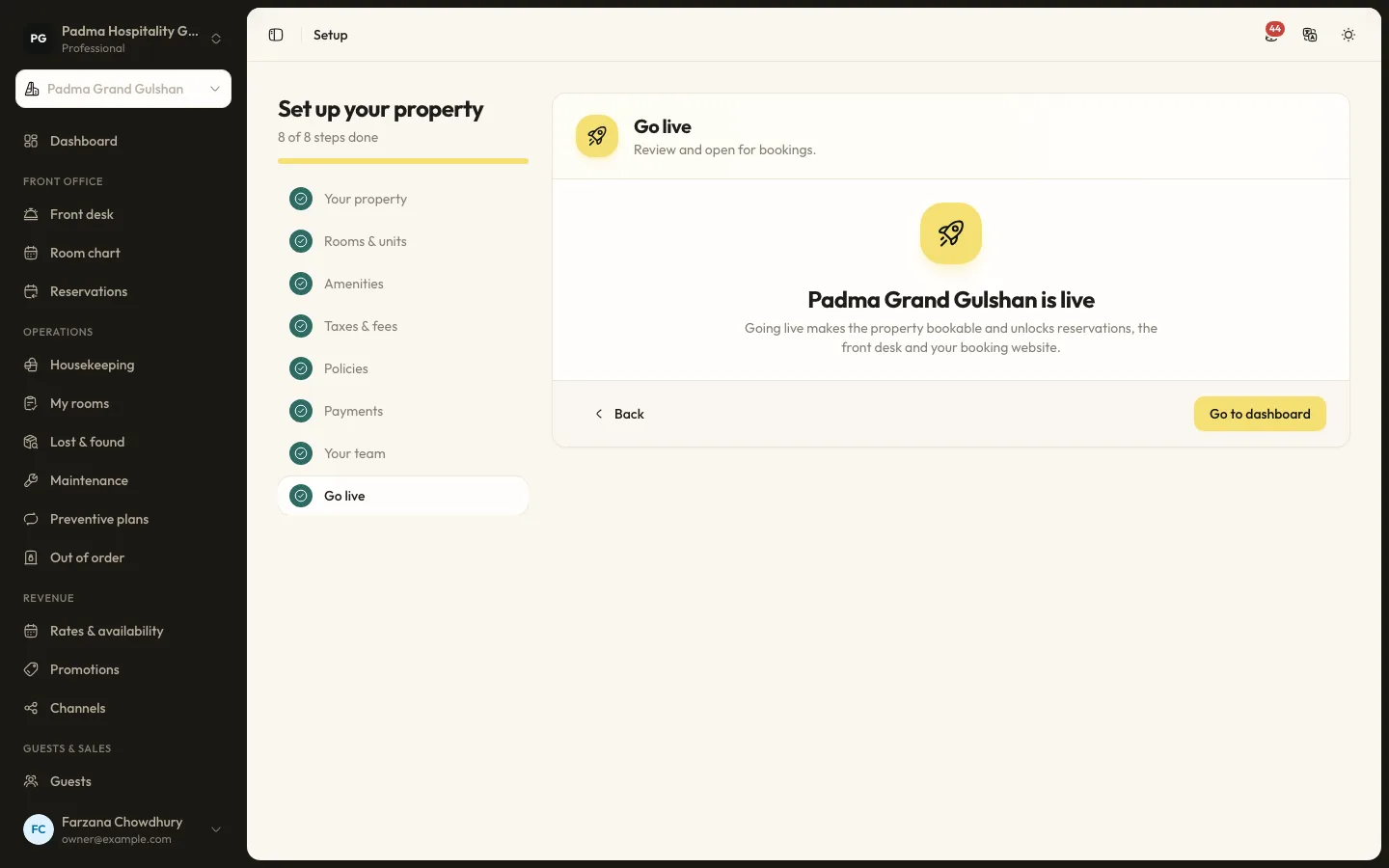
Moving from spreadsheets to a PMS in a week
Many properties still run on an Excel sheet, a booking register and a WhatsApp group. Moving to a PMS does not have to take months. Here is a realistic one-week plan.
See it working with your own rooms.
A 30 minute call with someone who has run a front desk. Bring your questions and your room list.