Revenue and distribution1 Sep 20265 min read
Rate seasons and restrictions for Cox's Bazar peak weekends
Peak weekends in Cox's Bazar sell out whatever you do. The question is whether they sell out at the right price and with the right length of stay. Here is how to set it up.
RoomAnchor team
Anyone who runs a hotel or resort in Cox's Bazar, Kuakata or Saint Martin's knows the pattern. The winter season, long weekends and holidays such as Eid fill up weeks ahead, often with one-night Thursday arrivals. Then the weekdays and the monsoon months go quiet.
Selling out on a peak Thursday night is easy. Selling out at a fair price, without blocking a three-night family stay for a one-night booking, takes a little planning. This post walks through how to set that up in RoomAnchor.
Start with one clean base rate
Before seasons and restrictions, get your rate plans in order. Under Revenue → Rates & availability each property has its rate plans. Most beach properties need only a few:
- A standard room-only or breakfast rate that acts as your best available rate.
- A breakfast or half board plan linked to it with a fixed or percentage adjustment.
- A non-refundable plan linked at a discount.
- Private plans for corporate or agent rates.
Linked plans follow their parent's prices and closures, up to three levels deep. That matters for peak weekends: when you raise the base rate, every linked plan moves with it, and you only maintain one set of numbers.
Use seasons for the patterns you already know
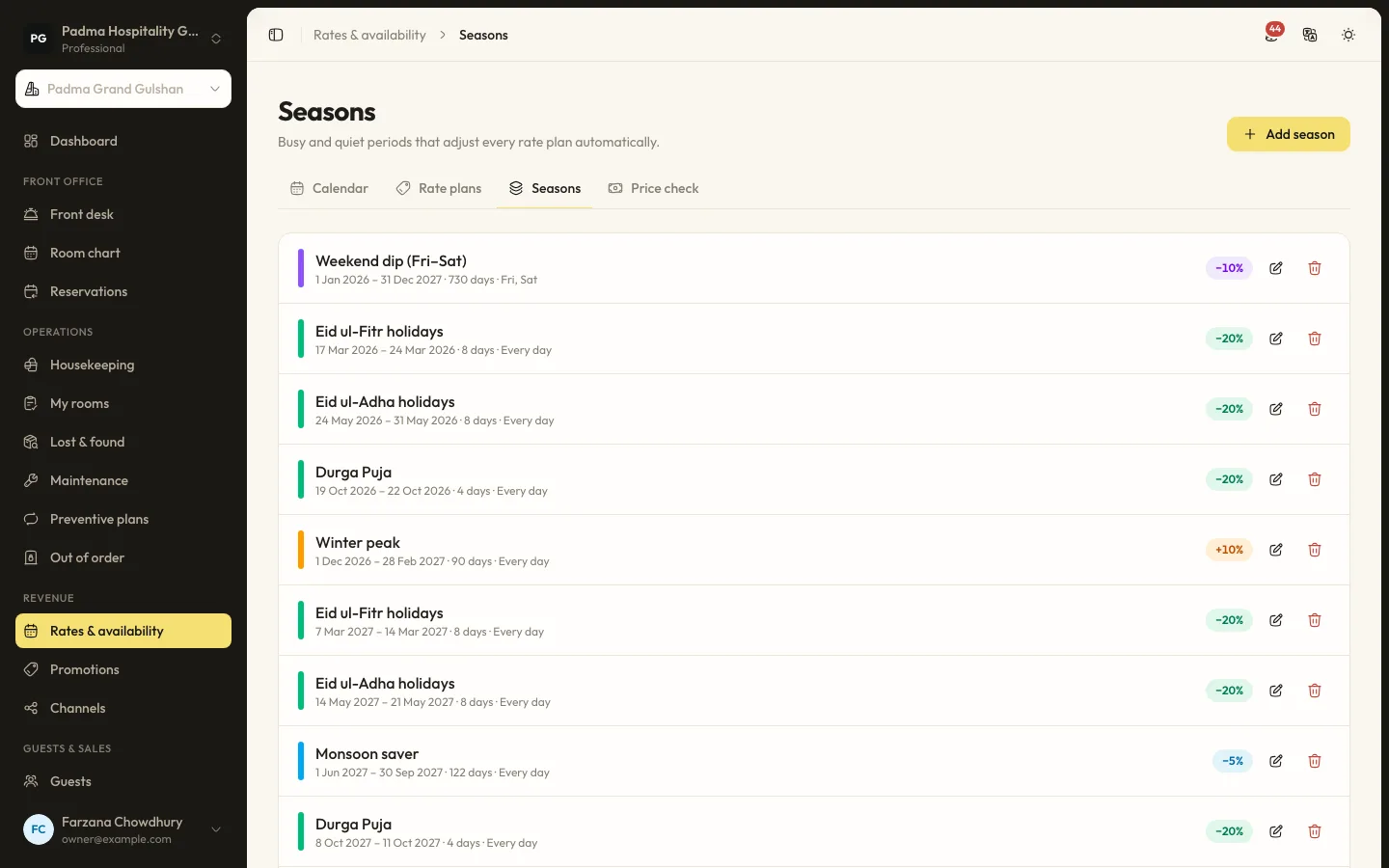
A season adjusts every root rate plan on matching dates and weekdays. You can set:
- A date range, for example the winter months.
- The weekdays it applies to, for example only Thursday and Friday nights.
- An adjustment, as a percentage or a fixed amount.
- A priority. When seasons overlap, the highest priority wins.
- An optional minimum stay.
A typical set-up for a beach resort might look like this:
| Season | Dates | Weekdays | Adjustment | Minimum stay |
|---|---|---|---|---|
| Winter peak | November to February | Every day | Increase | None |
| Peak weekend | November to February | Thursday, Friday | Larger increase | 2 nights |
| Eid | The holiday dates | Every day | Largest increase | 2 or 3 nights |
| Monsoon saver | June to September | Sunday to Wednesday | Discount | None |
The numbers are yours to choose. What matters is the structure: a broad season for the period, a higher-priority weekend rule on top, and a highest-priority holiday rule that overrides both. Because the highest priority wins, you do not have to cut gaps in the winter season around Eid.
The Round calculated prices setting under Settings → Rates & pricing keeps seasonal prices tidy. You can round to the nearest whole amount or up to a price ending in 9.
Restrictions for the nights that matter
Seasons handle price and a basic minimum stay. Some nights need sharper tools. In the rate calendar you can click a cell, or use Bulk updates for a range, and set any of these per date, rate plan and room type:
- Price override for a single night.
- Minimum and maximum stay for arrivals on that date.
- Closed, so the plan cannot be sold for that night.
- Closed to arrival (CTA), so nobody can check in that night, but guests already staying can stay through it.
- Closed to departure (CTD), so nobody can check out that day.
Per room type you can also set stop sell, which stops selling even when rooms are free, and hold rooms back from sale.
How these help on a peak weekend
The Friday-night problem. If a one-night booking takes Friday, it can leave you with an empty Thursday and Saturday on either side. A two-night minimum stay on Thursday and Friday arrivals pushes guests into longer stays.
The Saturday arrival. If Saturday is quiet and you do not want short stays breaking up the next week, closed to arrival on Saturday can help, while letting weekend guests stay on.
Protecting the best rooms. Stop sell on your sea view suites for a few weeks out lets you keep them for direct guests or phone enquiries, and open them later if they do not sell.
Non-refundable rates. Close the non-refundable plan on your peak nights if you know you will sell out at full price anyway.
Promotions for the quiet nights
The same tools work in reverse. Under Revenue → Promotions you can create an offer such as "stay three nights, save on the third" that applies automatically on weekdays, or a code for past guests during the monsoon. Conditions include stay and booking windows, weekdays, minimum nights, lead time, rate plans and room types, with an optional usage limit. When several promotions apply, the guest gets the best one.
One engine, every way you sell
The rate calendar, the front desk, your booking website and the public API all use the same pricing engine. A minimum stay you set for Friday is the same minimum stay a guest sees on your website. RoomAnchor's channel manager is coming soon, and when it launches it will push the same rates and restrictions to booking sites, so you will not have to update three extranets by hand on a busy Wednesday.
Staff who need to make an exception, such as a regular guest who only wants Friday night, can override restrictions if their role allows it. They still cannot sell more rooms than you have, plus any overbooking allowance you set.
Check before you commit
Before you publish a new season, use Price check to quote a few real stays: a Thursday arrival for two nights, a Friday arrival for one night, a week over Eid. It shows every plan with seasons, promotions and taxes applied, so you can see what a guest will see.
After the season, look back with the Occupancy & revenue, On the books & pickup and Lead time & length of stay reports. They show how early peak dates filled, how long guests stayed and what you earned per room. Use that to set next year's seasons a little earlier and a little more accurately.
A simple routine
- Set up seasons for the year in one sitting, with priorities.
- Add minimum stays to peak weekends and holidays.
- Review the next eight weeks in the rate calendar every Monday.
- Use CTA, stop sell and closed plans only where you have a clear reason.
- Look at pickup and length of stay after each peak and adjust.
Keep reading
All articles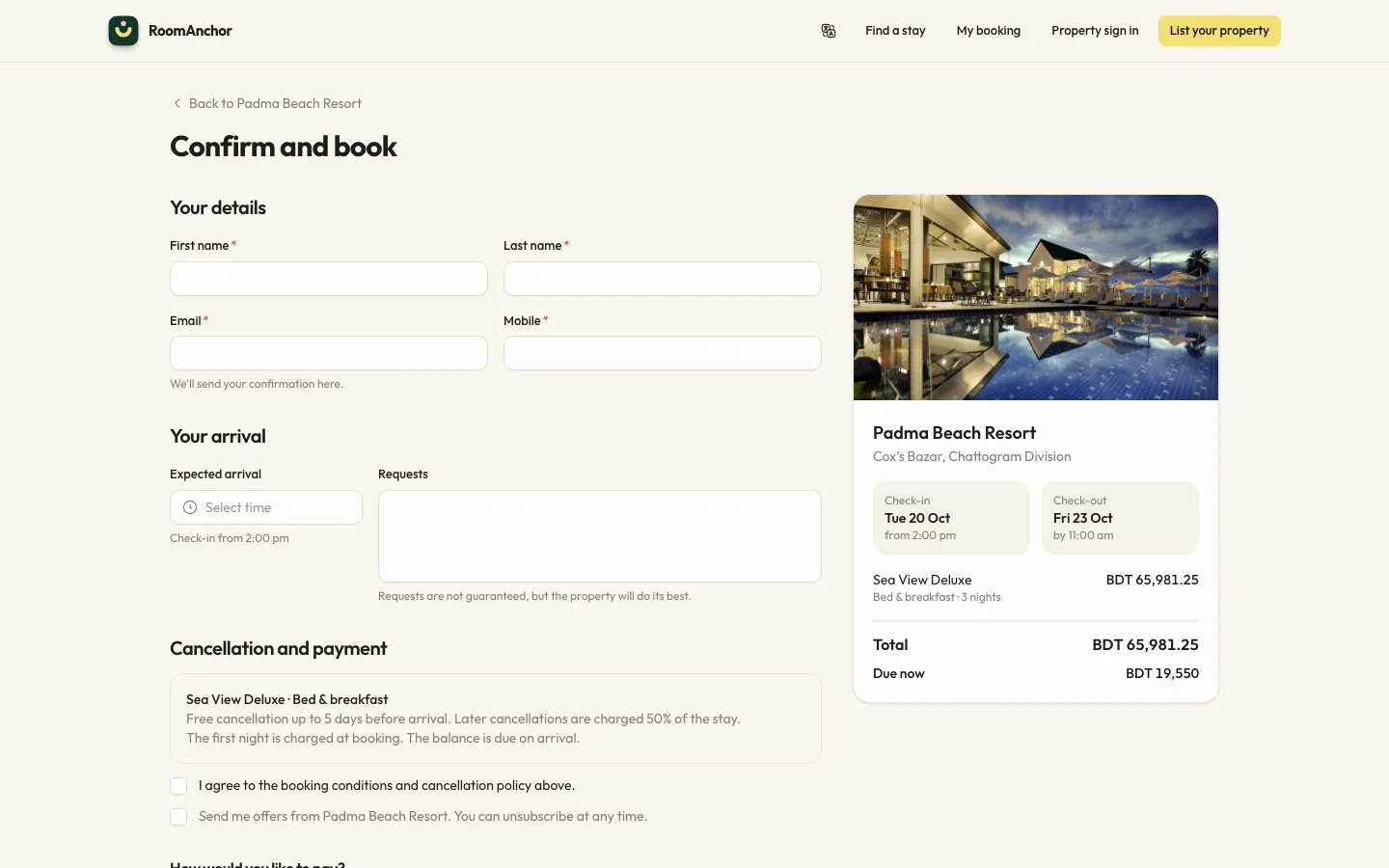
Revenue and distribution4 Aug 20266 min read
Cutting OTA commission with a direct booking engine
Booking sites bring guests you would never reach alone, but every booking they send costs a commission. Here is how to win more of your own bookings back, with deposits taken through bKash and SSLCommerz.
Guest experience2 Oct 20265 min read
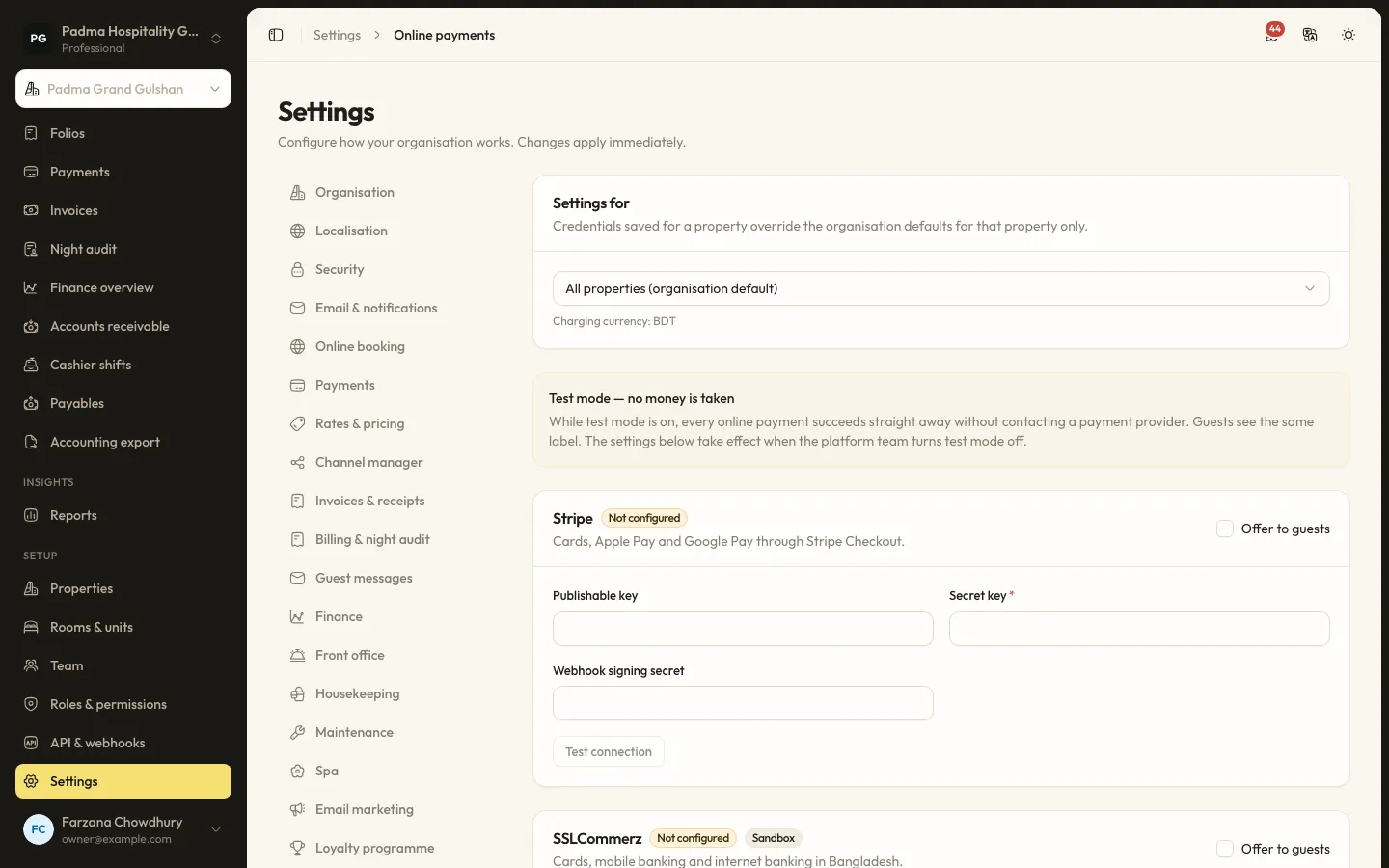
Taking payments locally with bKash, SSLCommerz and card, without extra terminals
Guests in Bangladesh pay with bKash, cards, bank transfers and cash. Here is how to accept all of them in one place, send payment links instead of buying more devices, and keep every taka accounted for.
Product updates22 Sep 20265 min read
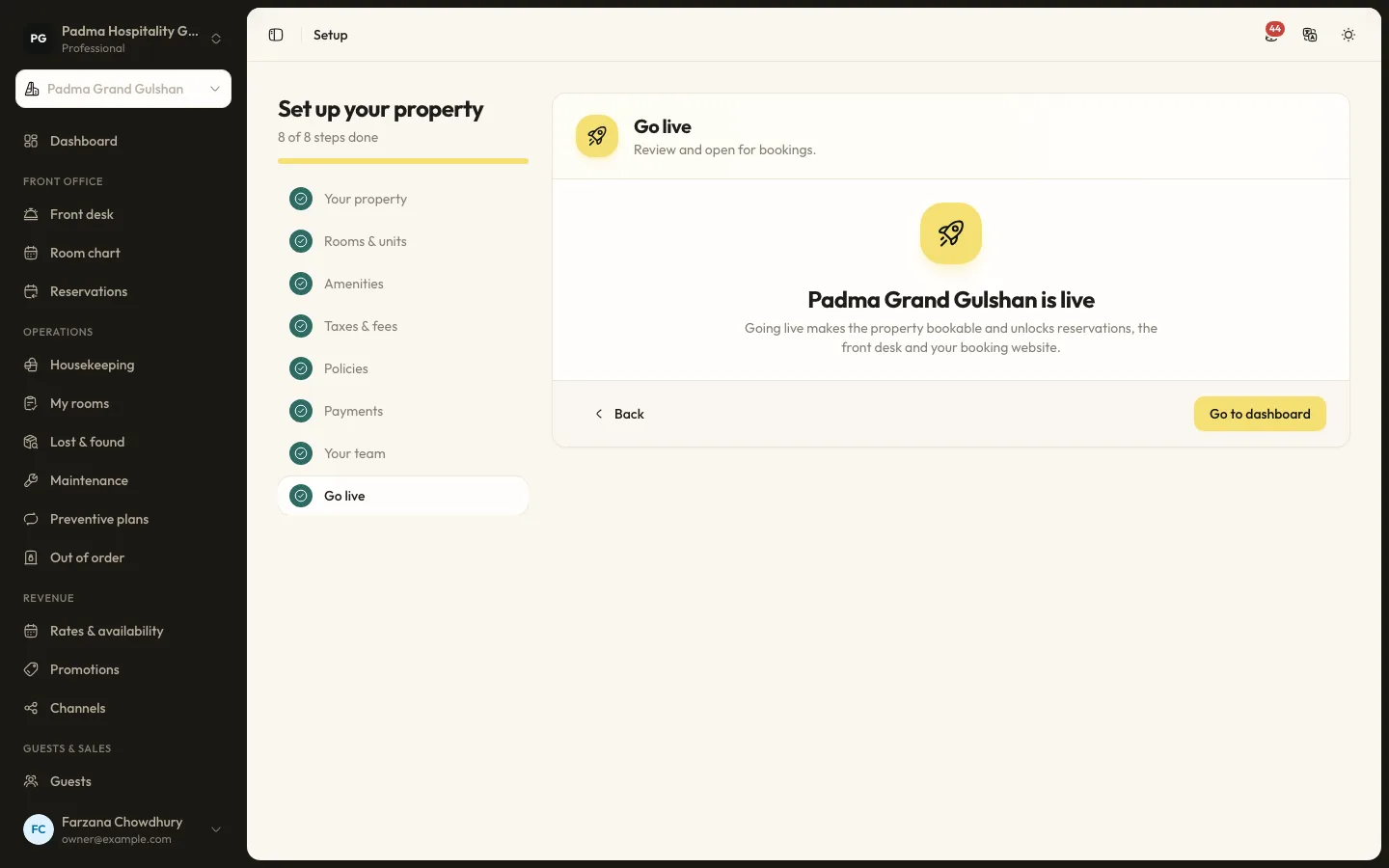
Moving from spreadsheets to a PMS in a week
Many properties still run on an Excel sheet, a booking register and a WhatsApp group. Moving to a PMS does not have to take months. Here is a realistic one-week plan.
See it working with your own rooms.
A 30 minute call with someone who has run a front desk. Bring your questions and your room list.