Revenue7 min read
Using the rate calendar and restrictions
Change prices for a date, set minimum stays, close to arrival or departure, stop sell and hold rooms back, one day at a time or in bulk.
Written for managerReading the calendar
Revenue > Rates & availability shows availability per room type at the top (green is free), then the nightly price for every rate plan. It already includes booked rooms, out of order blocks and seasons.
What you can set for a date
Per date, rate plan and room type:
- Price override for that night
- Minimum stay and maximum stay for arrivals on that date
- Closed, so the plan cannot be sold that night
- Closed to arrival (CTA): guests cannot arrive that day
- Closed to departure (CTD): guests cannot leave that day
Per room type:
- Stop sell: stop selling the type that night even if rooms are free
- Rooms held back: keep some rooms out of sale
Change one date
- Click a cell in the calendar.
- Change the price or restriction.
- Save. The change reaches the booking website straight away. Channel sync is coming soon, so for now update any booking sites on their own extranets.
Change many dates at once
- Choose Bulk updates.
- Pick the date range, weekdays, rate plans and room types.
- Choose what to change: price, minimum and maximum stay, closed, closed to arrival or departure, or stop sell.
- Apply.
A worked example: a peak weekend
For a busy Thursday and Friday:
- Set a minimum stay of 2 nights on Thursday arrivals.
- Close Friday to arrival, so Friday-only stays do not block the Thursday-to-Saturday guests.
- Close the non-refundable saver on both nights if you expect to sell out at full price.
Tips
- Linked plans follow the parent's closures. Close the base plan and its linked plans close too.
- Restrictions apply at the front desk as well. Staff with the override permission can book past them when they need to.
- Check the calendar after adding out of order blocks. One less room is sold on those nights.
Common mistakes
- Using stop sell when you mean closed to arrival. Stop sell blocks every stay that touches the night.
- Leaving restrictions in place after the peak. Clear them with a bulk update when the dates pass, or set them only for the exact dates from the start.
Still stuck?
Tell us which step you are on and what you see on screen. We will walk you through it.
Contact supportRelated guides
All guides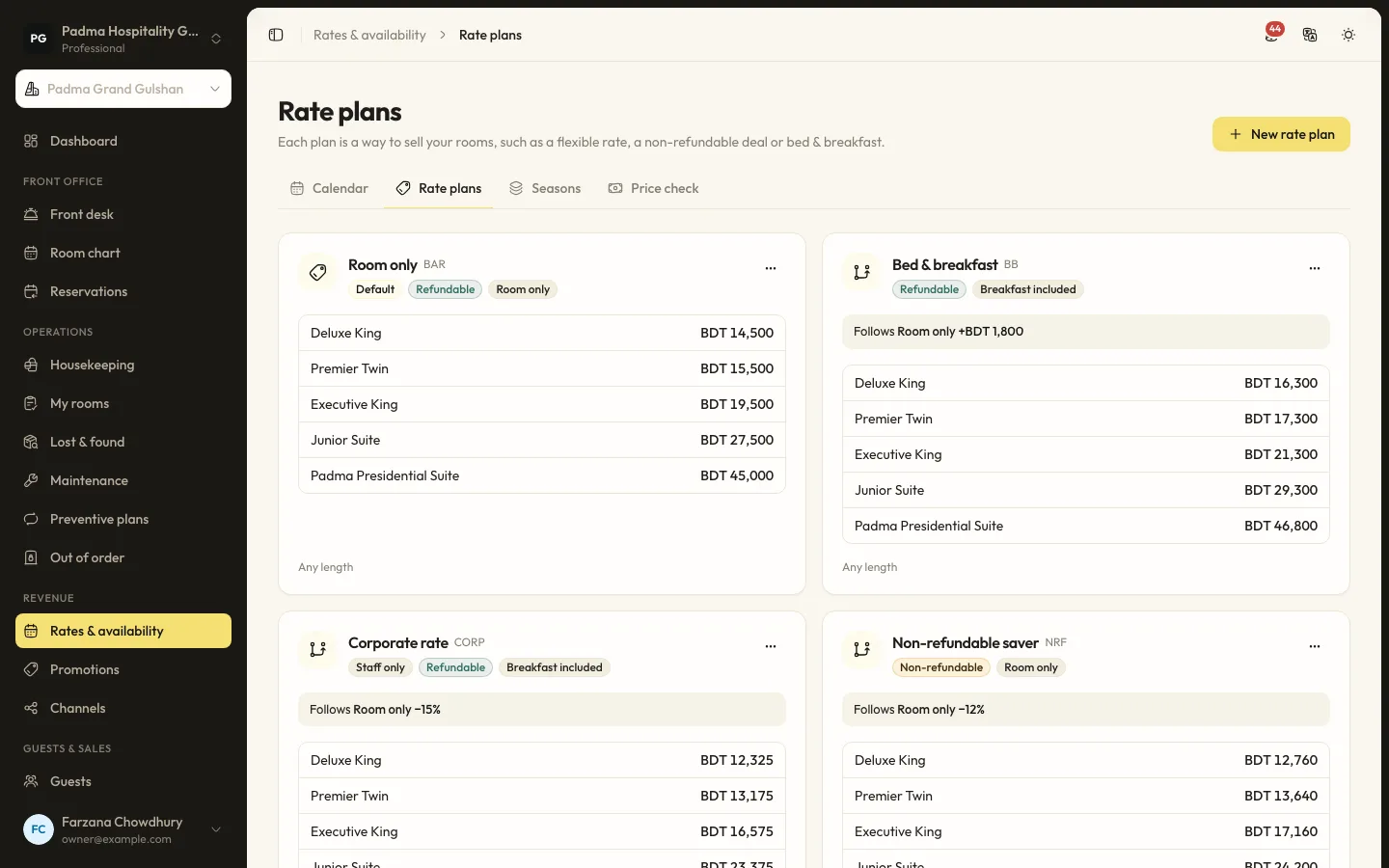
Revenue10 min read
Rate plans, seasons and promotions
Build a base rate, linked plans for breakfast and non-refundable stays, seasons for peaks and promotions with or without a code.
Guests and marketing7 min read
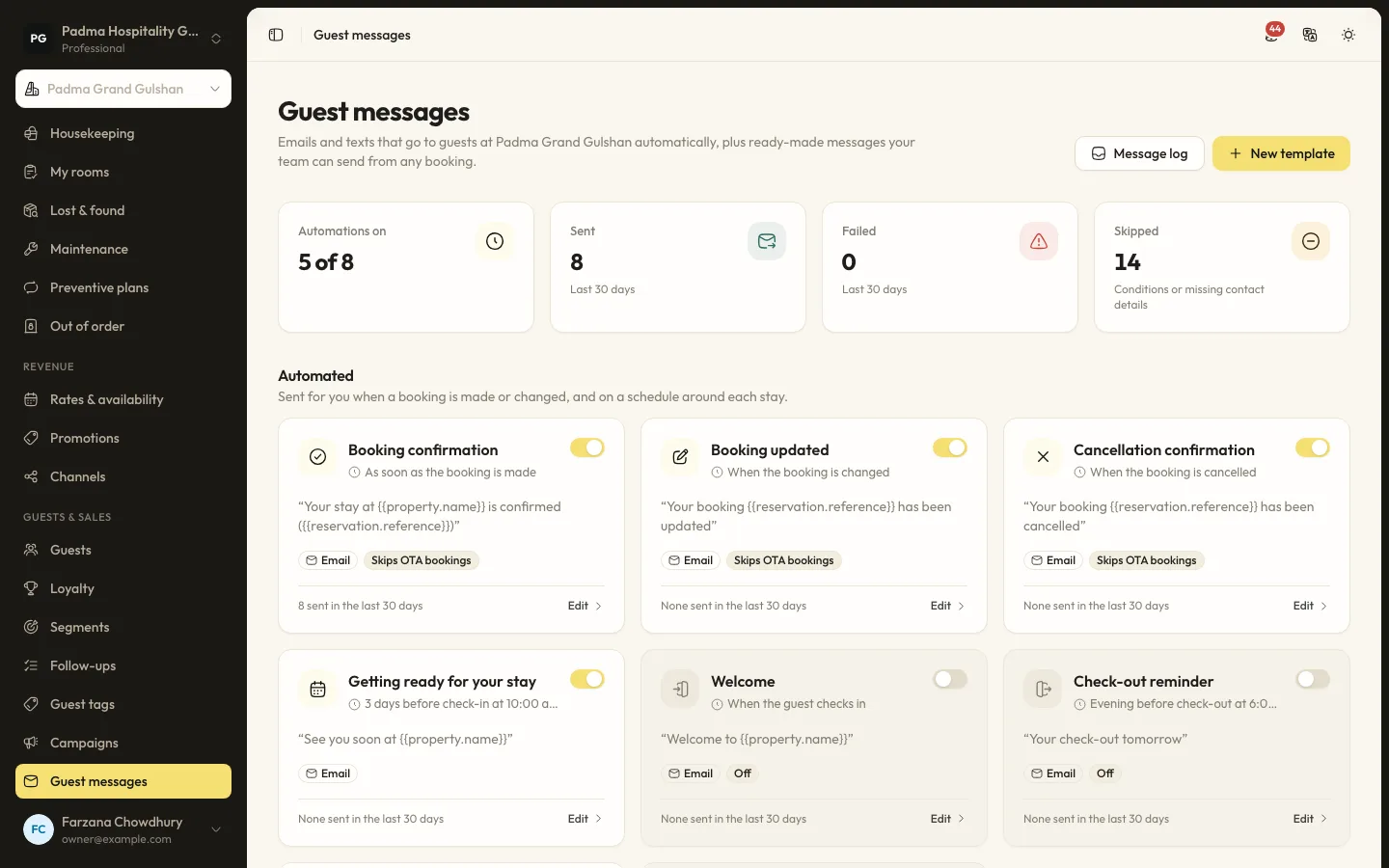
Automated guest messages and SMS
Send confirmations, pre-arrival notes, welcome and post-stay messages by email or SMS, with merge tags, conditions and a full log.
Guests and marketing8 min read
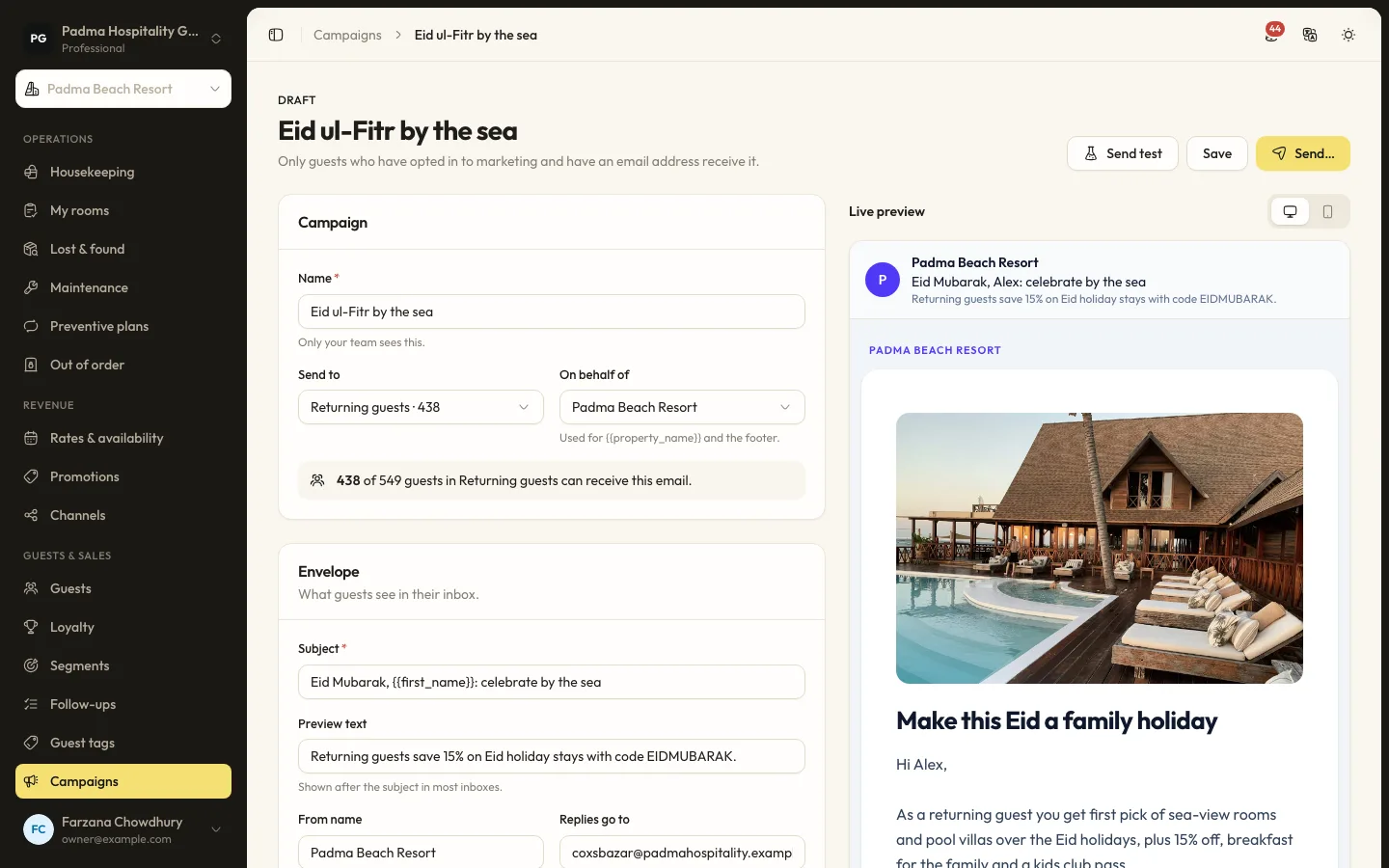
Guest segments and email campaigns
Group guests by stays, spend, tags and more, then send a tracked email campaign to those who opted in.
See it working with your own rooms.
A 30 minute call with someone who has run a front desk. Bring your questions and your room list.