Operations6 min read
Tracking maintenance work orders
Report a fault, assign it, take the room out of use while it is fixed and set up preventive plans for routine jobs.
Written for managerWork orders from report to fix
A work order has a numbered reference, category, priority-based due time, assignment, photos and a timeline of updates. Anyone with the right permission can report a fault, including room attendants from My rooms.
Report a fault
- Open Operations > Maintenance and add a work order, or report it from the room attendant view.
- Pick the room or area, category and priority.
- Describe the fault and add a photo.
- If the room cannot be used, choose to take it out of use.
- Save. Urgent jobs are emailed to the addresses in the maintenance settings.
Assign and fix
- The supervisor assigns a technician. The technician is emailed.
- The technician sees the job under Assigned to me, adds updates and photos as they work.
- Complete the job. If the room was taken out of use, it is put back and marked for cleaning.
Technicians only see their own jobs. Reporters can follow the issues they raised.
Preventive plans
- Open Operations > Preventive plans.
- Add a plan, for example a weekly pool water test, air conditioner filters every month or a fire drill every 3 months.
- Set the frequency, next due date and how many days before the due date the work order should be created.
RoomAnchor creates the work order ahead of each due date, then moves the plan to the next date.
Tips
- Use photos before and after. They settle most "was it fixed?" questions.
- Keep categories few (electrical, plumbing, air conditioning, furniture) so the maintenance report groups jobs usefully.
Common mistakes
- Fixing without a work order. The maintenance report and the out-of-order rooms report then miss the job.
- Leaving a room out of use after the fix. Completing the work order puts it back; closing it some other way does not.
Still stuck?
Tell us which step you are on and what you see on screen. We will walk you through it.
Contact supportRelated guides
All guides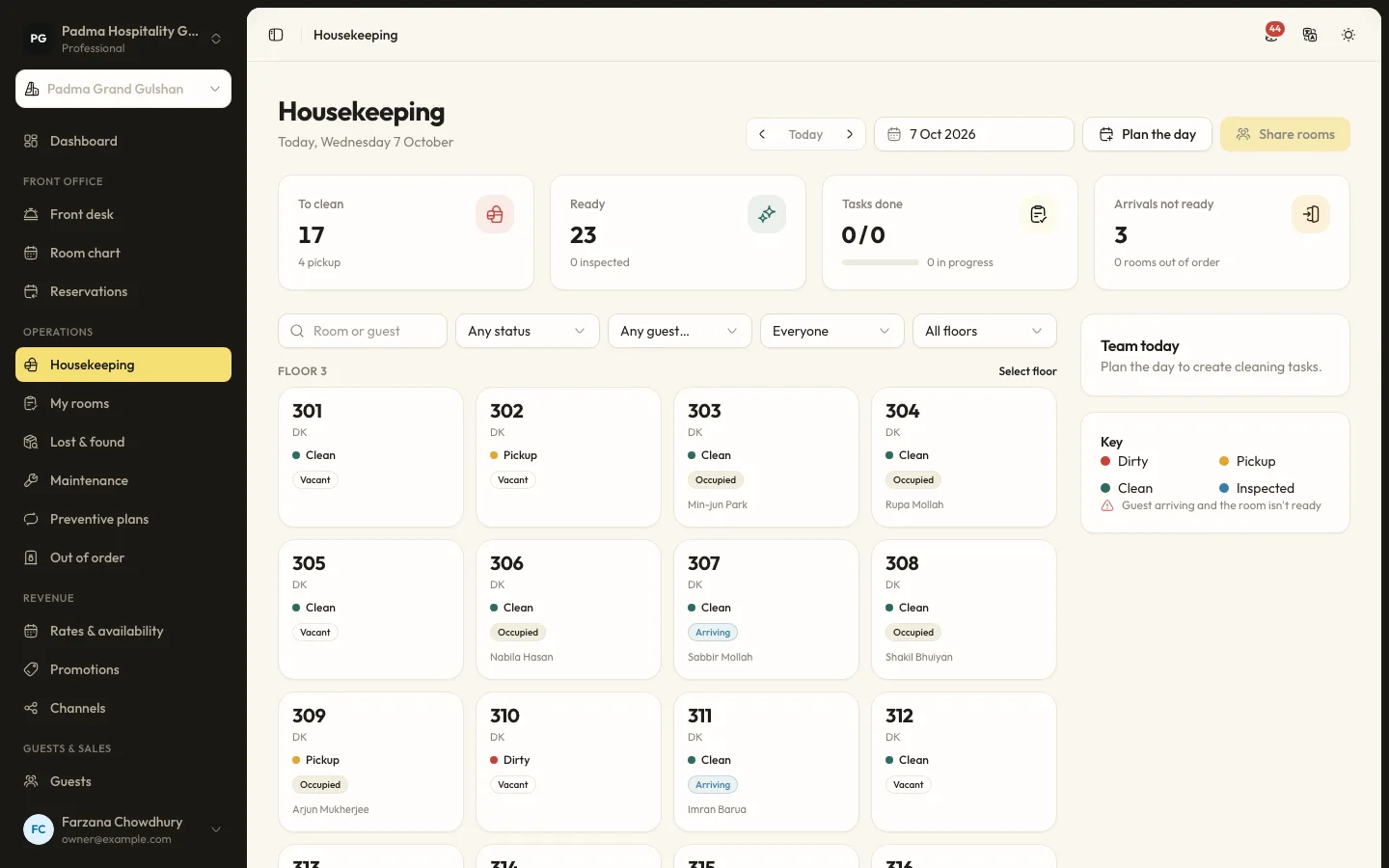
Operations8 min read
Running housekeeping each day
Plan the day, share rooms by credits, let attendants work from their phones and keep room status the front desk can trust.
Guests and marketing7 min read
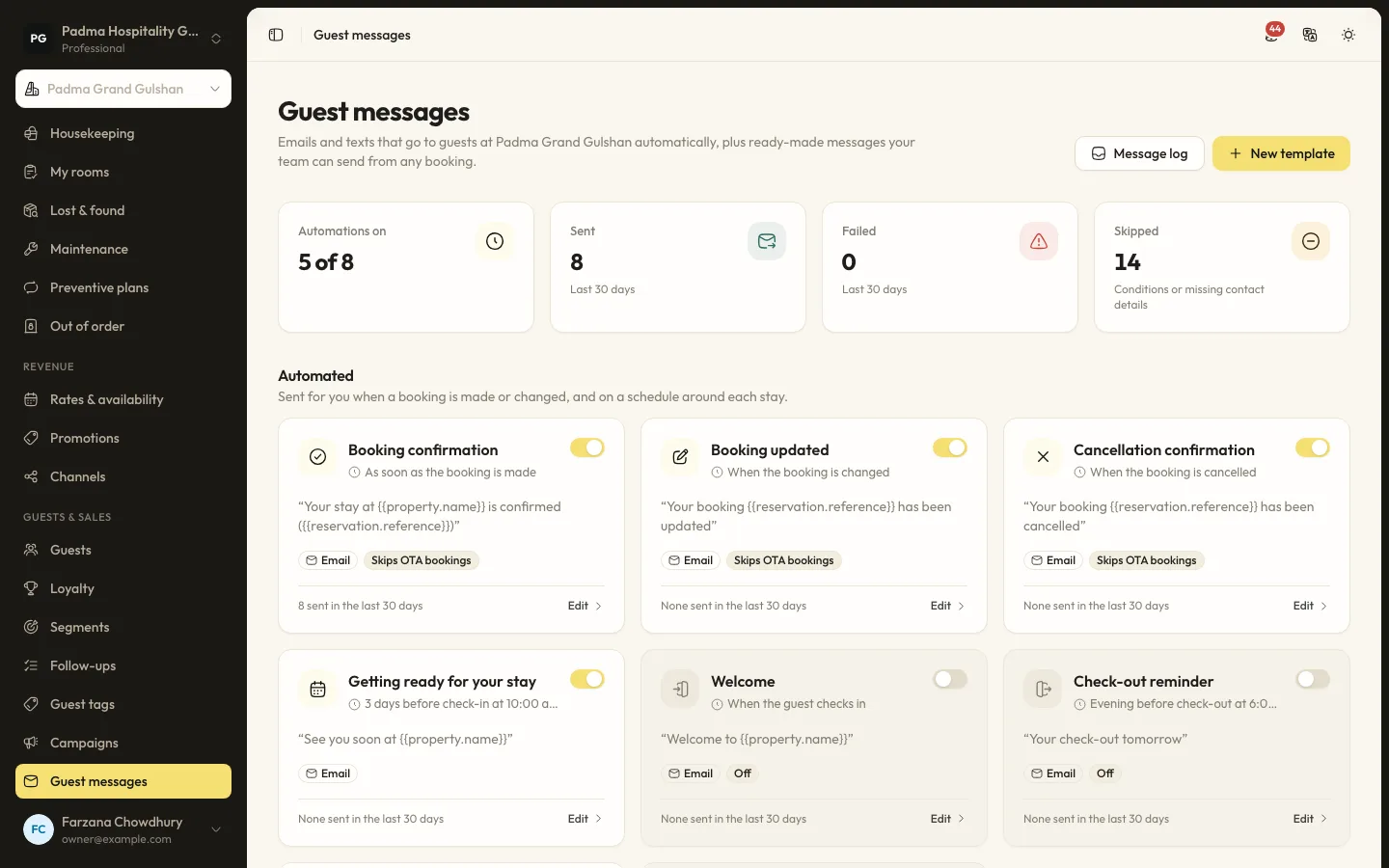
Automated guest messages and SMS
Send confirmations, pre-arrival notes, welcome and post-stay messages by email or SMS, with merge tags, conditions and a full log.
Guests and marketing8 min read
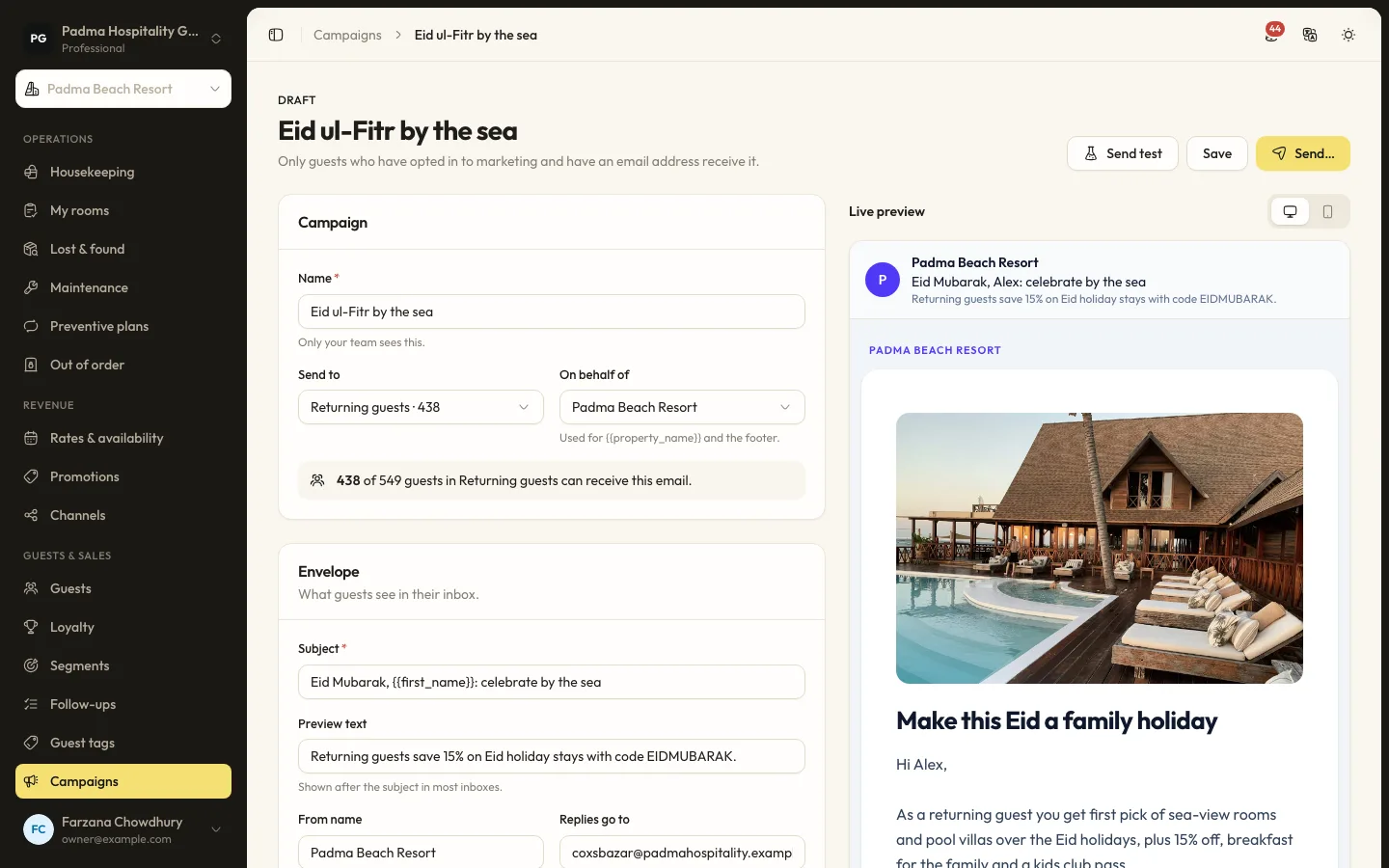
Guest segments and email campaigns
Group guests by stays, spend, tags and more, then send a tracked email campaign to those who opted in.
See it working with your own rooms.
A 30 minute call with someone who has run a front desk. Bring your questions and your room list.