Outlets7 min read
Tracking guest activities and allowances
Count breakfast, pool, gym or shuttle use at the door, include what each plan allows and charge the rest.
Written for managerWhat an activity is
An activity is anything you want to count at the door: breakfast, pool, gym, kids club, shuttle, parking or a tour. It either counts entries, or tracks who is inside against a capacity. It can have service windows, such as ladies' swimming hours, and capture custom fields on each entry, such as towels issued or a flight number.
Set up an activity
- Open Outlets & services > Activity setup and add an activity.
- Choose counting or capacity, and set the capacity if needed.
- Add service windows.
- Add custom fields: text, number, list or yes/no.
- Set the resident price and, if walk-ins are allowed, the walk-in price.
Allowances
Allowances decide what is included. A rule attaches to meal plans, a specific rate plan or every guest; applies per guest or per room; and is given each morning after a night, every day, or once per stay.
Example: breakfast included on bed and breakfast, half board and full board plans, one per guest each morning after a night.
Staff can also add a one-off allowance to a booking for a package.
At the door
- Open Outlets & services > Guest activities and choose the activity.
- Find the in-house guest. Their remaining allowance is shown.
- Record the entry. Anyone beyond the allowance is charged the resident price.
- For a non-resident, use walk-in if allowed.
- For capacity activities, check guests out when they leave.
Extras go to the room, or card or cash through the activity's takings folio. Voiding an entry voids the charge and refunds the payment.
Tips
- Give the pool or breakfast host the Activity attendant role and a phone. The screen is built for it.
- Use the Activities usage report to see what packages are really worth.
Common mistakes
- Allowance attached to the wrong plan. Guests on bed and breakfast then get charged for breakfast. Test with one booking first.
Still stuck?
Tell us which step you are on and what you see on screen. We will walk you through it.
Contact supportRelated guides
All guides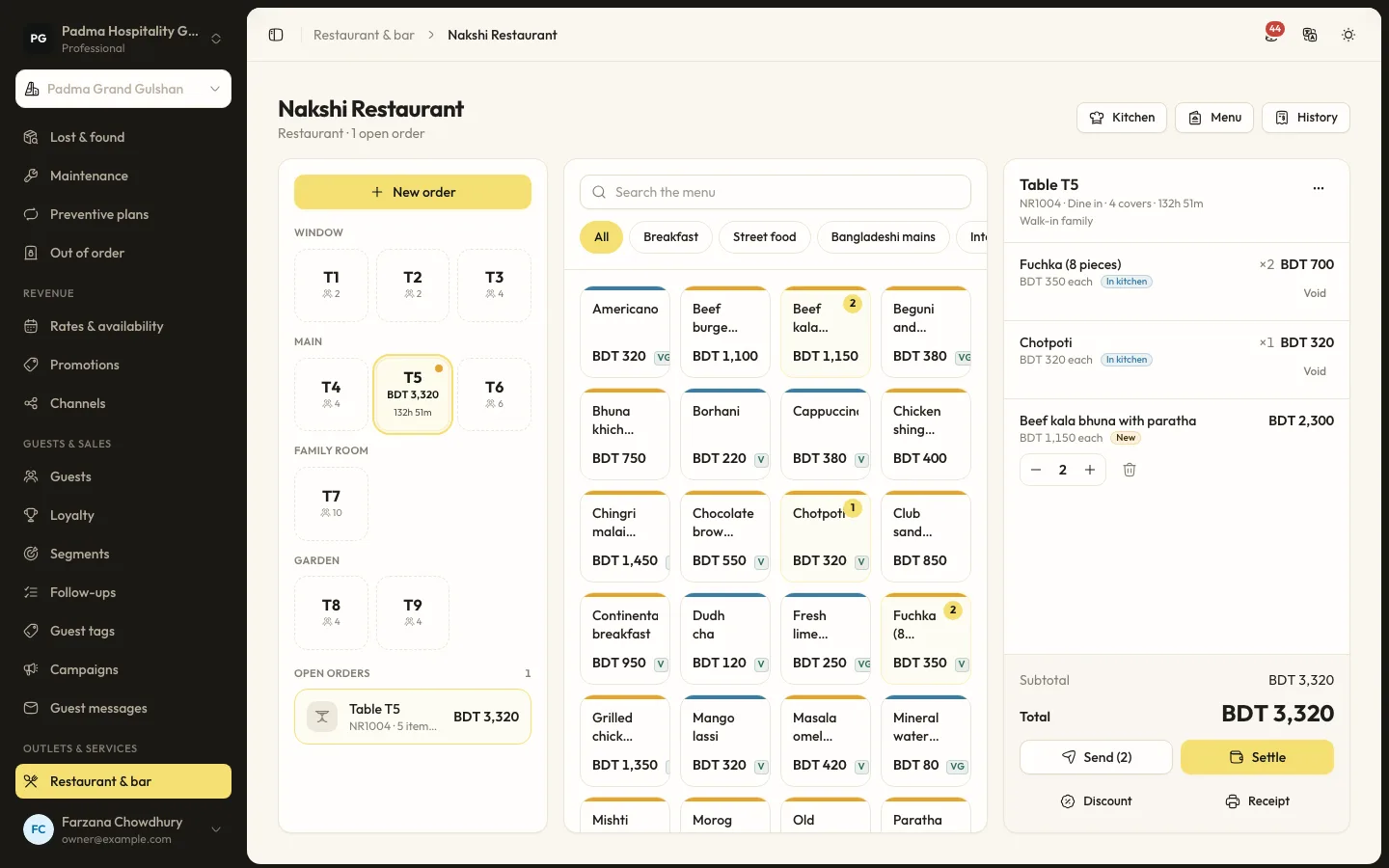
Outlets7 min read
Restaurant and bar POS
Set up outlets, tables and menus, send orders to the kitchen screen and settle to the room, card or cash.
Outlets6 min read
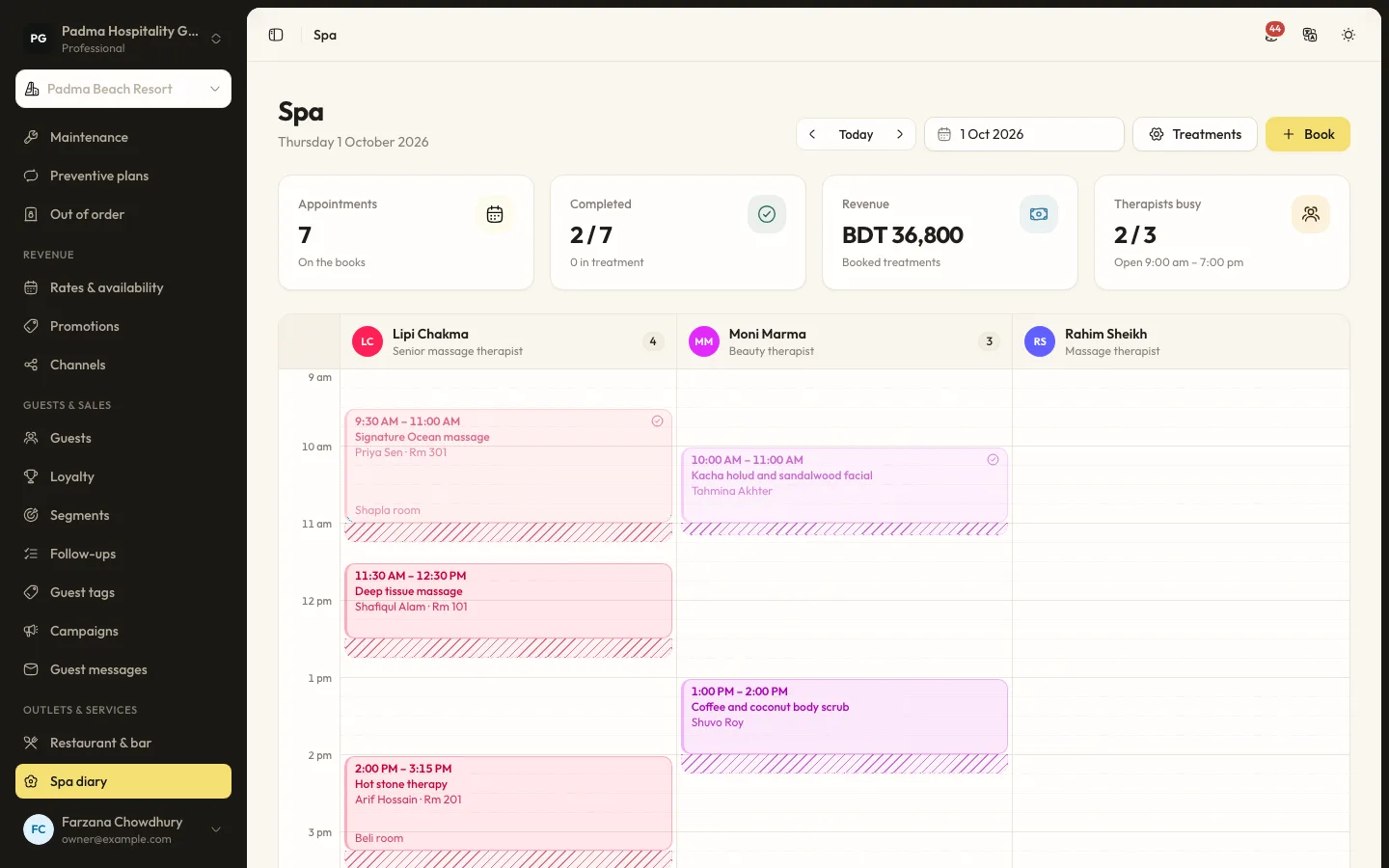
Running the spa diary
Set up treatments, therapists and rooms, book appointments without double booking and charge to the room or take payment.
Guests and marketing8 min read
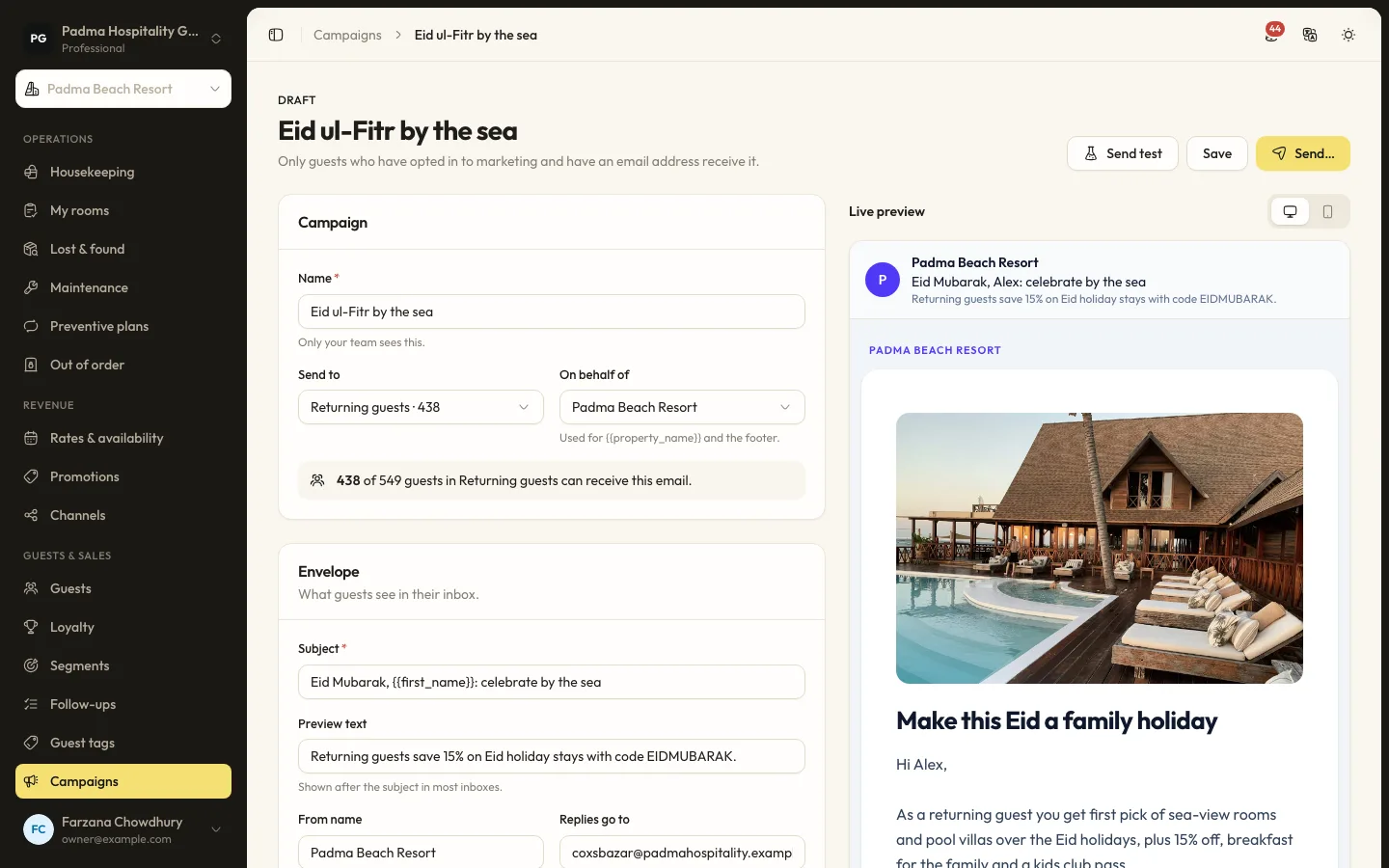
Guest segments and email campaigns
Group guests by stays, spend, tags and more, then send a tracked email campaign to those who opted in.
See it working with your own rooms.
A 30 minute call with someone who has run a front desk. Bring your questions and your room list.