Guests and marketing7 min read
Taking direct bookings on your website
Switch on online booking, set your booking conditions and alert address, and understand what guests can do from the booking portal.
Written for ownerWhat the booking website does
Every active property that takes online bookings gets its own booking page, and is listed on the marketplace where guests search every property. It uses the same prices, restrictions and availability as the front desk, offers public rate plans only, and follows your booking window and same-day cut-off.
Guests can switch between English and Bangla and receive their emails in the language they chose.
Switch it on
- Open Setup > Settings > Online booking.
- Turn on "Take bookings online".
- Set "Send new booking alerts to". If you leave it empty, alerts go to the property email.
- Write the "Message on the confirmation page": parking, directions, what to bring.
- Write your "Booking conditions". Guests must accept them to book.
- Save.
Check that your property is active and that your rate plans meant for the public are set to public.
What the guest sees
- They pick dates and guests, then rooms and plans, with cancellation terms, any deposit and the total including taxes.
- On Confirm and book they add their details, arrival time, requests and marketing consent.
- If the plan asks for payment at booking, they pay the deposit through your online gateway.
- The confirmation email carries a signed link to their booking portal.
From the portal the guest can view the stay and payments, pay what is owed, update arrival details and cancel within the free cancellation window. If they lose the email, Find my booking sends the link again.
Settings that affect online booking
Under Setup > Settings > Rates & pricing:
- Booking window (days): how far ahead guests can book
- Same-day booking cut-off (hour): online bookings for tonight close after this hour
Online stays are limited to 30 nights.
Tips
- Put your booking page link on your Facebook page and in your WhatsApp replies. Guests who book there are yours, with no commission.
- Turn on the booking confirmed guest message only for bookings made elsewhere. Online bookings already get the booking engine's own confirmation.
Common mistakes
- No public rate plans. The page will show no prices.
- Empty booking conditions. Write them once; they protect you when a guest disputes a cancellation.
- No online gateway with a deposit policy. Without a gateway the guest pays at the property, so the deposit will not be collected.
Still stuck?
Tell us which step you are on and what you see on screen. We will walk you through it.
Contact supportRelated guides
All guides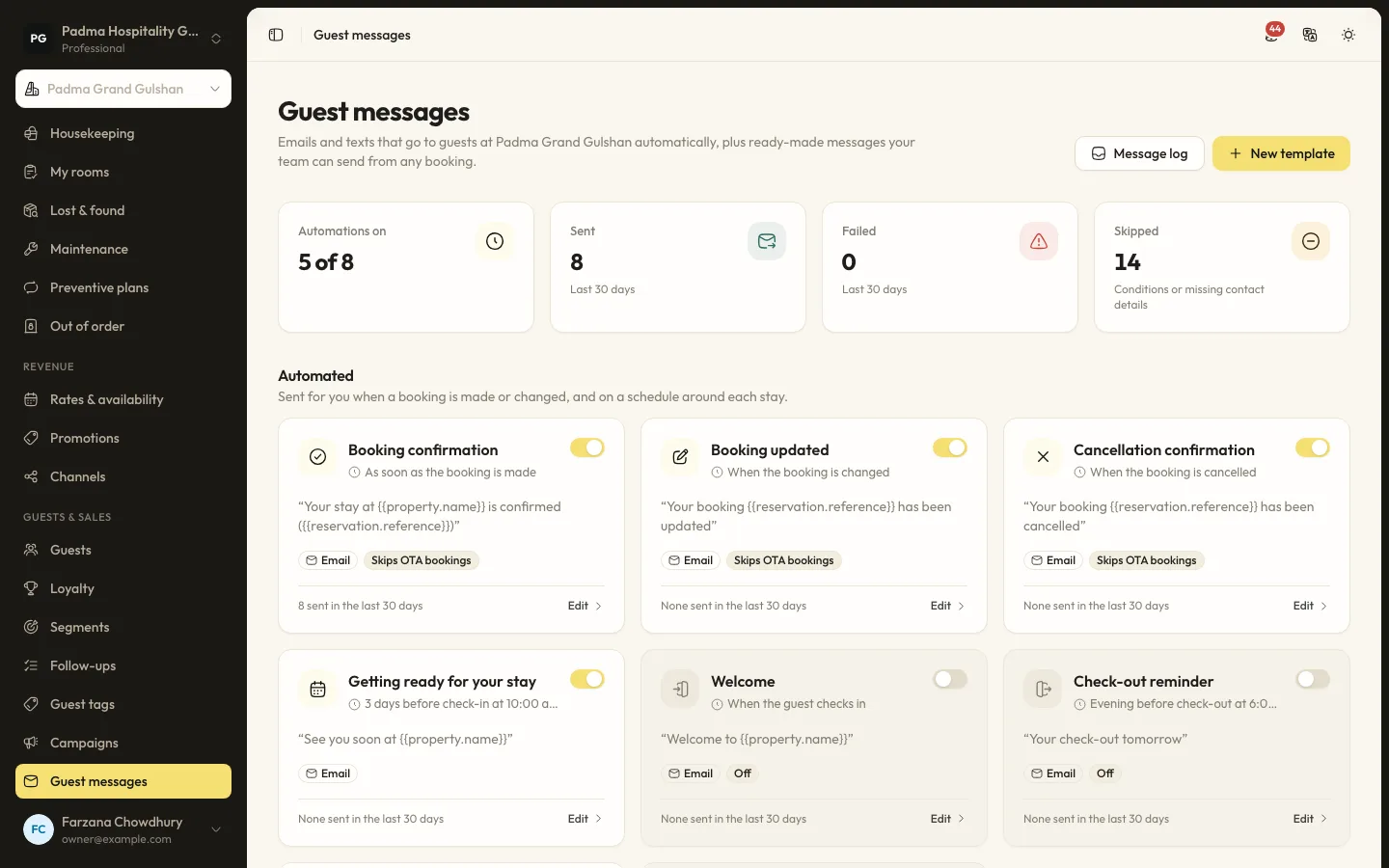
Guests and marketing7 min read
Automated guest messages and SMS
Send confirmations, pre-arrival notes, welcome and post-stay messages by email or SMS, with merge tags, conditions and a full log.
Guests and marketing8 min read
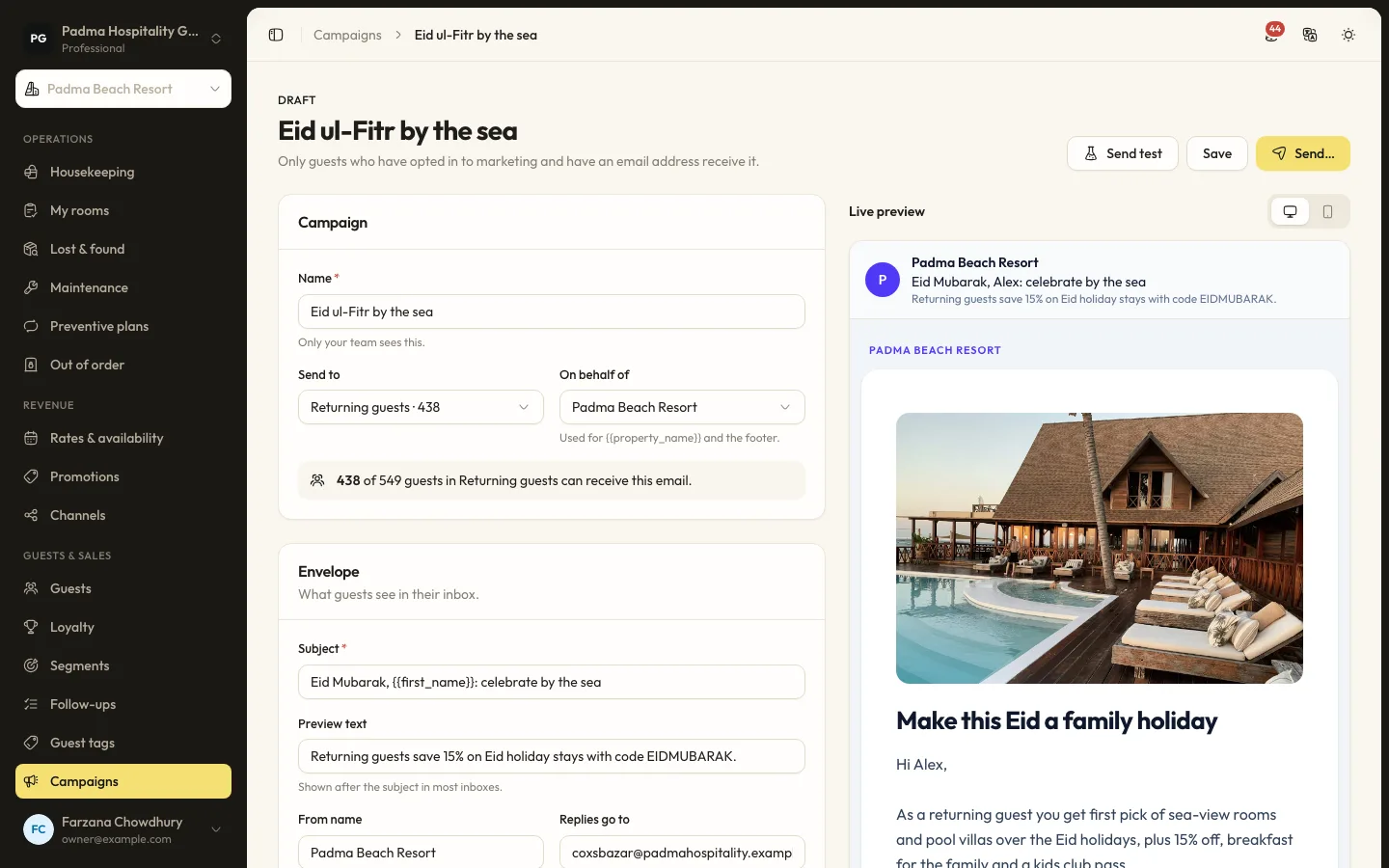
Guest segments and email campaigns
Group guests by stays, spend, tags and more, then send a tracked email campaign to those who opted in.
Guests and marketing6 min read
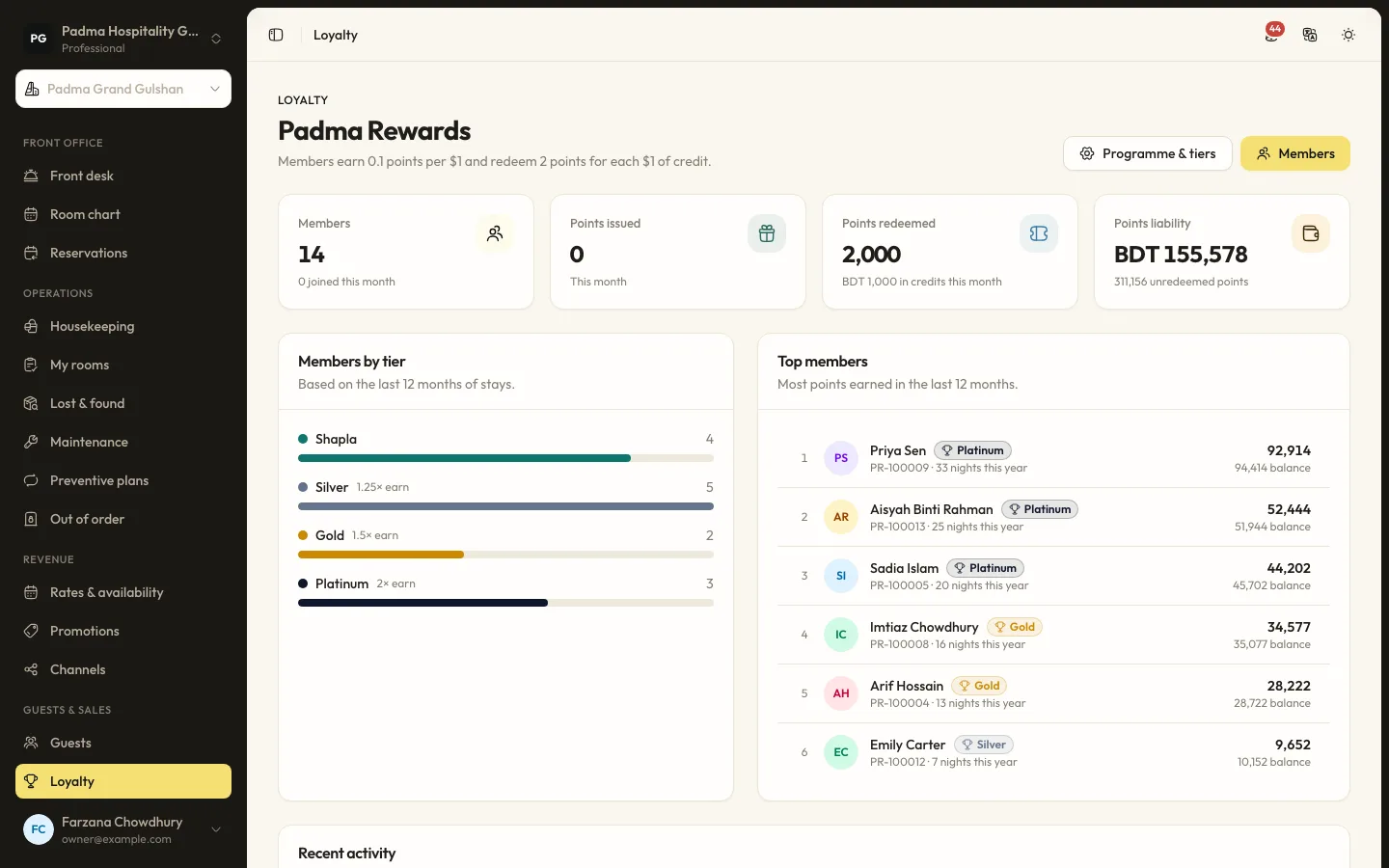
Running a loyalty programme
Set tiers and earning rules, enrol guests at the desk and let them redeem points against a stay.
See it working with your own rooms.
A 30 minute call with someone who has run a front desk. Bring your questions and your room list.