Guests and marketing8 min read
Guest segments and email campaigns
Group guests by stays, spend, tags and more, then send a tracked email campaign to those who opted in.
Written for managerGuests are shared across your properties
A guest profile belongs to the organisation, so a guest who stayed in Dhaka and Cox's Bazar has one profile with both stays. The CRM adds tags, a timeline of notes, calls, complaints and requests, and follow-ups assigned to staff.
Build a segment
- Open Guests & sales > Segments and add a segment.
- Add rules: stays, nights, spend, last stay, upcoming arrivals, tags, country, VIP, birthdays, marketing consent, booking source, property or loyalty membership.
- Save. Members update themselves as guests stay and spend. Blacklisted guests never appear.
Useful starting segments: arriving this fortnight, birthdays this month, lapsed guests, returning guests and VIPs.
Send a campaign
- Open Guests & sales > Campaigns and add a campaign.
- Choose the segment and the sending property.
- Build the email from blocks: heading, paragraph, button, image and divider. Use merge tags such as the first name. The preview updates as you type.
- Send a test to yourself.
- Send now, or schedule it.
Only guests who opted in to marketing and have an email receive it, deduplicated by address. Opens and clicks are tracked per recipient. Unsubscribing turns marketing off for every guest with that address.
Follow-ups
Log a complaint or request on the guest timeline and assign a follow-up with a due date. Guests & sales > Follow-ups lists what is due.
Tips
- Send to a small segment first, check the results, then widen it.
- Ask for marketing consent at the desk and on the booking website. It is the only way guests enter your campaigns.
Common mistakes
- Importing a purchased list. Guests without consent are not emailed, and they should not be.
- Using the same offer for every segment. Lapsed guests and VIPs want different things.
Still stuck?
Tell us which step you are on and what you see on screen. We will walk you through it.
Contact supportRelated guides
All guides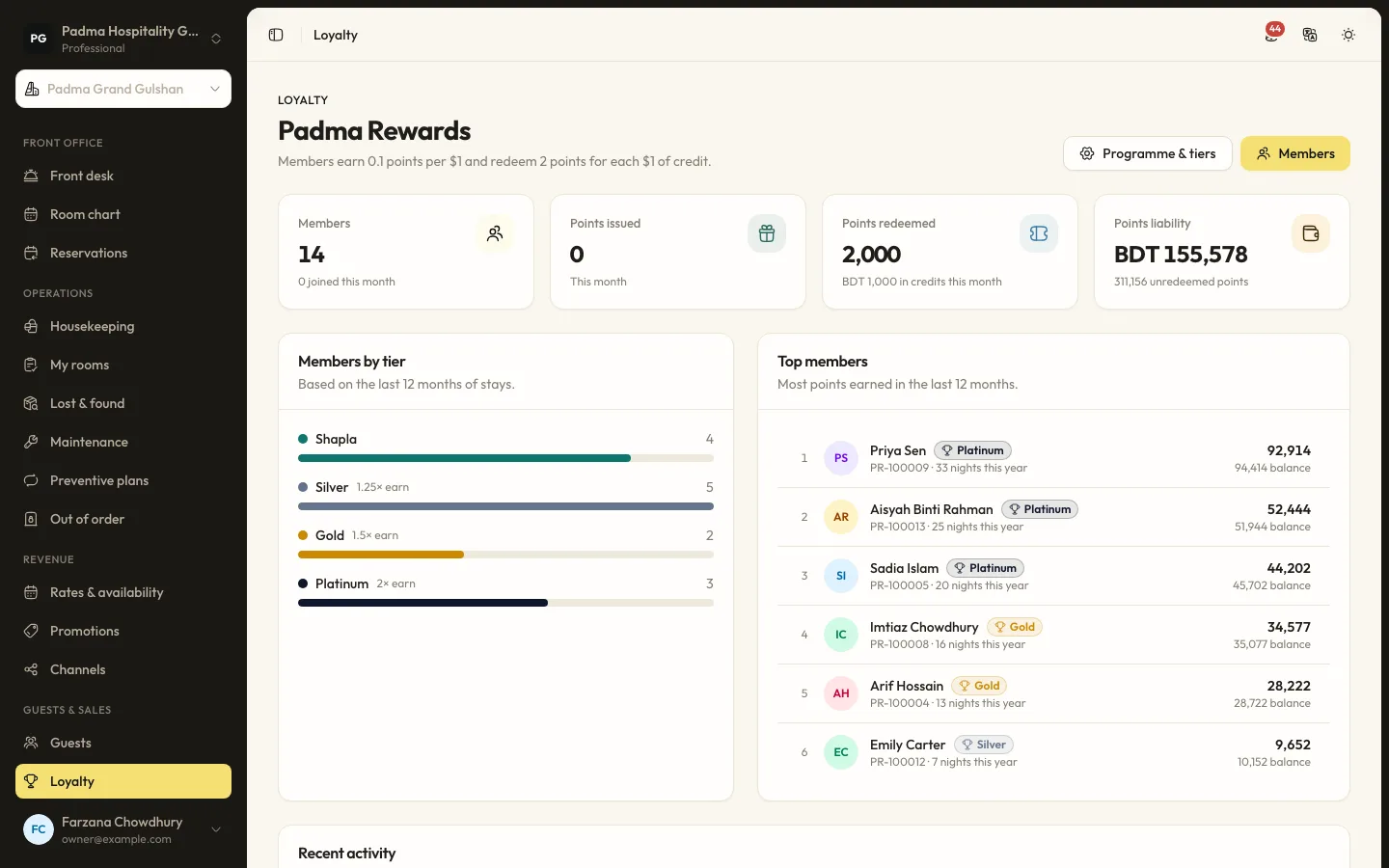
Guests and marketing6 min read
Running a loyalty programme
Set tiers and earning rules, enrol guests at the desk and let them redeem points against a stay.
Guests and marketing7 min read
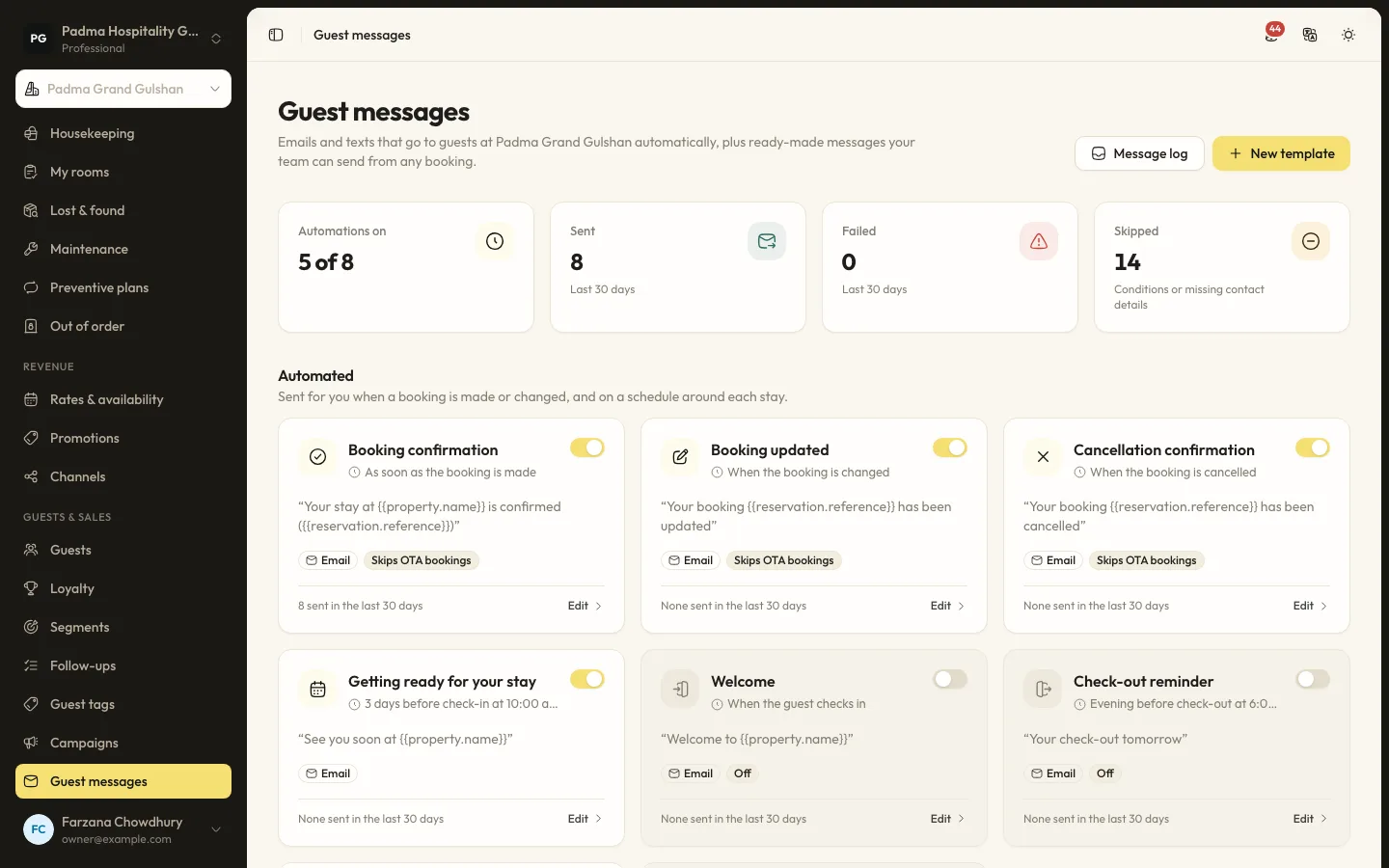
Automated guest messages and SMS
Send confirmations, pre-arrival notes, welcome and post-stay messages by email or SMS, with merge tags, conditions and a full log.
Guests and marketing7 min read
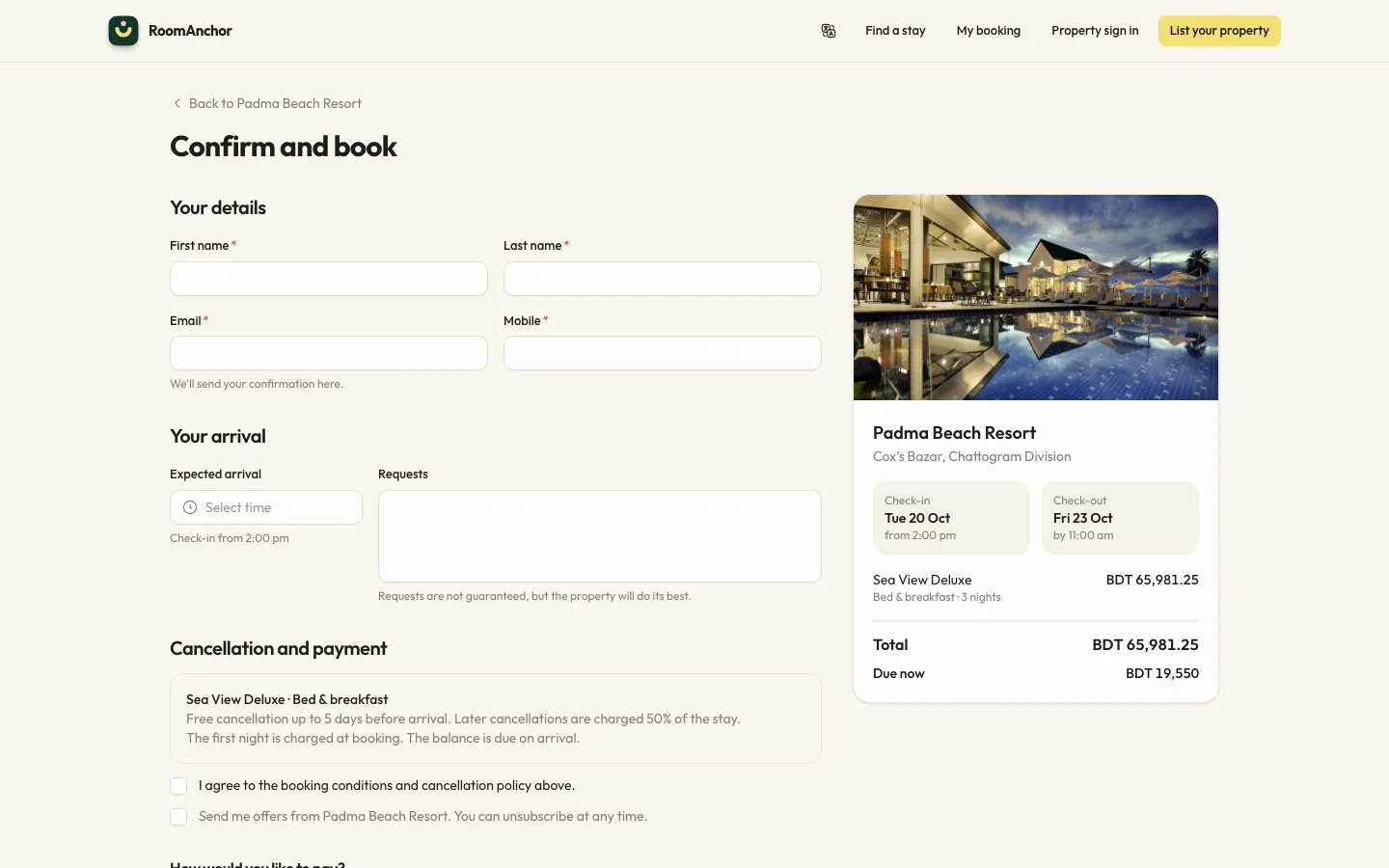
Taking direct bookings on your website
Switch on online booking, set your booking conditions and alert address, and understand what guests can do from the booking portal.
See it working with your own rooms.
A 30 minute call with someone who has run a front desk. Bring your questions and your room list.