Outlets6 min read
Running the spa diary
Set up treatments, therapists and rooms, book appointments without double booking and charge to the room or take payment.
Written for managerHow the diary works
Treatments are booked against therapists (who are staff profiles) and treatment rooms. Each treatment has a duration and a clean-up buffer. A booking is refused when the therapist or room is already held, and without a named therapist or room the first free one is used.
Set up
- Open Setup > Settings > Spa and set the opening hours.
- Open Outlets & services > Treatments and add treatments by category, with duration, buffer, price and the therapists qualified to give them.
- Add treatment rooms.
- Make sure each therapist has a staff profile under Team & stock > Staff.
Book an appointment
- Open Outlets & services > Spa diary. Each therapist's day is a column.
- Pick the treatment and the guest, in house or not.
- Choose a free start time. Only times within the opening hours that fit the treatment and its buffer are offered.
- Save.
Complete and charge
When the treatment is done, complete the appointment and charge it to the room, or take card or cash through the spa takings folio.
Therapists with the "view assigned" permission see only their own diary.
Tips
- Set realistic buffers. A 10 minute buffer keeps the room ready and the therapist on time.
- Look at the Spa utilisation & revenue report to see which hours sit empty.
Common mistakes
- No staff profile for a therapist. They cannot be booked.
- Booking outside opening hours. Change the hours rather than forcing appointments.
Still stuck?
Tell us which step you are on and what you see on screen. We will walk you through it.
Contact supportRelated guides
All guides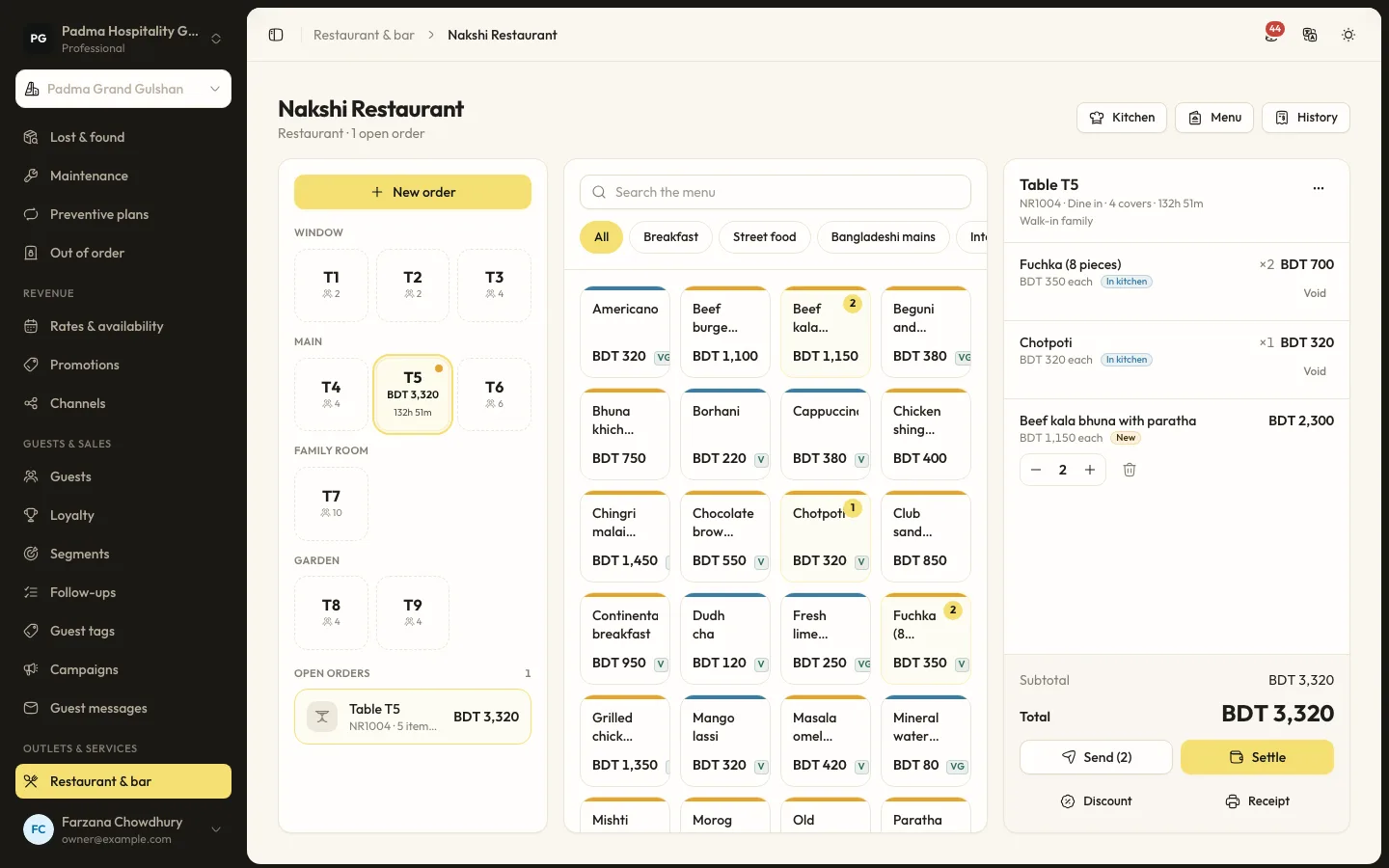
Outlets7 min read
Restaurant and bar POS
Set up outlets, tables and menus, send orders to the kitchen screen and settle to the room, card or cash.
Outlets7 min read
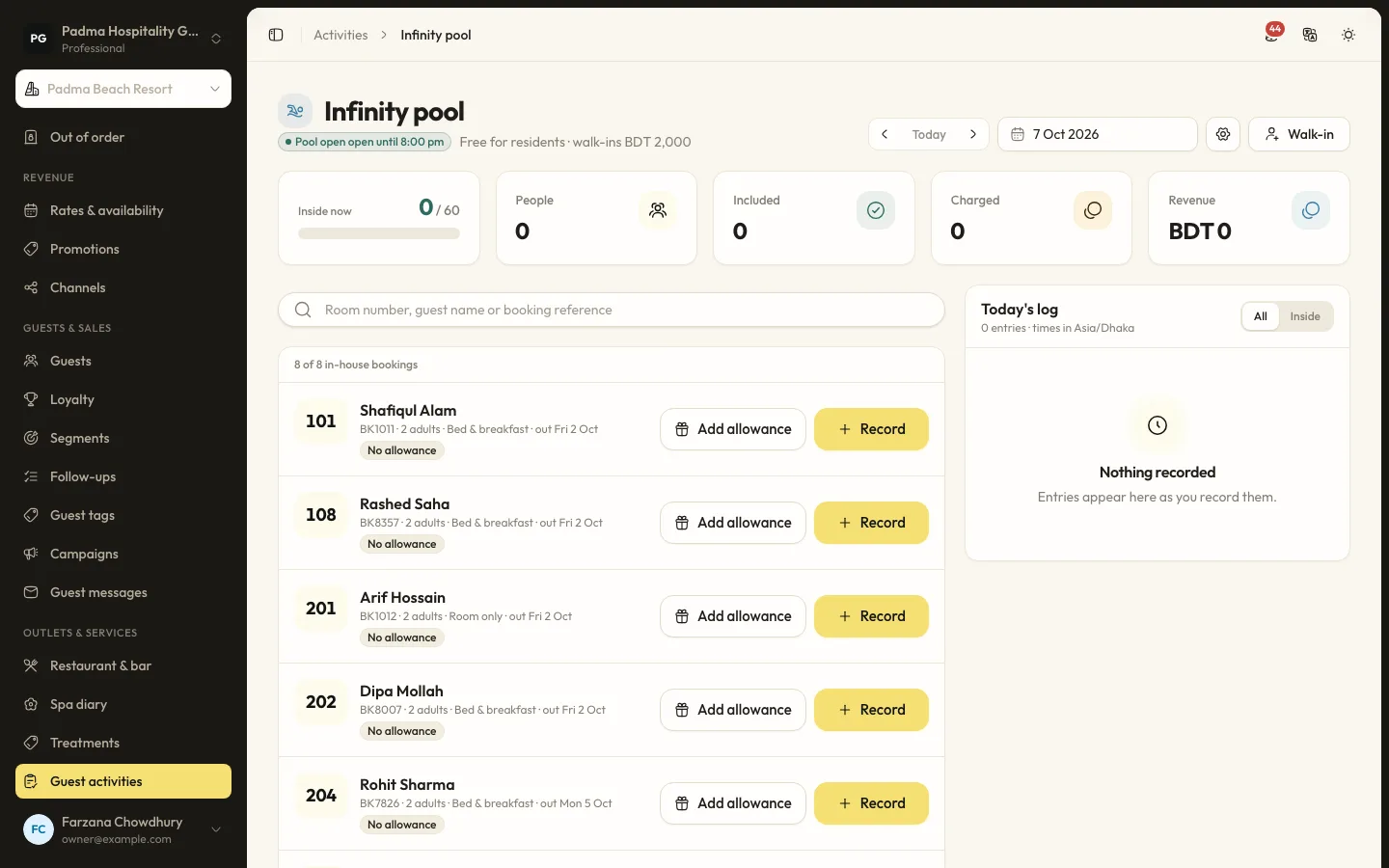
Tracking guest activities and allowances
Count breakfast, pool, gym or shuttle use at the door, include what each plan allows and charge the rest.
Guests and marketing8 min read
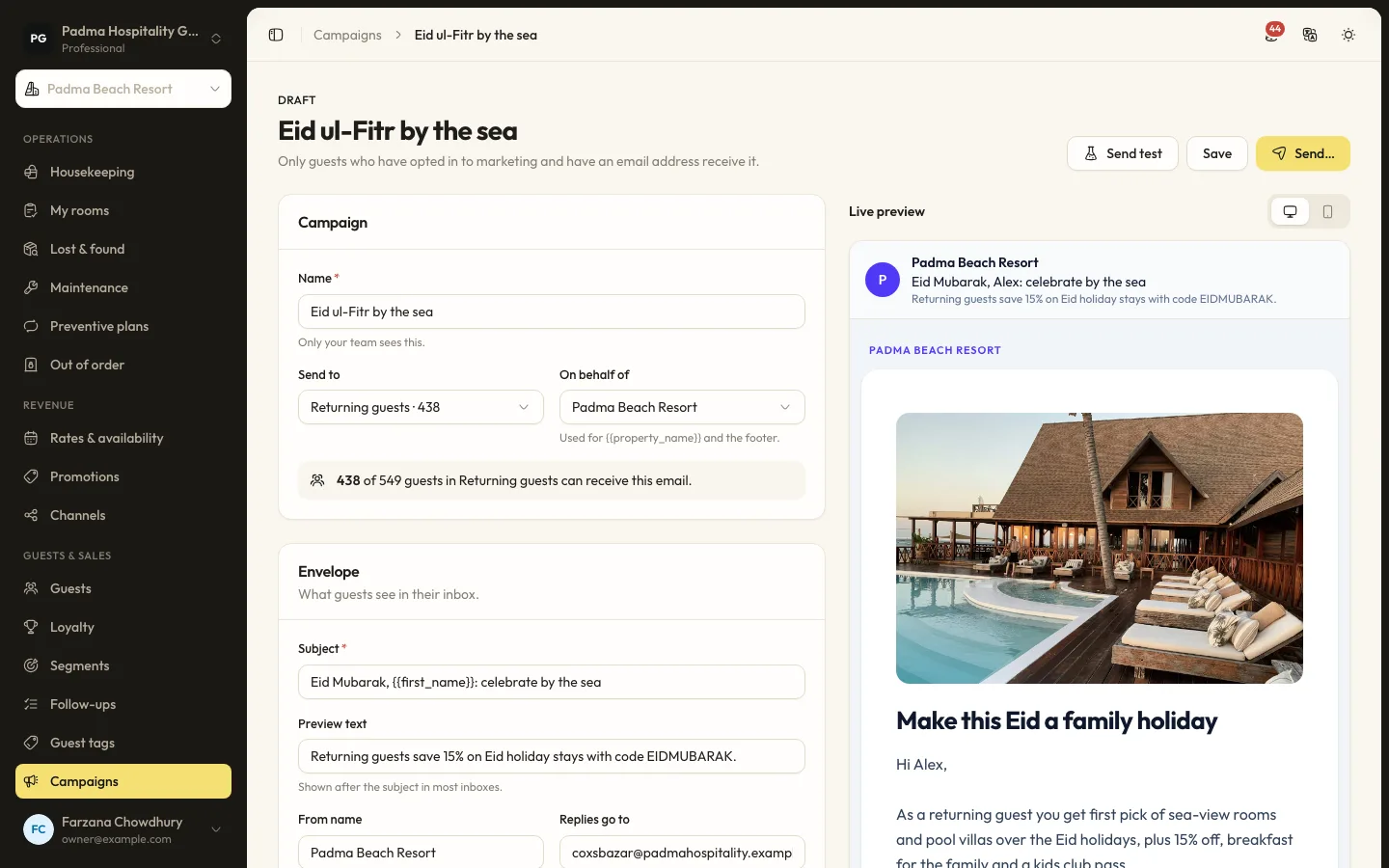
Guest segments and email campaigns
Group guests by stays, spend, tags and more, then send a tracked email campaign to those who opted in.
See it working with your own rooms.
A 30 minute call with someone who has run a front desk. Bring your questions and your room list.