Operations8 min read
Running housekeeping each day
Plan the day, share rooms by credits, let attendants work from their phones and keep room status the front desk can trust.
Written for housekeepingHow the day is planned
Each morning the planner builds the day's tasks:
- a departure clean for every room due out
- stayover service at the frequency you choose
- a refresh for vacant dirty rooms
- optional evening turndown
Planning runs automatically at the planning time, or on demand with Plan the day. It never duplicates tasks, so pressing it twice is safe. Checking a guest out adds a departure clean straight away.
Set it up once
Open Setup > Settings > Housekeeping:
- "Plan the day automatically" and the planning time (06:00 by default).
- "Service stayover rooms every (days)". Use 0 to service stayovers only on request.
- Turndown for occupied rooms, on or off.
- "Rooms need a supervisor inspection after cleaning", on or off.
- Credits per task: departure 2, stayover 1, vacant 1, deep clean 4 by default. Credits balance the workload.
The supervisor's morning
- Open Operations > Housekeeping. The board shows rooms to clean, ready rooms, tasks done and arrivals not ready.
- Press Share rooms. Tasks are divided by credits among the attendants on duty, keeping neighbouring rooms together.
- Move a room between attendants if you need to.
The room attendant's day
- Open Operations > My rooms on a phone.
- Start a room when you go in and Finished when you leave.
- Skip a stayover with a reason, for example "do not disturb".
- Report a fault: it becomes a maintenance work order.
- Log a found item: it gets a reference and is linked to the last guest in the room.
Inspections
When inspection is required, finished rooms wait for the supervisor. Pass the room and it becomes ready for the front desk, or send it back with a note.
Lost and found
Operations > Lost & found lists every item with its reference, room, linked guest and days in storage. Items are kept for 90 days by default, then returned, donated or disposed of.
Tips
- Watch "arrivals not ready" from midday. Those rooms go first.
- Give a deep clean more credits so the person doing it is not also given a full floor.
Common mistakes
- Marking rooms clean from the front desk. Let the attendant finish the room so the status means something.
- Leaving inspection on with no supervisor on shift. Rooms will never become ready.
Still stuck?
Tell us which step you are on and what you see on screen. We will walk you through it.
Contact supportRelated guides
All guides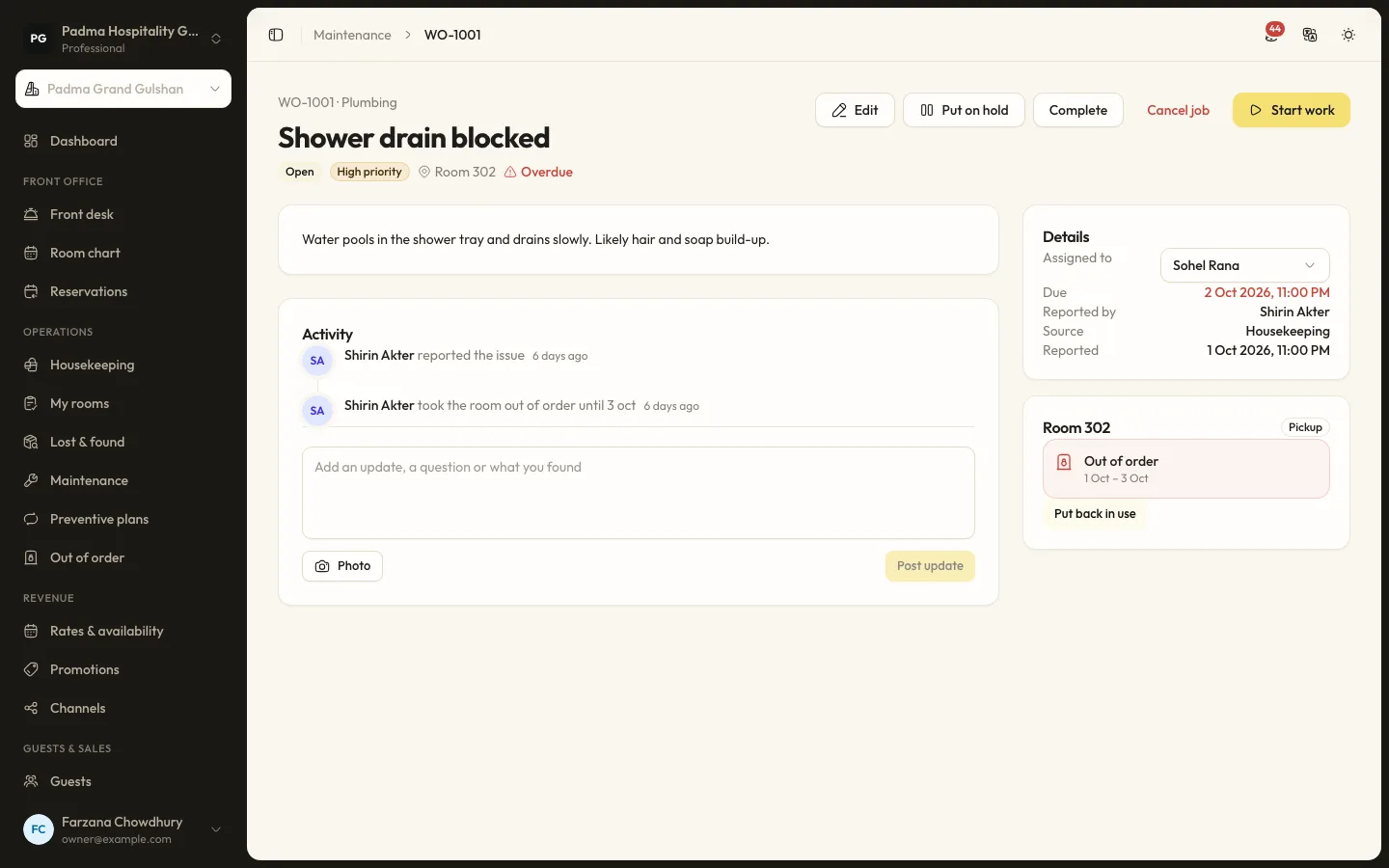
Operations6 min read
Tracking maintenance work orders
Report a fault, assign it, take the room out of use while it is fixed and set up preventive plans for routine jobs.
Guests and marketing7 min read
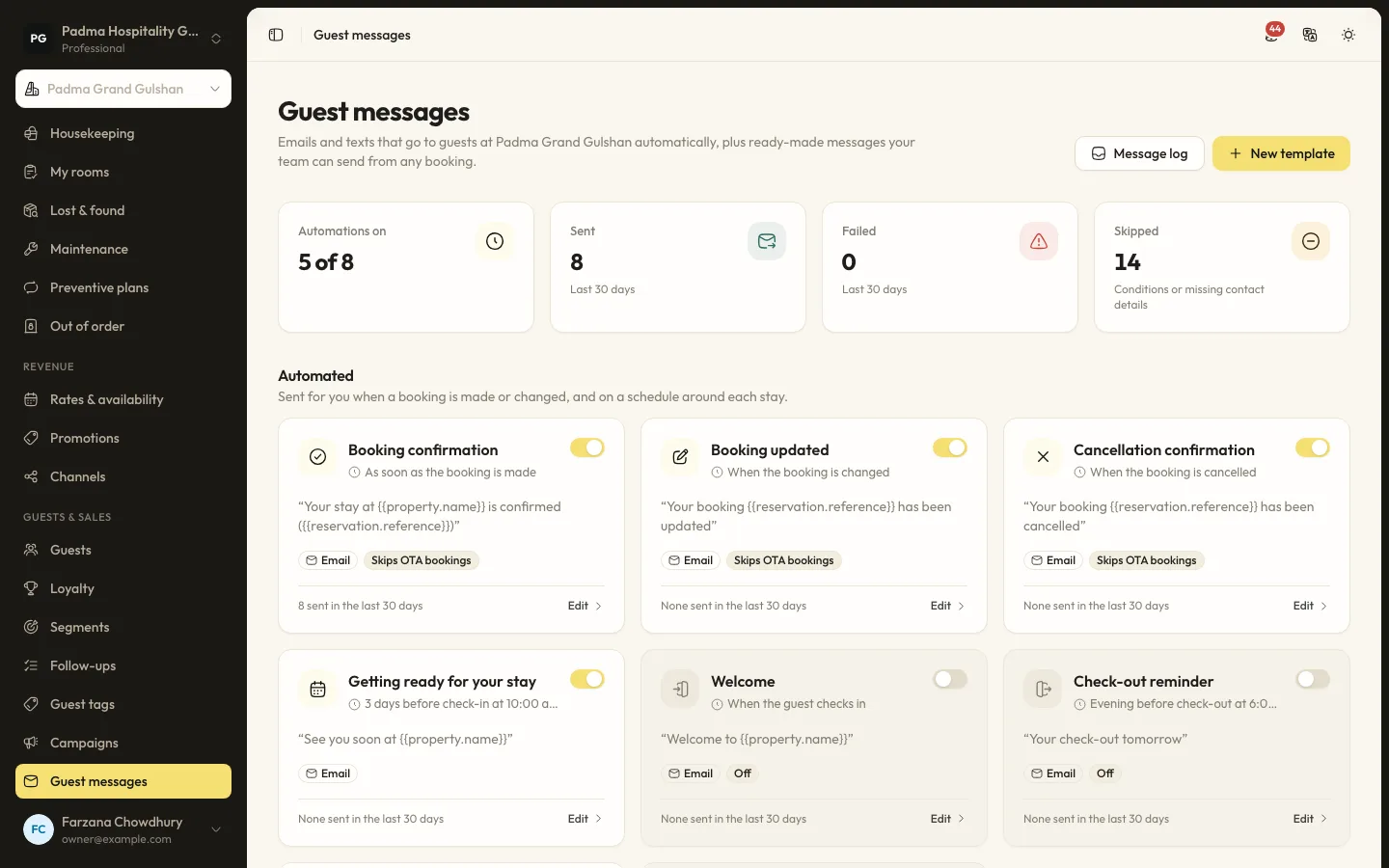
Automated guest messages and SMS
Send confirmations, pre-arrival notes, welcome and post-stay messages by email or SMS, with merge tags, conditions and a full log.
Guests and marketing8 min read
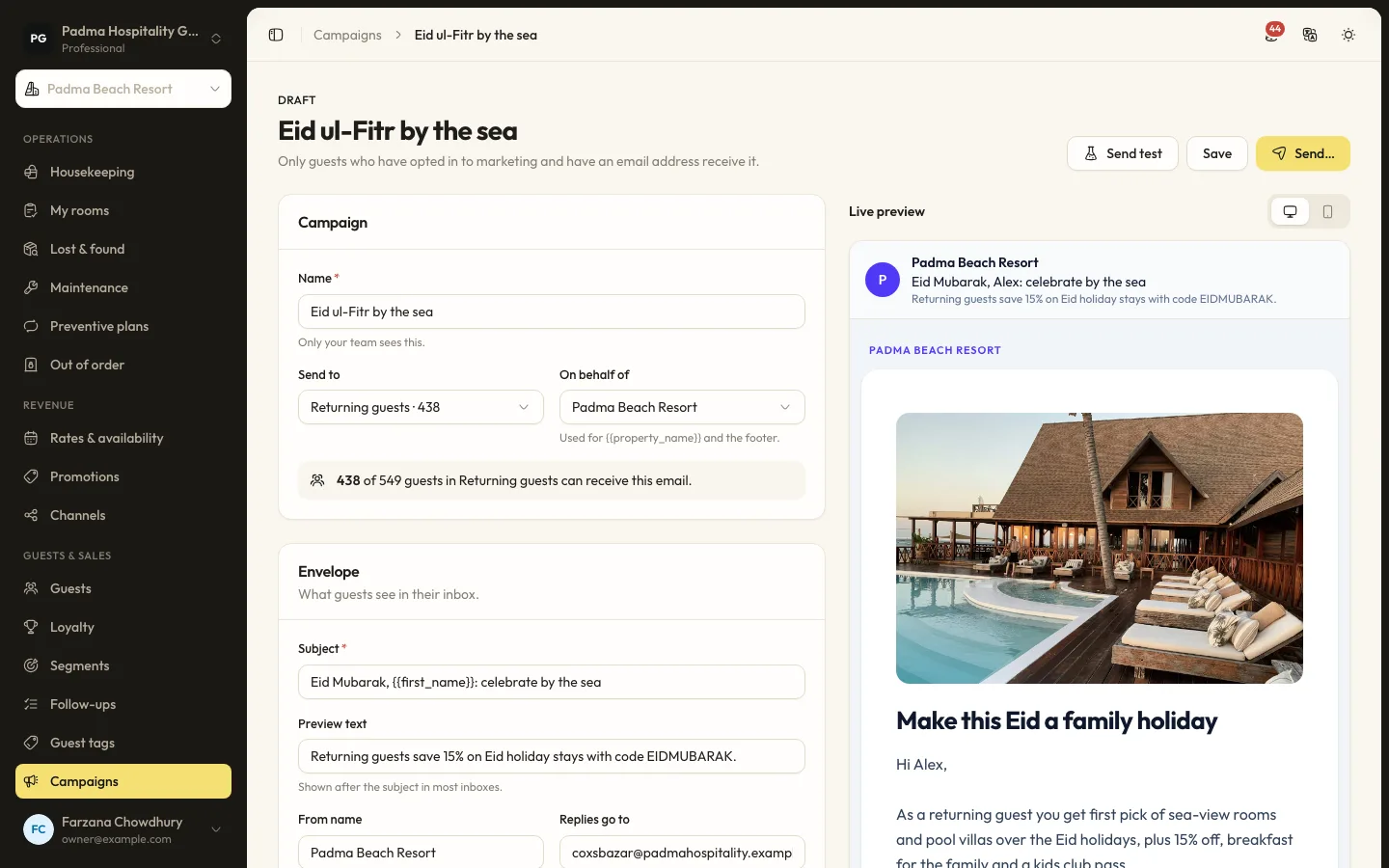
Guest segments and email campaigns
Group guests by stays, spend, tags and more, then send a tracked email campaign to those who opted in.
See it working with your own rooms.
A 30 minute call with someone who has run a front desk. Bring your questions and your room list.