Guests and marketing6 min read
Running a loyalty programme
Set tiers and earning rules, enrol guests at the desk and let them redeem points against a stay.
Written for managerHow it works
Each guest has one membership with a points ledger that cannot be edited, only added to. Points are earned once per stay at check-out on the spend types you choose (room, food, beverage, spa and so on), net of discounts, multiplied by the tier multiplier.
Tiers are earned on points or nights in the last 12 months, and reviewed after every change and every night. Balances expire after the inactivity period you set.
Set it up
- Open Setup > Settings > Loyalty programme and set the programme name, earning rate, spend types and the inactivity period.
- Open Guests & sales > Loyalty and set your tiers, for example four tiers with rising multipliers and perks.
At the desk
- Enrol a guest from their profile or the booking.
- On check-out, points are added automatically.
- To redeem, open the booking and redeem points. A credit is posted to the booking's folio.
Reversing or cancelling the booking gives the points back.
Watch the liability
The loyalty overview shows members, points issued and redeemed, and the outstanding liability. The Loyalty points & liability report has the detail.
Tips
- Make perks things the property controls: late check-out, a room upgrade when available, a welcome drink.
- Mention the programme in the post-stay message.
Common mistakes
- Earning on every spend type. Start with room revenue only and widen later.
- No expiry. Points without expiry become a growing liability.
Still stuck?
Tell us which step you are on and what you see on screen. We will walk you through it.
Contact supportRelated guides
All guides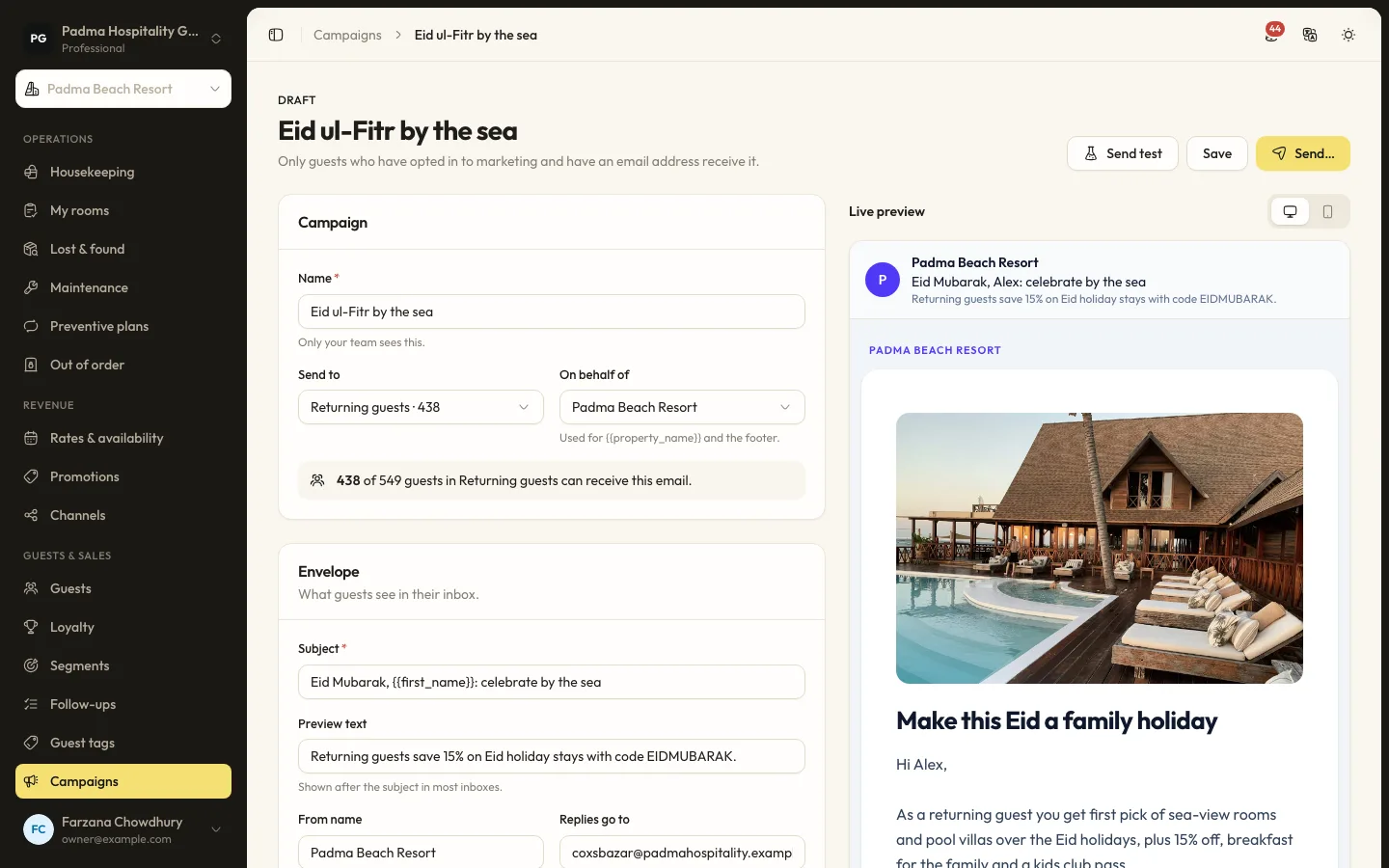
Guests and marketing8 min read
Guest segments and email campaigns
Group guests by stays, spend, tags and more, then send a tracked email campaign to those who opted in.
Guests and marketing7 min read
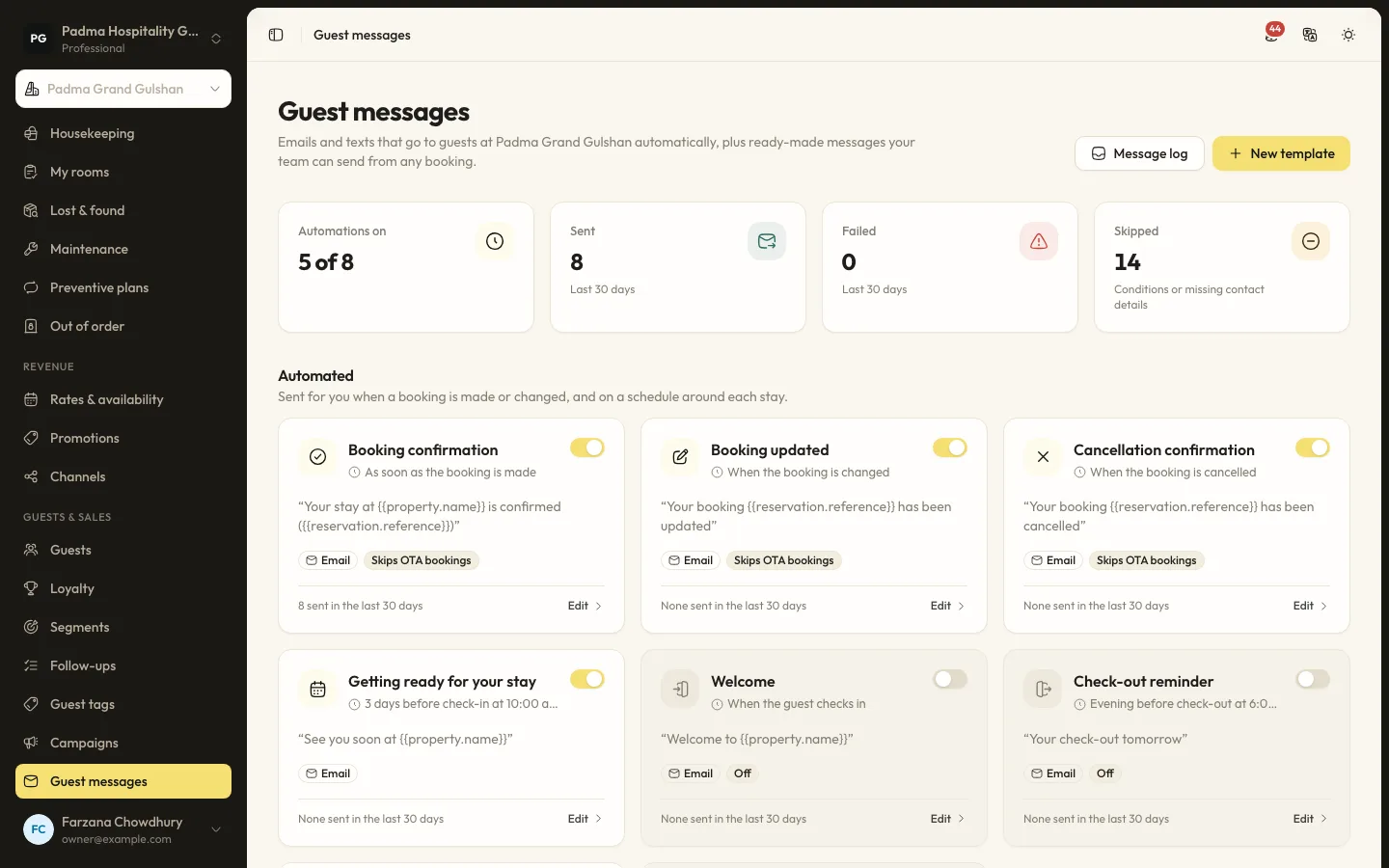
Automated guest messages and SMS
Send confirmations, pre-arrival notes, welcome and post-stay messages by email or SMS, with merge tags, conditions and a full log.
Guests and marketing7 min read
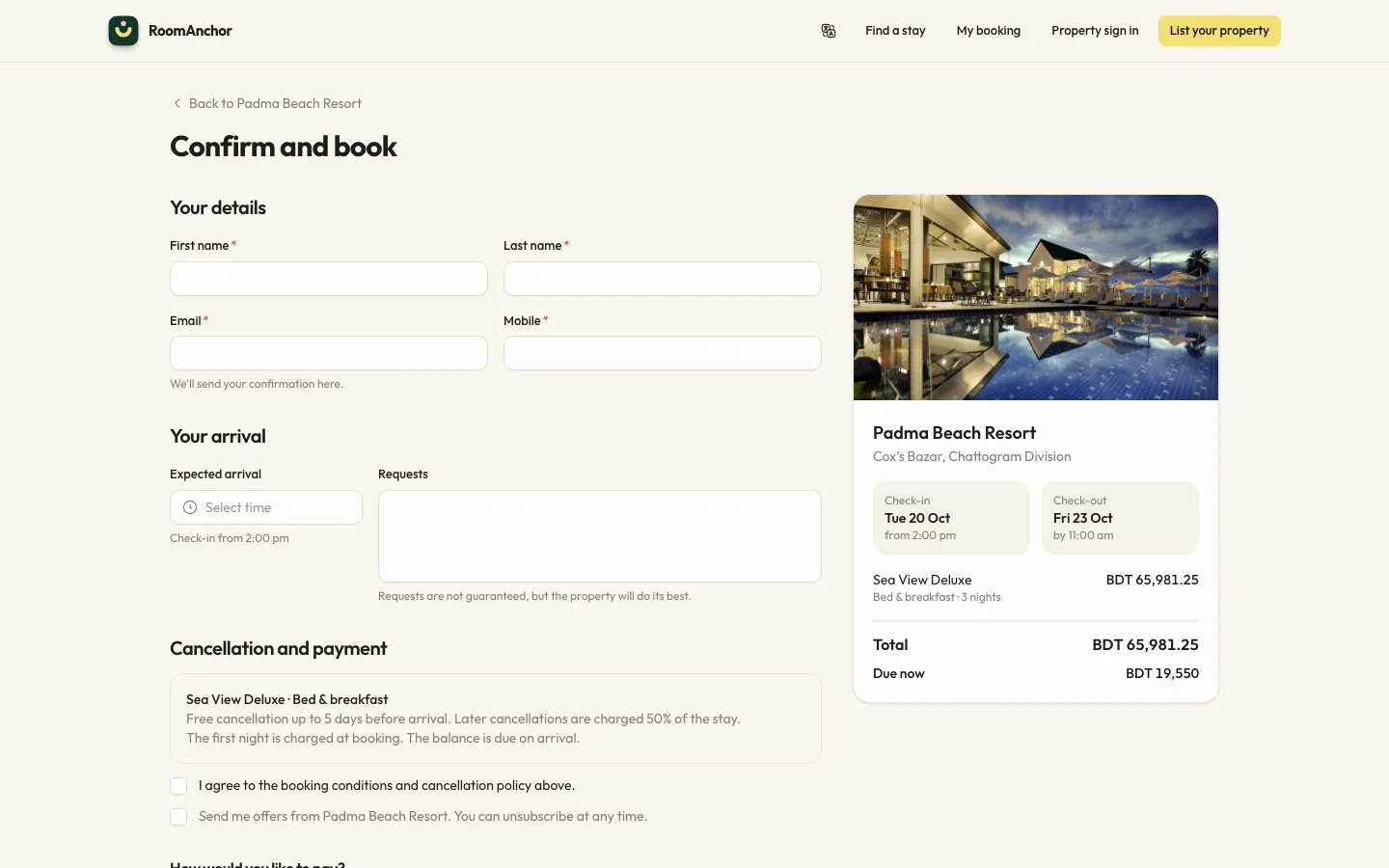
Taking direct bookings on your website
Switch on online booking, set your booking conditions and alert address, and understand what guests can do from the booking portal.
See it working with your own rooms.
A 30 minute call with someone who has run a front desk. Bring your questions and your room list.