Guests and marketing7 min read
Automated guest messages and SMS
Send confirmations, pre-arrival notes, welcome and post-stay messages by email or SMS, with merge tags, conditions and a full log.
Written for managerWhat you can automate
Guest message templates cover booking confirmed, changed and cancelled, pre-arrival, welcome, pre-departure, post-stay, birthday and manual sends. Templates belong to the organisation and can be customised per property.
Turn on a message
- Open Guests & sales > Guest messages.
- Choose a template, for example pre-arrival.
- Choose the channel: email or SMS.
- Set the timing, such as two days before arrival.
- Edit the wording. Merge tags such as the guest's first name, booking reference and check-in time fill in for each guest.
- Set conditions if needed: direct bookings only, skip OTA bookings, or only guests with marketing consent.
- Turn it on.
Immediate messages send from booking events. Timed ones go out every 15 minutes. Each message is sent once per booking and template.
Set up SMS
Texts need an SMS provider. RoomAnchor supports SSL Wireless and BulkSMS BD.
- Ask the platform team to allow the provider for your organisation.
- Open Setup > Settings > SMS and enter your credentials.
- Use "Send a test text" to check it.
Without a provider, texts are logged as skipped with the reason, never as sent. Numbers are normalised to Bangladeshi mobile format; numbers outside Bangladesh fail and the failure is shown on the message.
The message log
The log shows every email and text, including skipped and failed ones with the reason. Failed messages can be resent.
Tips
- Bookings from the booking website already get a confirmation. Use "skip OTA bookings" and direct bookings conditions so guests do not get two.
- Keep SMS short: arrival time, address and a phone number.
Common mistakes
- Expecting SMS to work without a provider. Check the log for "No SMS provider configured".
- Sending marketing in a service message. Use campaigns for offers, so consent is respected.
Still stuck?
Tell us which step you are on and what you see on screen. We will walk you through it.
Contact supportRelated guides
All guides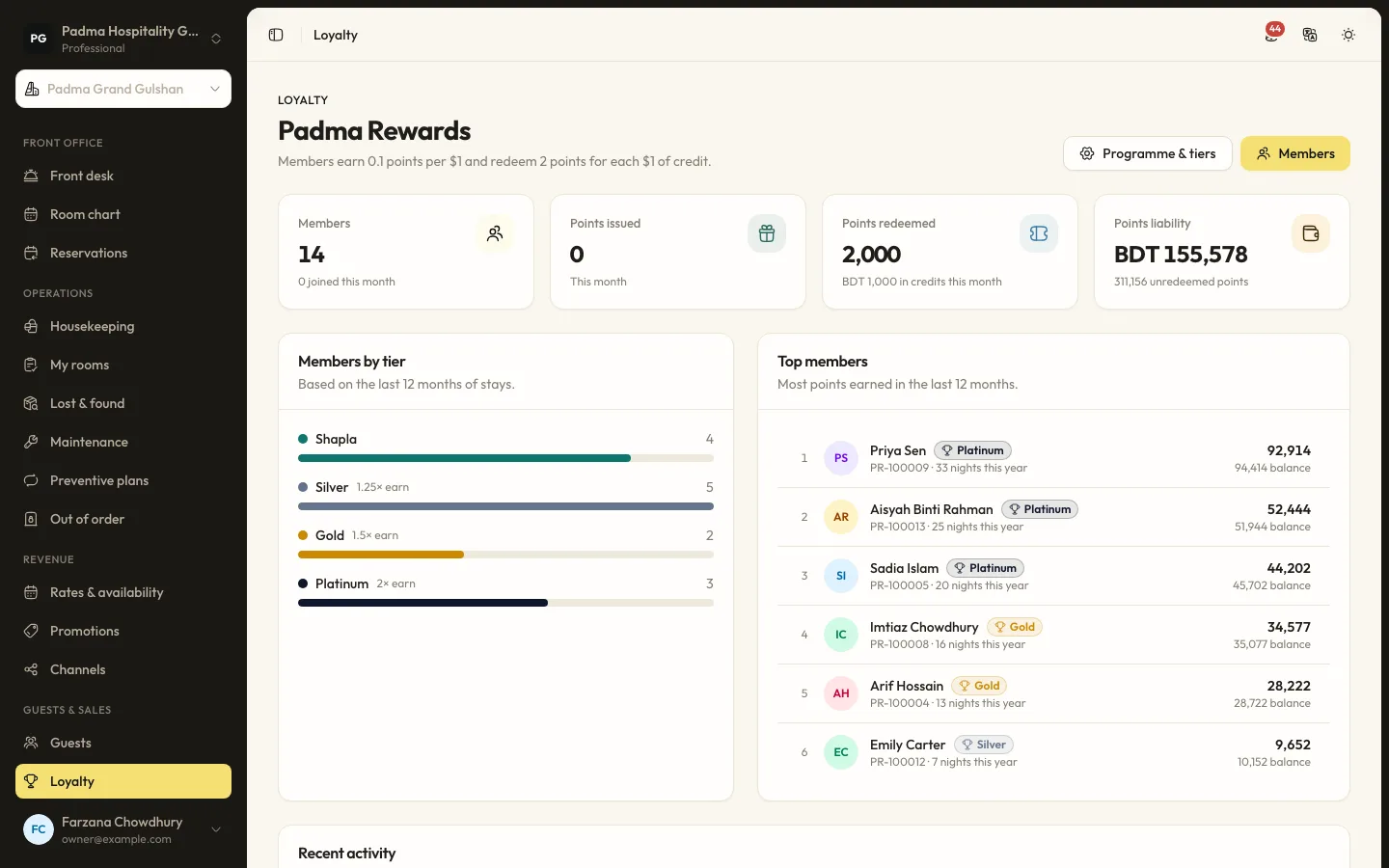
Guests and marketing6 min read
Running a loyalty programme
Set tiers and earning rules, enrol guests at the desk and let them redeem points against a stay.
Guests and marketing8 min read
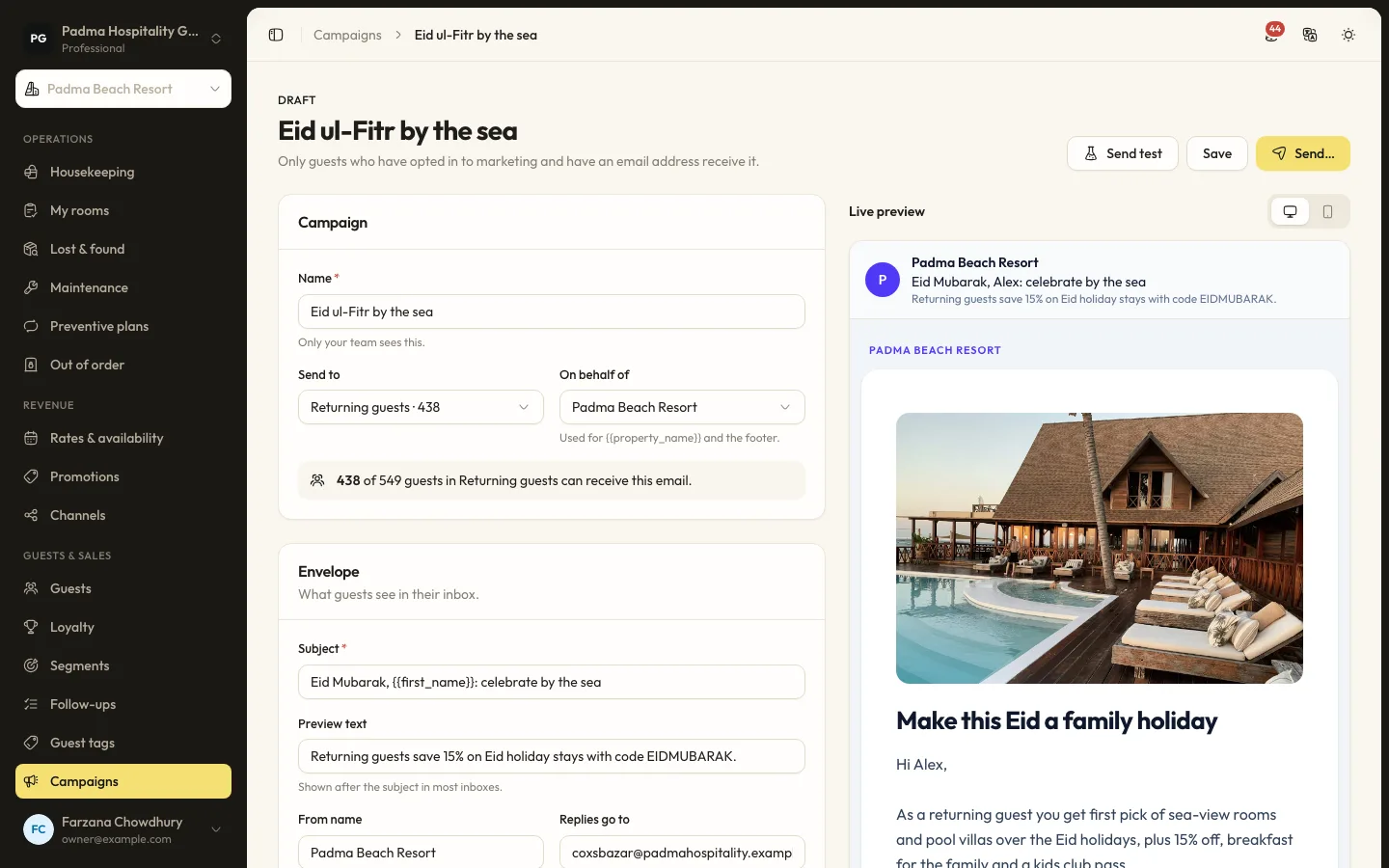
Guest segments and email campaigns
Group guests by stays, spend, tags and more, then send a tracked email campaign to those who opted in.
Guests and marketing7 min read
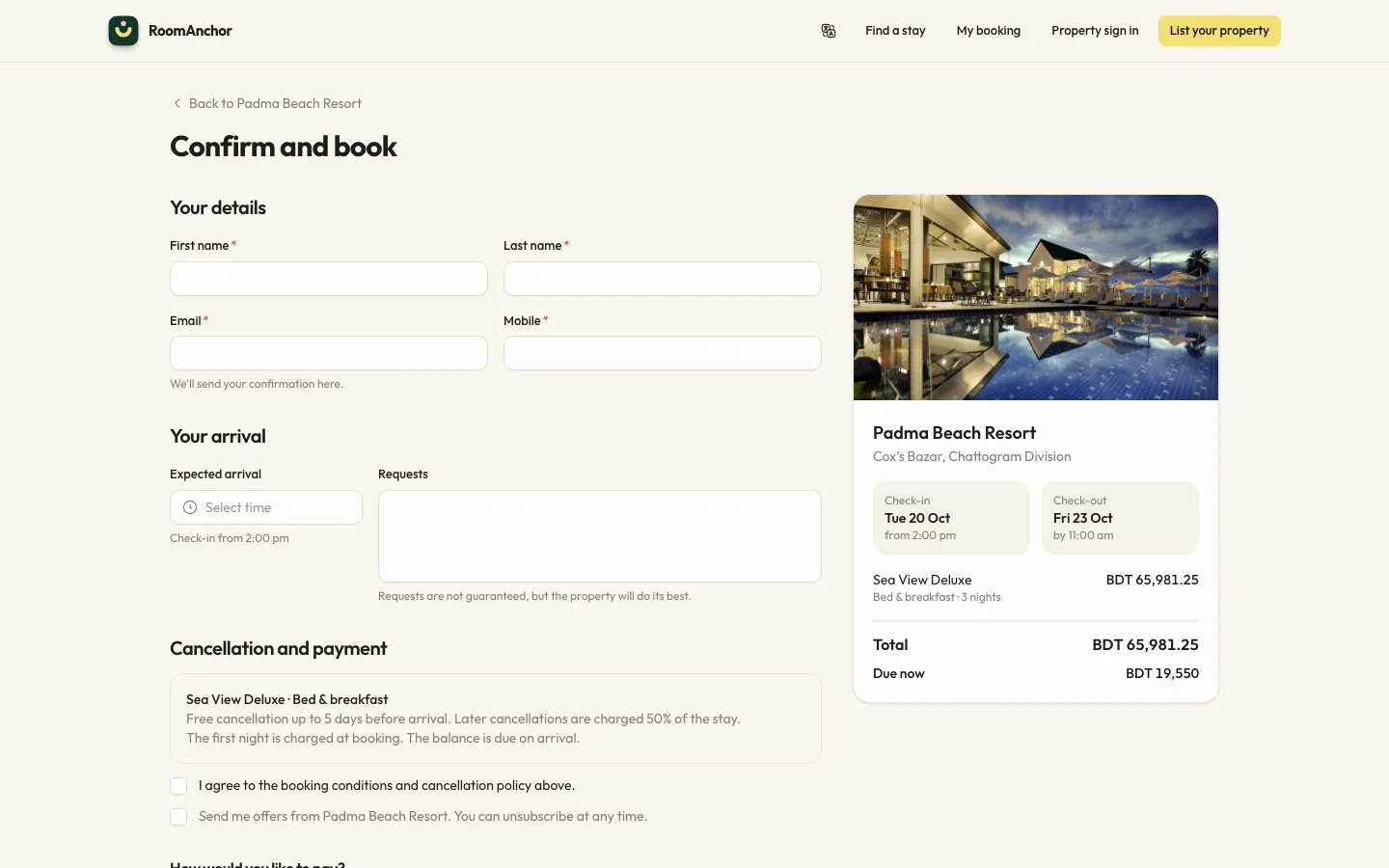
Taking direct bookings on your website
Switch on online booking, set your booking conditions and alert address, and understand what guests can do from the booking portal.
See it working with your own rooms.
A 30 minute call with someone who has run a front desk. Bring your questions and your room list.