Revenue and distribution4 Aug 20266 min read
Cutting OTA commission with a direct booking engine
Booking sites bring guests you would never reach alone, but every booking they send costs a commission. Here is how to win more of your own bookings back, with deposits taken through bKash and SSLCommerz.
RoomAnchor team
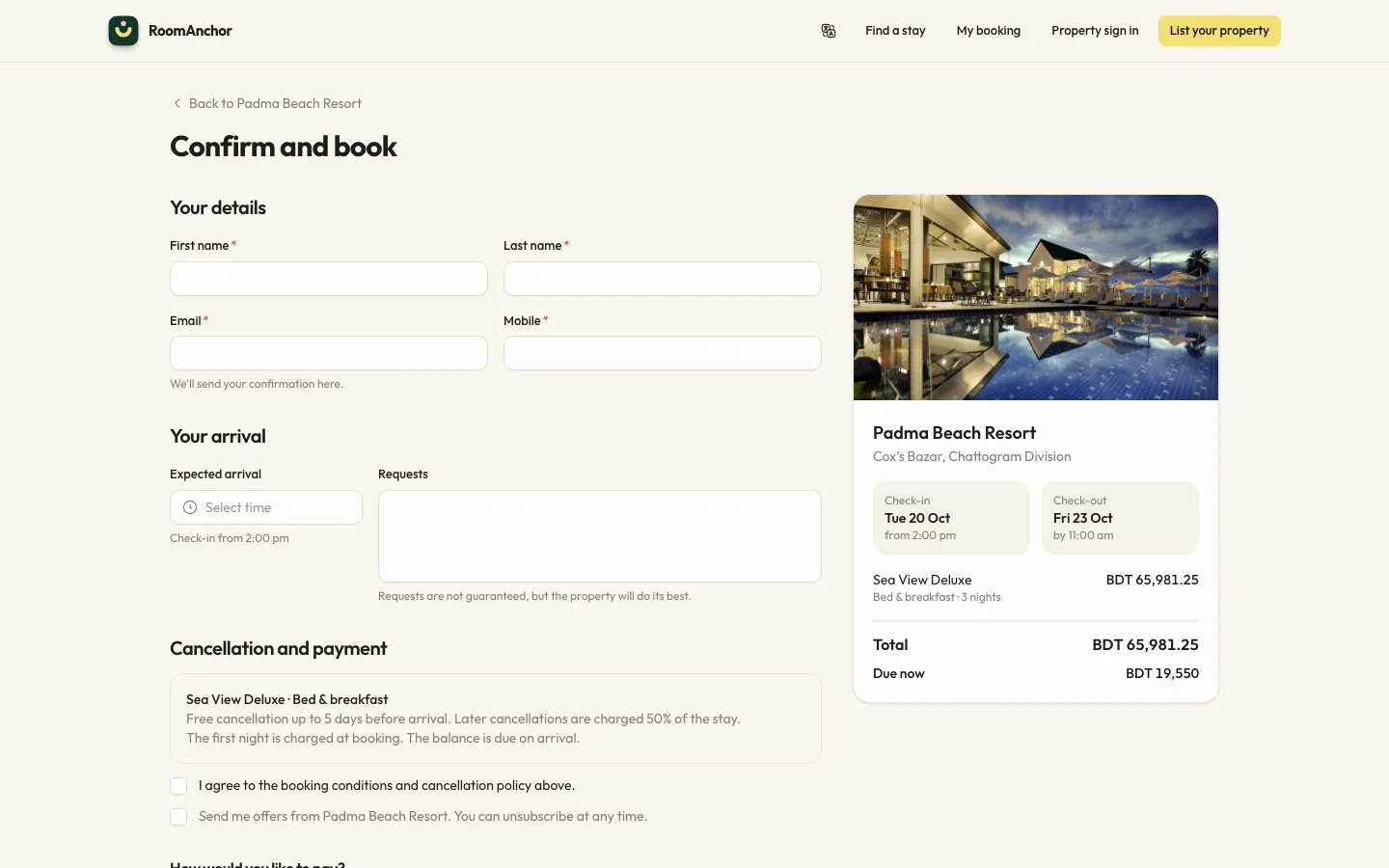
Online travel agencies do a real job. They put your rooms in front of travellers in Dhaka, Kolkata, Kuala Lumpur and London who have never heard of you. The trouble starts when they become the only way guests book, because every one of those bookings carries a commission, and the guest belongs to the booking site more than to you.
The goal is not to leave the OTAs. It is to make your own website the easiest and best place to book for the guests who already know you: returning guests, corporate travellers, wedding parties, families who found you on Facebook, and people who searched your name after seeing you on a booking site.
Why guests book through OTAs even when they know you
Most guests who book through a booking site after finding you elsewhere do it for three reasons:
- They can see prices and availability straight away. A phone number or a Facebook inbox means waiting for a reply.
- They can pay a deposit safely. Sending money to a personal bKash number feels risky to many guests.
- They get a confirmation they trust. An email with a reference and the cancellation terms feels official.
A direct booking engine fixes all three, as long as it is quick, shows the real price and lets guests pay the way they already pay for everything else.
What a direct booking needs to work
Live prices from the same place as the front desk
In RoomAnchor the guest website uses the same pricing engine as the front desk and the rate calendar. Seasons, promotions, minimum stays and closed dates apply in the same way everywhere, so the price a guest sees on your site is the price your front desk would quote. Only rate plans you mark as public are offered online, so corporate and private rates stay private.
You switch online booking on under Settings → Online booking with Take bookings online. The same page sets where new booking alerts go, a message for the confirmation page (parking, directions, what to bring) and the booking conditions guests must accept at checkout.
A deposit taken at the moment of booking
Deposits follow your policies. When a rate's deposit policy asks for payment at booking, the guest pays it through your payment gateway before the booking is confirmed. Non-refundable rates collect the full amount. If no gateway is set up, the guest is told they will pay at the property.
For BDT properties, RoomAnchor supports two local gateways alongside Stripe and bank transfer:
- bKash tokenised checkout, which takes the guest to bKash to approve the payment.
- SSLCommerz, which takes the guest to the SSLCommerz payment page with the options enabled on your SSLCommerz account.
Both only work for properties priced in BDT. When more than one gateway is offered, the guest chooses at checkout. A payment is only marked paid after the provider confirms it, never just because the guest's browser came back to your site.
A confirmation the guest can act on
Every online booking sends a confirmation email with a signed link to the booking portal. There the guest can see the stay and payments, pay anything still owed, update arrival details and cancel inside the free cancellation window. If they lose the email, Find my booking sends the link again. Guests can use the site in English or Bangla and receive emails in the language they chose.
Give guests a reason to book direct
A working engine is only half of it. Guests also need a reason to choose your site over the booking site they already use.
- A direct-only promotion. Under Revenue → Promotions you can create an automatic offer for your own website, or a promo code you share with past guests. Conditions cover stay and booking windows, weekdays, minimum nights, lead time, rate plans and room types, with a usage limit if you want one.
- A better package, not just a lower price. A breakfast-included rate plan linked to your standard rate, or a late check-out, often matters more to a family than a small discount.
- Messages that only go to direct guests. Guest messages can be limited to direct bookings, so pre-arrival notes and welcome offers reach the guests you are trying to keep.
- Return visits. Loyalty points earned at check-out and redeemed as a folio credit give regular guests a reason to come back to you rather than to a search page.
Keep your rates consistent with what you have agreed with each OTA. Many contracts limit how you show lower public prices, so check yours before advertising a cheaper direct rate. Packages, closed user codes and loyalty benefits are usually the safer route.
Point every guest you already have at your site
Most direct bookings come from people who already know you. Put the booking link everywhere you are already talking to guests:
- Your Facebook page, Instagram bio and WhatsApp Business profile.
- Your email signature and the footer of every invoice.
- Replies to phone and Messenger enquiries: send the link instead of quoting by hand.
- Business cards at reception and a QR code in the room.
When a guest phones, the front desk can take the booking and then send a payment link from the folio, so the deposit is taken the same way as an online booking.
Keep OTAs, but control what they get
Decide how much of your inventory each booking site sees, and keep their commission in view. Enter OTA bookings with OTA as the source, and track commission statements under Finance → Payables. RoomAnchor's channel manager is coming soon. It will let a connection sell every room or be capped, and carry a markup over your rate.
That gives you a simple way to check progress. The Revenue by segment and Channel production reports show where your room revenue comes from and what each channel costs. If the direct share grows month by month while total occupancy holds, your direct booking work is paying off.
Try it without taking real money
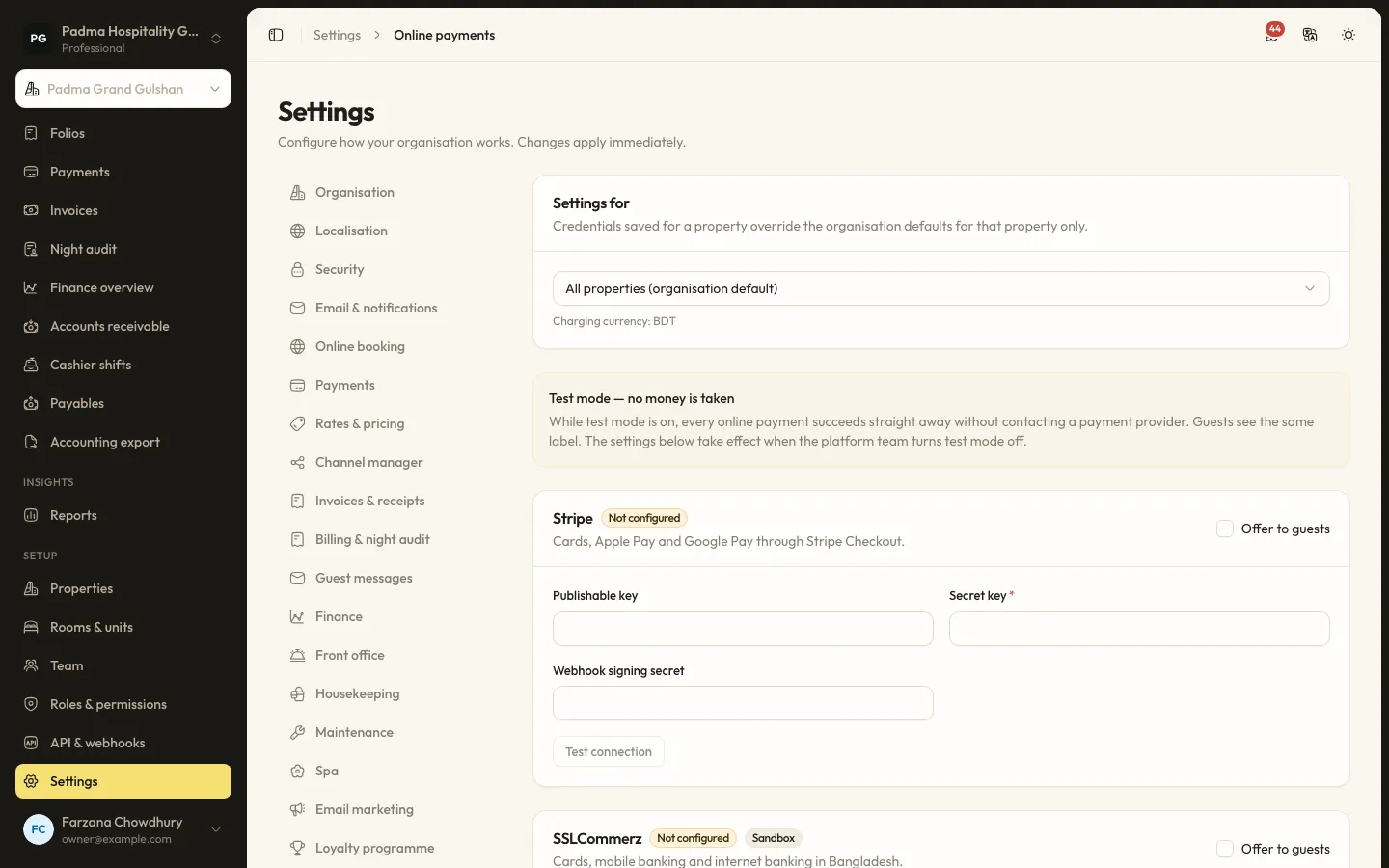
New organisations can run in test mode while the team practises. In test mode every online payment succeeds through a test gateway, no money changes hands, and both staff and guests see a clear notice. When you are ready, ask the RoomAnchor team to switch on bKash or SSLCommerz for your organisation, enter your merchant credentials under Settings → Online payments, use Test connection, and turn test mode off before the first real booking.
A short checklist
- Switch on Take bookings online and write clear booking conditions.
- Set a deposit policy on your main public rate plans.
- Connect bKash, SSLCommerz or both, and test a booking end to end.
- Create one direct-only promotion or package.
- Add your booking link to every place guests already find you.
- Review the segment and channel reports once a month.
None of this needs a big marketing budget. It needs a booking page that is as easy as the OTA's, a payment method guests trust, and a steady habit of sending people there.
Keep reading
All articles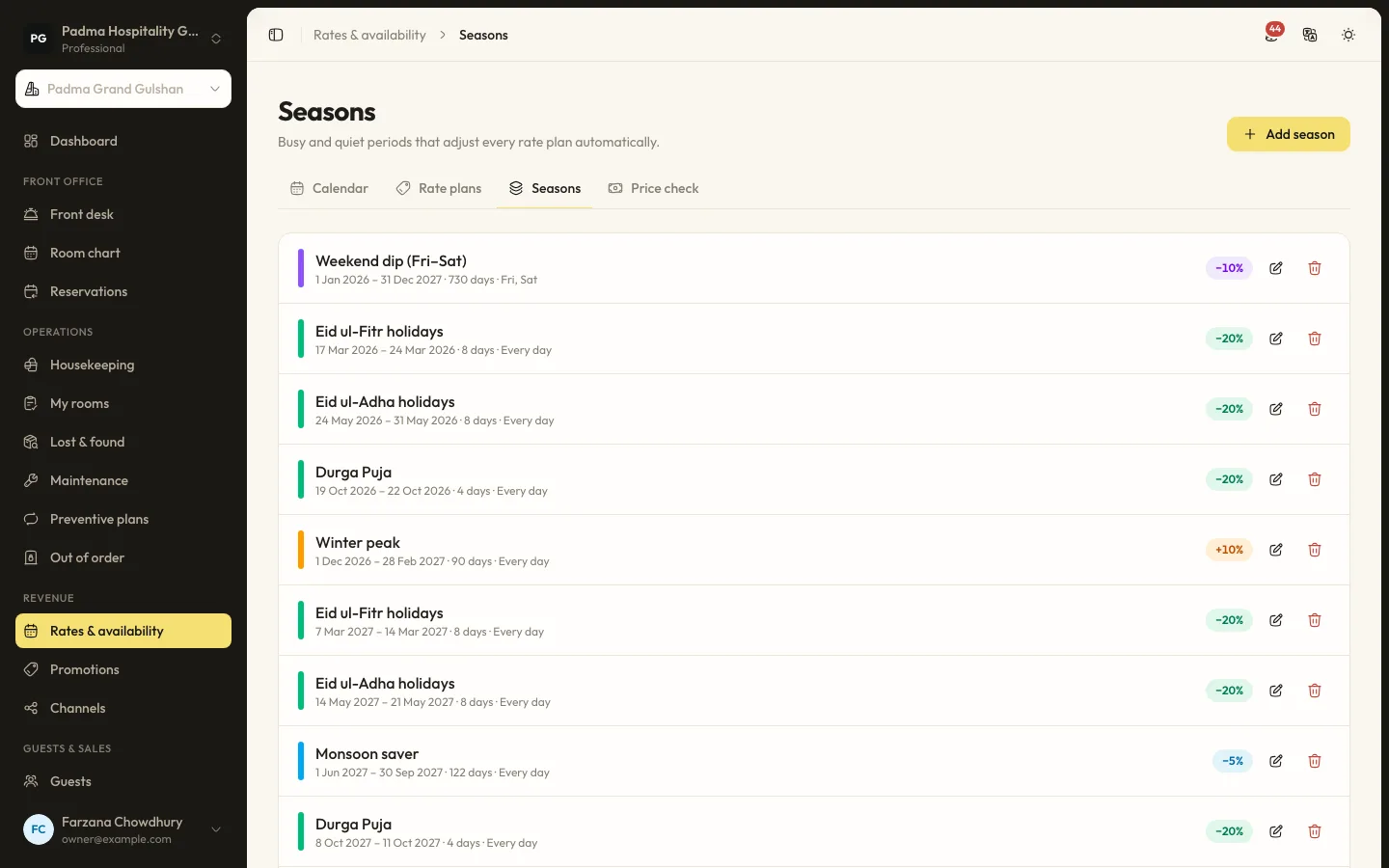
Revenue and distribution1 Sep 20265 min read
Rate seasons and restrictions for Cox's Bazar peak weekends
Peak weekends in Cox's Bazar sell out whatever you do. The question is whether they sell out at the right price and with the right length of stay. Here is how to set it up.
Guest experience2 Oct 20265 min read
Taking payments locally with bKash, SSLCommerz and card, without extra terminals
Guests in Bangladesh pay with bKash, cards, bank transfers and cash. Here is how to accept all of them in one place, send payment links instead of buying more devices, and keep every taka accounted for.
Product updates22 Sep 20265 min read
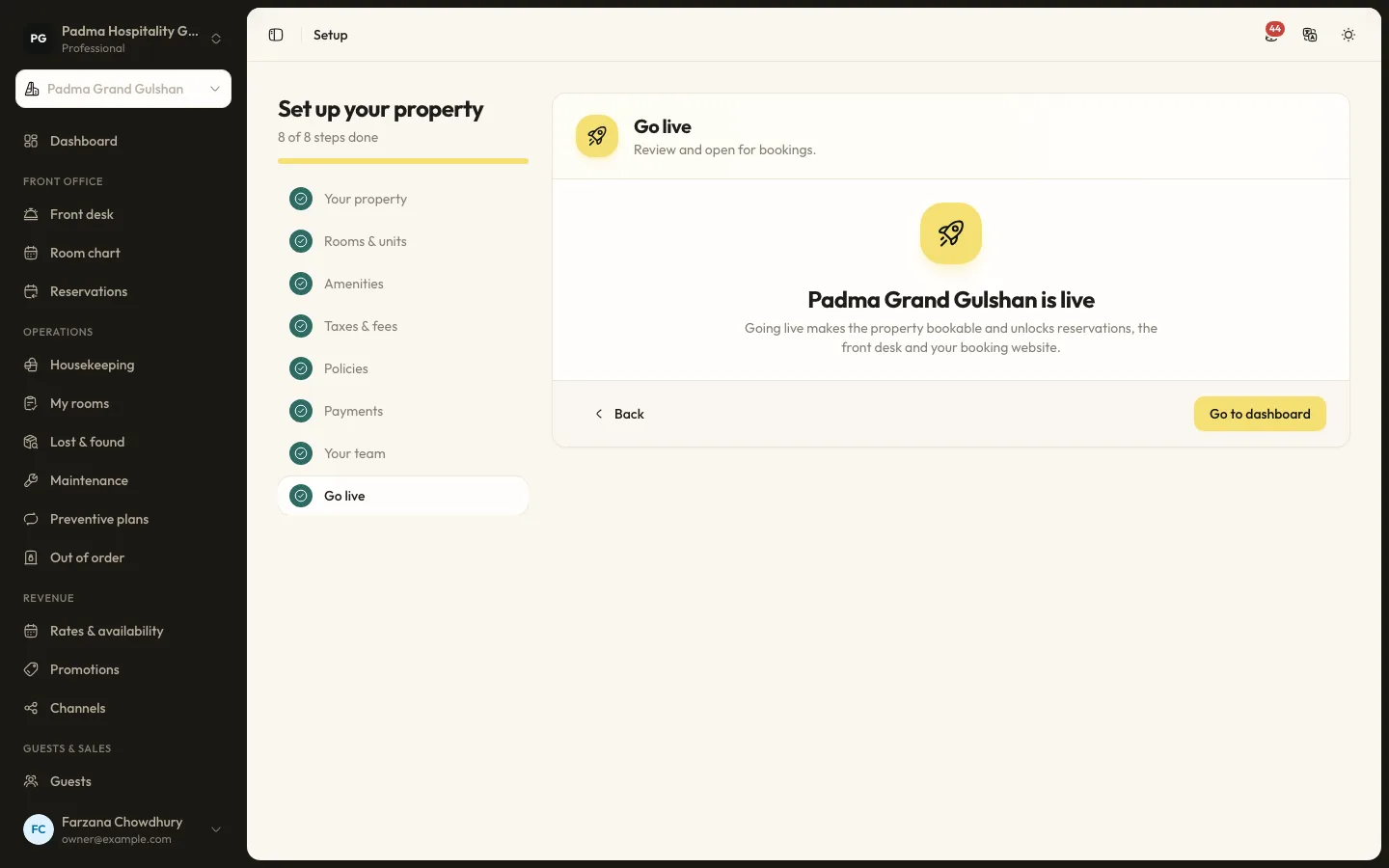
Moving from spreadsheets to a PMS in a week
Many properties still run on an Excel sheet, a booking register and a WhatsApp group. Moving to a PMS does not have to take months. Here is a realistic one-week plan.
See it working with your own rooms.
A 30 minute call with someone who has run a front desk. Bring your questions and your room list.